
Editor’s note: This review includes a local test of GX Core 1.24.0 using synthetic order data. It covers the current open-source framework following GX Cloud’s shutdown.
Quick verdict: I recommend Great Expectations for data engineers who want precise, reusable checks inside their own pipelines. Its failure details were useful in my small validation test, but getting reliable coverage takes more thought than choosing a few rules. Teams wanting a managed monitoring service should look elsewhere.
In this Great Expectations review, I’ll look at the setup, costs, validation results, and alternatives to help you decide whether GX deserves a place in your data stack.
Key Takeaways
- GX Core is free, open-source software under the Apache 2.0 license; you run and maintain it yourself.
- All four checks caught the deliberately introduced problems in my 20-row test dataset.
- A passing check does not necessarily mean complete data: my range check allowed missing values.
- GX Cloud has shut down, so its old subscription plans are no longer a buying option.
- I’d choose GX for explicit Python-based validation, and consider a managed platform for broader observability.
Great Expectations Pros and Cons
Pros
- Apache 2.0 licensing removes the software subscription cost.
- My four validation checks exposed deliberately introduced defects.
- Failed values and row indexes made my small test results actionable.
- Reusable Expectation Suites keep related quality rules together.
- Custom SQL supports checks beyond the built-in rules.
Cons
- GX Cloud is discontinued, leaving no current GX Cloud plan to upgrade to.
- Even a small dataframe workflow introduces several configuration concepts.
- Range checks alone did not reject missing values in my test.
- Production scheduling and operational ownership remain your responsibility.
- Windows is not officially supported.
How Much Does Great Expectations Cost?
GX Core costs $0 in software license fees. That makes it attractive if you already have engineers and infrastructure available. It doesn’t make running a dependable validation service free.
- GX Core ($0 license fee): for technical teams that can install, configure, and operate an open-source Python framework.
- Former GX Cloud plans (discontinued): the old Developer, Team, and Enterprise options should not form part of a new purchase decision.
| Option | Software cost | What you need to budget for | My recommendation |
|---|---|---|---|
| GX Core | $0 license fee | Compute, database queries, setup, storage, and maintenance | Choose it when engineering ownership is available |
| Former GX Cloud | No current standalone subscription option | Migration or an alternative managed service | Do not plan around the old Cloud tiers |
Fivetran now stewards GX Core, while FICO acquired GX Cloud. The open-source project continues, but you can no longer choose Cloud to avoid managing your own deployment.
Is Great Expectations Good Value for Money?
I like GX’s value when validation is already part of your engineering workflow. You can invest in rules that reflect your business without adding a software subscription to every project.
- Engineering time: someone must define checks, investigate failures, and update rules as the data changes.
- Execution costs: validation queries and jobs consume resources in the environment where they run.
- Operations: scheduled runs, result storage, notifications, and access to reports need ongoing ownership.
My recommendation is to start with GX Core on one important dataset. Decide which failures should block delivery, then check whether the team can maintain that workflow. If nobody can own it, the $0 license fee is a weak reason to choose GX.
My Experience With Great Expectations
I tested GX Core with a small synthetic orders dataset containing 20 rows. This was a local Python and Pandas test, so it gives a useful view of rule behavior rather than a performance benchmark.
Before validating anything, I created an ephemeral Data Context, added a Pandas data source, defined a dataframe asset, and created a batch definition for the whole dataframe. Even this small test needed separate objects for the connection, dataset, and batch to validate.
That’s more structure than I would want for a single throwaway assertion. For a workflow you intend to reuse, though, separating the data connection from the checks has a clear purpose.
What My Checks Caught
I defined four Expectations, which is GX’s name for validation rules. Then I ran them against clean data and a second copy with deliberate defects.
| Check | Clean data | Modified data | What GX flagged |
|---|---|---|---|
| Order IDs must be unique | Pass | Fail | Both rows sharing the same order ID |
| Email must not be missing | Pass | Fail | The row with a missing email |
| Amount must be at least zero | Pass | Fail | The negative amount |
| Status must be paid, pending, or refunded | Pass | Fail | The unrecognized status |
What I liked most was the detail behind the failure. In this small test, I could inspect the offending values and their row indexes, alongside counts and percentages. That is much more useful for fixing a pipeline than a bare message saying the data failed validation.
GX did not repair anything. The negative amount stayed negative, and the duplicate order ID stayed in the dataset. You still need to decide whether to reject, quarantine, or correct those records.
The Missing-Value Detail I Would Watch
My strict nonnegative-amount check passed a dataset containing ten positive values and ten missing values. The missing values were reported, but they did not fail that range rule.
I wouldn’t call that incorrect behavior. A range rule answers whether the values fall within the allowed range; completeness is a separate question. But it is an easy distinction to miss when a green result looks reassuring.
I also tried a 95% tolerance using the mostly setting. One negative amount among 20 nonmissing values passed; two negative amounts failed. With ten missing values, nine positive values, and one negative value, the check failed because the negative represented 10% of the nonmissing values.
My advice is to pair value checks with explicit completeness rules wherever missing data would break your process. And inspect the denominator behind a tolerance before deciding that 95% is acceptable.
Reviewer’s Notes: I would keep critical identifiers and required payment amounts strict. Tolerance can be useful for optional fields, but a passing result still needs to mean something your team is comfortable accepting.
Writing Checks That Match Your Business
GX gives you precise control over what counts as valid data. You can group Expectations into reusable suites, rather than scattering separate assertions through different scripts.
For an orders pipeline, I’d start here:
- Identity: each order has an identifier, and identifiers meet the expected uniqueness rule.
- Completeness: required fields are present.
- Allowed values: statuses match the states your application understands.
- Business limits: amounts and dates fall within ranges your team has agreed.
The useful part is agreeing on those requirements. A negative amount might be an error in one table and a legitimate refund in another. GX lets you encode the distinction, but it cannot make that decision for you.
When Built-In Expectations Aren’t Enough
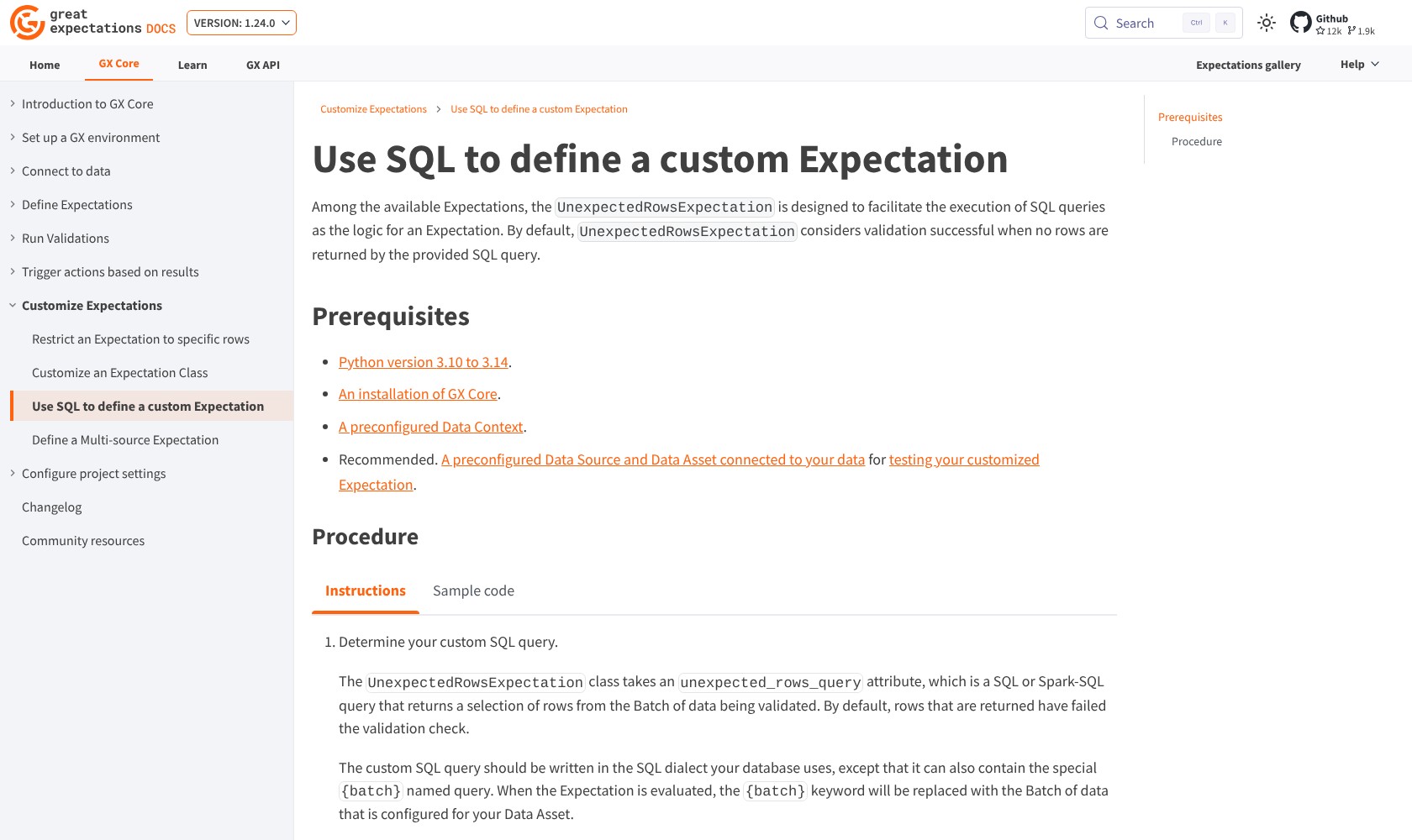
Custom SQL gives you another route. An UnexpectedRowsExpectation can identify records that violate a business rule using your database’s SQL dialect; by default, returning no unexpected rows means the check passes.
I like this for rules that already exist as diagnostic queries. It gives engineers a way to bring that logic into a validation workflow without pretending every business requirement fits a generic column check.
If your checks already belong to dbt models, I’d look at dbt’s own tests first. Adding GX makes more sense when you need validation elsewhere in the pipeline, including Python dataframes, or want a separate reusable quality framework.
Is GX an AI Data Quality Tool?
I would evaluate current GX Core as a programmable validation framework. Its value is in explicit checks and useful results, not a promise that AI will discover and fix every issue.
Historical GX Cloud features such as ExpectAI should not be treated as current Core capabilities. If AI-assisted authoring or automatic anomaly monitoring is central to your decision, evaluate those requirements in a currently available product.
Using GX in a Production Pipeline
A successful local check is only the start of a production quality workflow. You also need to decide when validation runs, what happens after failure, and who responds.
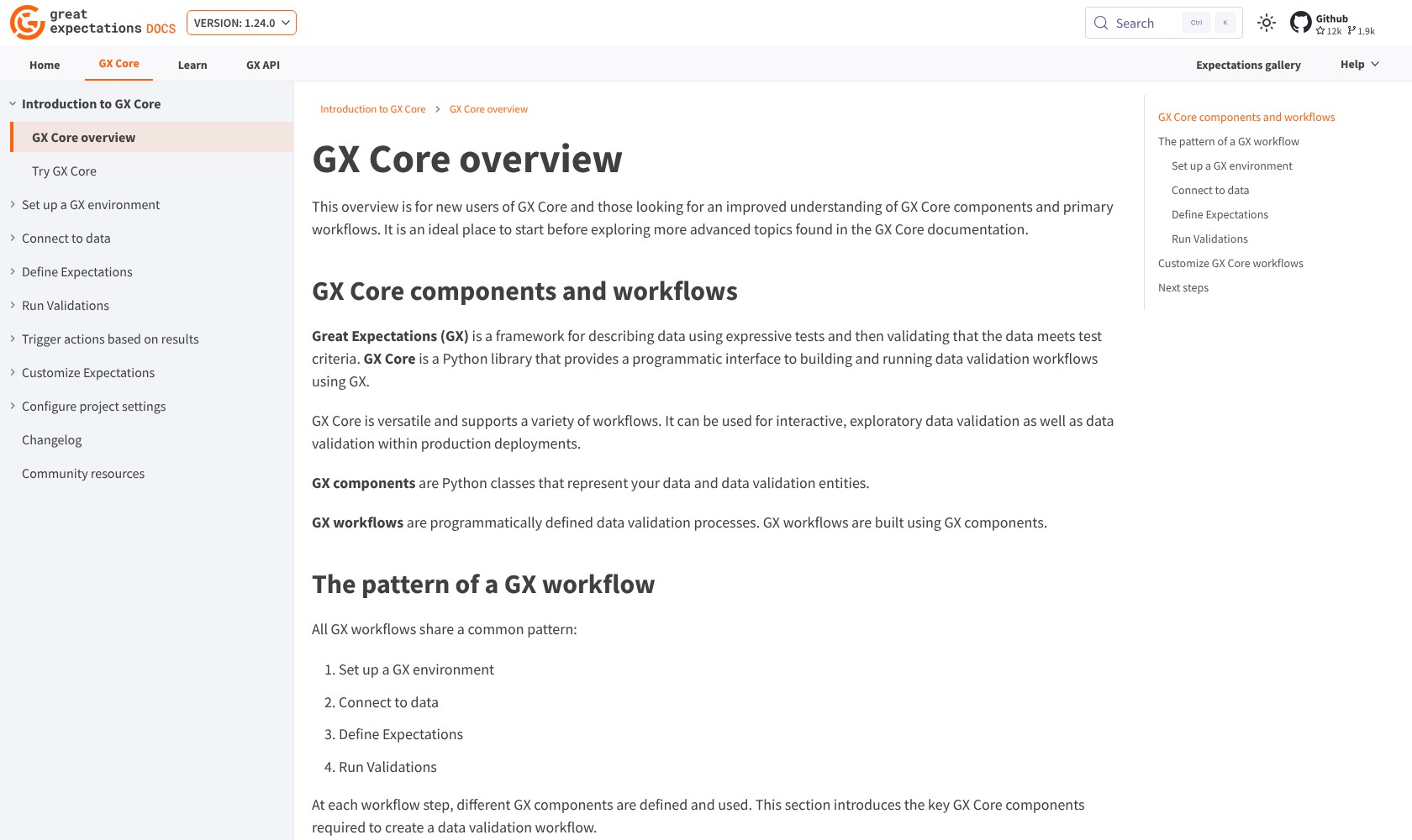
GX provides a structured way to assemble that process:
- Connect the data source and define the data asset and batch.
- Put related rules into an Expectation Suite.
- Use a Validation Definition to associate a suite with the batch definition.
- Run validation definitions through a Checkpoint and configure the follow-up actions.
- Invoke the workflow from your scheduler or orchestrator.
I like that separation for a maintained pipeline. It lets a team reason about the data, the rules, and the response independently. The trade-off is configuration work that a managed service may absorb for you.
GX supports Pandas, Spark, and documented database integrations including PostgreSQL, Snowflake, BigQuery, and Databricks SQL. Check the compatibility reference for your exact environment rather than assuming every SQL database behaves identically. GX supports Python 3.10 through 3.14 and macOS/Linux. Windows is not officially supported.
I’d also make failure handling explicit. Reporting a failed validation is different from preventing downstream data delivery. Your pipeline needs to consume the result and take the action you want.
For comparison, Monte Carlo is a better shortlist candidate when you want automatic monitoring across an estate, with lineage and incident investigation. GX is a stronger fit when you know the rules you want and prefer to own their execution.
Reading Results and Sharing Data Docs
GX’s detailed results were one of the strongest parts of my test. The duplicate-ID check identified both affected rows, which is the information I would want before investigating which record should remain.
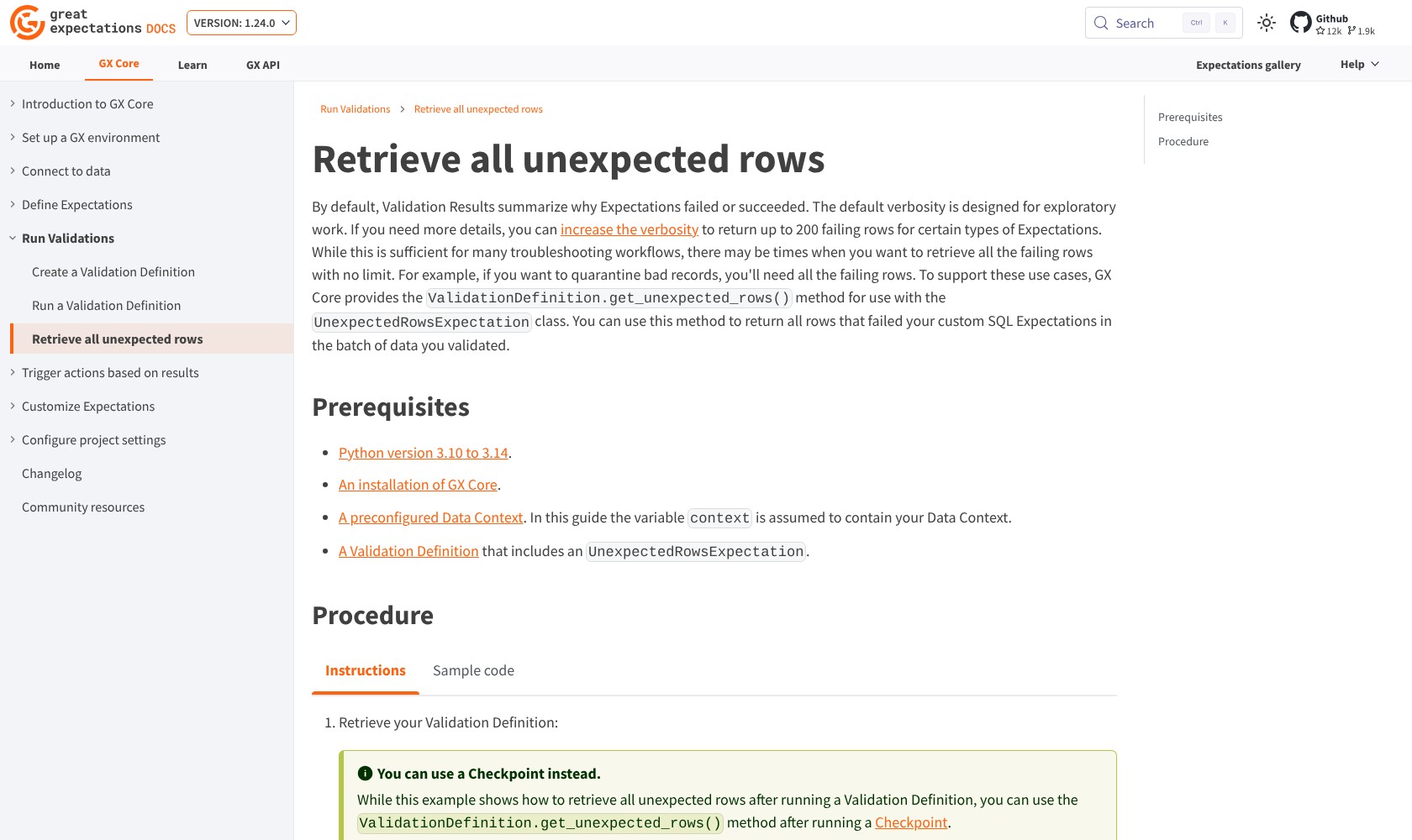
That does not mean every result is a complete export of all faulty records. Detailed output varies by Expectation and configuration. For certain checks, even detailed results return at most 200 failing rows. The get_unexpected_rows() method retrieves all failing rows for custom SQL UnexpectedRowsExpectation checks; it does not support every Expectation type.
For a large dataset, I’d plan how the team will investigate failures instead of relying on a preview to contain everything.
GX also provides Data Docs, which turn suites and validation results into readable documentation. I’d use these to share the rule alongside the result, so colleagues can see why a record failed.
I would still distinguish a validation report from a full incident-management system. You need an owner, a response process, and a way to prioritize recurring failures. Generating a report does not settle those decisions.
How Does Great Expectations Compare to Competitors?
I’d choose according to where your team wants to manage quality checks. Adding another framework is worthwhile only if it closes a real gap.
- dbt: my first stop for a team already validating warehouse transformations in dbt. Built-in tests cover uniqueness, missing values, accepted values, and relationships, with custom SQL tests available. GX becomes more attractive when checks extend beyond that workflow.
- Soda: worth considering when shared data contracts and collaboration through code or a user interface matter. Its current platform also offers observability, while Soda Core focuses on contract verification. Compare the actual platform and runner requirements rather than assuming its free library includes every managed feature.
- Monte Carlo: my stronger shortlist choice for automatic freshness, volume, and schema monitoring alongside lineage and investigation tools. I’d favor GX when explicit validation rules and control over execution are the main requirements.
I wouldn’t replace working dbt tests just to standardize on GX. Equally, I wouldn’t ask a validation framework to do the entire job of an observability platform. They can address different points in the same data workflow.
How We Tested Great Expectations
We ran GX Core 1.24.0 with Pandas 3.0.6 and Python 3.14.3 on a local synthetic 20-row orders dataset. We checked uniqueness, completeness, a numeric range, and allowed values, then inspected deliberate failures and tested tolerance and missing-value behavior.
The hands-on findings cover that local test. The wider assessment covers documented deployment, reporting, compatibility, and alternative workflows; it is not a production-scale benchmark or a test of the discontinued Cloud service.
Product availability and pricing basis checked in October 2026.
Should You Use Great Expectations?
I recommend GX Core when your team wants to own its data quality rules and has the engineering capacity to maintain them. My test showed useful, inspectable failures, and the framework gives those rules a structure you can build on.
The main concern is coverage. GX successfully ran the rules I gave it, including a range check that passed despite missing values. Good validation still depends on choosing the right checks, thresholds, and failure response.
For a Python-focused data engineering team, that control is a good reason to shortlist GX. For a team looking for a hosted service with automatic monitoring and less operational responsibility, I’d compare Soda and Monte Carlo instead. The old GX Cloud upgrade path is no longer available.
Frequently Asked Questions
Is Great Expectations free?
GX Core has no software license fee and uses the Apache 2.0 license. You pay for the resources and work needed to run it, including compute, setup, and ongoing maintenance.
What happened to GX Cloud?
GX Cloud shut down following its acquisition by FICO. GX Core continues as an open-source project under Fivetran’s stewardship. Don’t use the old Cloud plan names as current subscription options.
Does Great Expectations fix bad data?
GX validates data against rules and reports the results. In my test it identified deliberate errors without correcting them. Your pipeline or team must decide how to handle the failing records.
Can Great Expectations replace dbt?
I wouldn’t treat it as a replacement for dbt’s transformation workflow. GX focuses on validation. If dbt already covers your checks, start there; consider GX when you need a separate quality framework or validation outside those models.
Can a passing GX check contain missing values?
Yes. My nonnegative-amount rule passed with missing values present. Add a not-null Expectation when completeness matters, and check how each rule handles missing data and tolerance.