Editor’s note: This Spark Structured Streaming review is based on my hands-on test of Apache Spark 4.2.0 (PySpark on Python 3.12, Java 17) in October 2026 against a local Kafka 4.3.1 broker, plus the engine’s documented behavior and the published rates of Databricks, EMR, Google Dataproc (now Managed Service for Apache Spark) and Fabric; clusters and managed platforms were evaluated that way, not run. I weigh cost to run, adoption signals, development momentum, openness and exit costs, practitioner sentiment and my own verdict.
Quick verdict: I recommend Spark Structured Streaming for teams already on Spark or Delta Lake who need streaming ETL, scheduled Trigger.AvailableNow jobs or seconds-level dashboards. Go in knowing open-source Real-time Mode is stateless only, the Kafka sink is at-least-once, and a changed grouping key means a new checkpoint.
Key Takeaways
- Free under Apache-2.0: you pay compute, from Dataproc’s $0.010 per vCPU-hour to $0.30 per Premium Azure Databricks Jobs DBU-hour.
- In my loopback test, Real-time Mode cut a stateless Kafka-to-Kafka filter from 400 ms to 63 ms at p50.
- Open-source Real-time Mode rejects aggregations, joins and foreachBatch; stateful support is slated for 4.3.0.
- Default state lives in executor heap (SPARK-28120): use RocksDB, and never change a grouping key on a live checkpoint.
- 3.5.x gets security fixes to November 2027; feature releases go quarterly from 4.3.
Of the Panoply directory’s stream processors, it alone is built into a batch engine, reading from Apache Kafka, Confluent and Redpanda.
In this review, I’ll take a closer look at Spark Structured Streaming’s pricing, my laptop test, its state and checkpoint rules, Real-time Mode, delivery guarantees and how it stacks up against Flink, Kafka Streams, RisingWave and Materialize, so you can see whether it belongs under your pipelines.
Spark Structured Streaming Pros and Cons
Pros
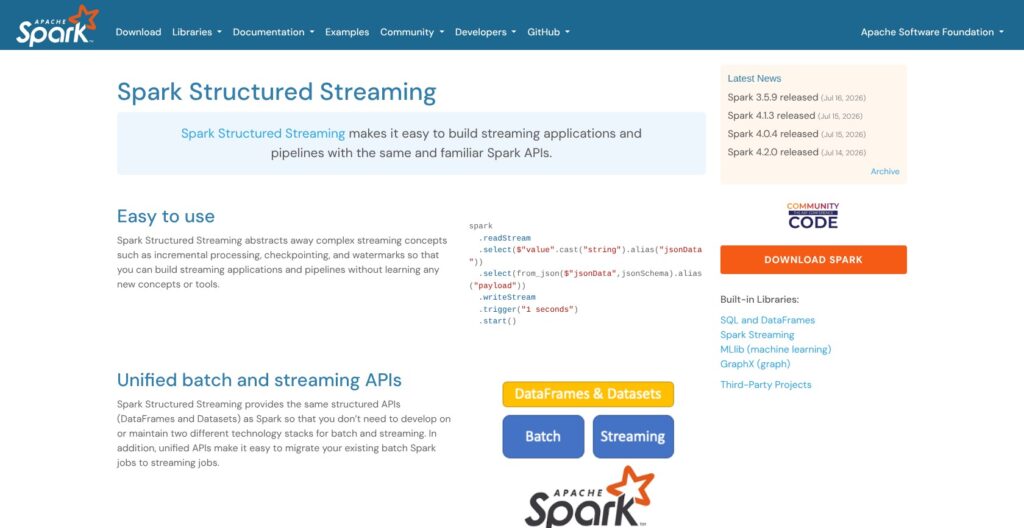
- Same DataFrame and SQL API for batch and streams; one query runs scheduled with Trigger.AvailableNow or always-on.
- Apache-2.0 with no license fee; Dataproc adds $0.010 per vCPU-hour, EMR $0.048 an hour per m5.xlarge.
- Exactly-once into file and Delta sinks with a replayable source; Kafka offsets live in the checkpoint.
- Real-time Mode since 4.1: 63 ms p50 on my loopback Kafka-to-Kafka filter versus 400 ms in micro-batch.
- RocksDB state store plus statestore and state-metadata readers for inspecting a checkpoint.
- Quarterly feature releases from 4.3 and 3.5.x security fixes to November 2027.
Cons
- Open-source Real-time Mode is stateless only in 4.1 and 4.2; aggregations and dedup are slated for 4.3.0.
- Kafka and foreach sinks are at-least-once; exactly-once ends at the file and Delta sinks.
- A changed grouping key or source count breaks the checkpoint; evolving state means Avro-encoded bytes.
- Default state store is executor heap (SPARK-28120), with GC pauses and OOMs as state grows.
How Much Does Spark Structured Streaming Cost?
Spark Structured Streaming has no price list: it ships inside Apache Spark under the Apache-2.0 license, so every dollar goes to the machines or the platform that runs it.
- Self-managed ($0 in software): for teams with a Kubernetes or YARN cluster and someone to own checkpoints, state and upgrades.
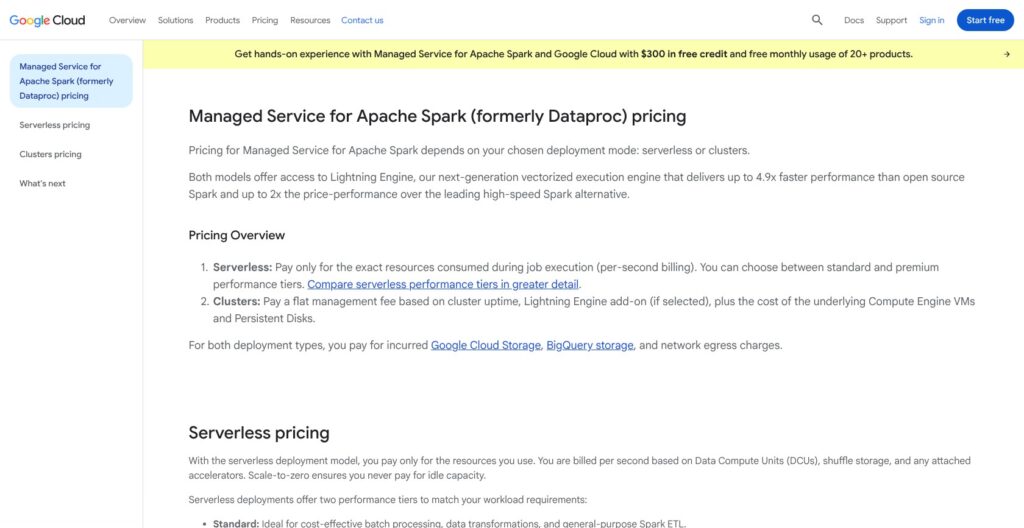
- Dataproc ($0.010 per vCPU-hour fee): for GCP teams, on top of Compute Engine VMs; Serverless for Apache Spark bills $0.06 per DCU-hour standard, $0.089 premium.
- Amazon EMR ($0.048 an hour uplift on an m5.xlarge): for AWS teams, on top of EC2 in N. Virginia; EMR Serverless runs about $0.052624 per vCPU-hour plus $0.0057785 per GB-hour.
- Azure Databricks Jobs Compute ($0.15 Standard, $0.30 Premium per DBU-hour): for Lakeflow users, VMs extra; Jobs Light is $0.07 and $0.22, automated serverless $0.45. On AWS, Premium Jobs Compute runs about $0.15 per DBU and serverless jobs about $0.40, so check your account’s rate.
- Microsoft Fabric ($0.18 per CU-hour): for Fabric shops; F2 is about $0.36 an hour, F64 about $11.52, billed per second and paused at will.
- Databricks Free Edition ($0): for trying Lakeflow; serverless-only, it replaced the retired Community Edition.
| Platform | Billing unit | Rate (checked October 2026) | Region or scope | Notes |
|---|---|---|---|---|
| Self-managed Spark | Your own VMs or Kubernetes nodes | $0 in software | Anywhere | You own checkpoints, state and upgrades |
| Dataproc | Management fee per vCPU-hour | $0.010 | Every cluster vCPU, master and workers | VMs extra; Serverless $0.06 per DCU-hour |
| Amazon EMR on EC2 | Uplift per instance-hour | $0.048 (m5.xlarge), $0.096 (m5.2xlarge) | N. Virginia, on-demand | EC2 extra; Serverless about $0.0526 per vCPU-hour |
| Azure Databricks Jobs Compute | DBU-hour | $0.15 Standard, $0.30 Premium | Virginia (East) region | VMs extra; automated serverless $0.45 |
| Microsoft Fabric | CU-hour | About $0.18 (F2 $0.36 an hour) | Washington (West 2) region, pay-as-you-go | Buys the whole capacity, not only Spark |
| Databricks Free Edition | None | $0 | Serverless only | 5 concurrent job tasks, 1 pipeline per type |
What an Always-On Stream Costs
My arithmetic for one 4-vCPU stream over 730 hours, fees only:
- Dataproc: 4 vCPUs x 730 hours x $0.010 = $29.20, plus the Compute Engine VMs.
- EMR: one m5.xlarge at $0.048 x 730 = $35.04 in uplift, plus the EC2 instance.
- Fabric: an F2 at $0.36 x 730 = $262.80 for the whole capacity.
- Azure Databricks Premium Jobs: your node type’s DBU rating x $0.30 x 730, plus the VMs, since DBUs per hour vary by instance.
Scheduled Trigger.AvailableNow runs release compute between runs, the cheapest way to run Structured Streaming on any of these; on Databricks serverless, AvailableNow and Once are the only triggers allowed. Among always-on rivals, Confluent Cloud for Apache Flink bills about $0.21 per CFU-hour, RisingWave Cloud starts from about $0.227 per RWU-hour, and Materialize charges $1.50 per compute credit.
Is Spark Structured Streaming Good Value for Money?
- Good fit: you already pay for Spark compute, your jobs can run as scheduled AvailableNow batches, or your dashboards need seconds, not milliseconds.
- Less convincing fit: a team with no Spark that needs sub-second stateful streams; Flink or a streaming database fits that better than a Spark cluster held open for one stream.
- Budget priority: price the platform, not the engine; a Dataproc fee is 1 cent per vCPU-hour, a Premium Azure Databricks DBU is 30 cents, and the same query runs on both.
Reviewer’s Notes: I recommend starting self-managed or on Dataproc or EMR, with scheduled AvailableNow jobs and RocksDB from day one; at 4 vCPUs the platform fee is $29 to $35 a month. Move to Databricks only when you need its stateful Real-time Mode build or Lakeflow, and price the DBUs for your node type first.
My Experience With Spark Structured Streaming
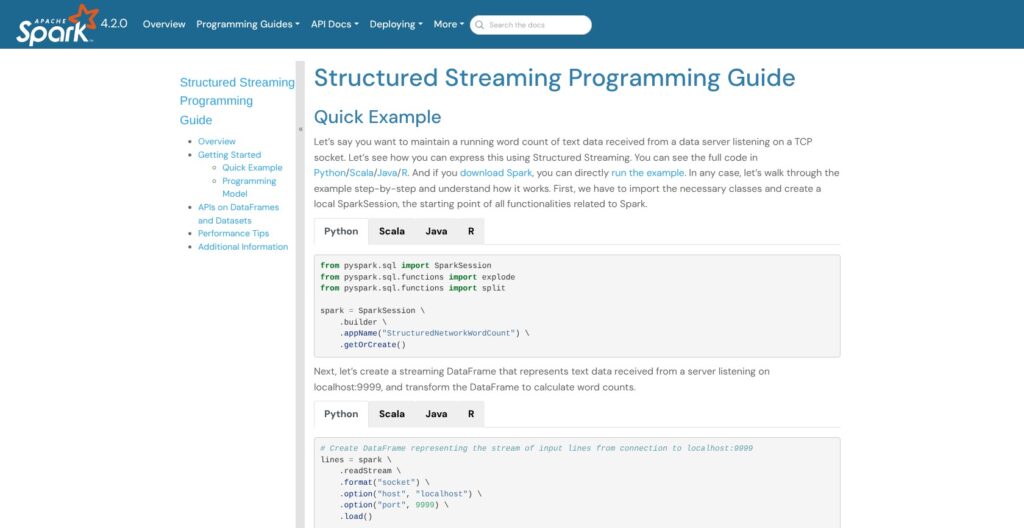
I ran PySpark 4.2.0 against a single-node Kafka 4.3.1 broker on a MacBook, so every timing below is a single-machine loopback number.
Getting It Running
pip install pyspark on the Mac’s system Python 3.9 quietly resolved to PySpark 4.0.4, because Spark 4.1 raised the minimum Python to 3.10; a standalone Python 3.12 got 4.2.0. Java 8 was too old; a Temurin 17 JRE worked. The first SparkSession took about 50 s to start (about 35 s later on), and the idle driver JVM sat at about 300 MB.
With python3 on the PATH still pointing at 3.9, the first Python worker crashed with a TypeError inside pyspark’s types.py until I pointed PYSPARK_PYTHON at the 3.12 venv. transformWithStateInPandas failed with a protobuf ImportError until I ran pip install protobuf.
A rate source into a memory sink settled at a median micro-batch of 143 ms and about 70,900 rows a second on 4 cores. The floor shows in durationMs: in a 133 ms batch, walCommit took 63 ms and commitOffsets 43 ms, against 22 ms of actual work in addBatch.
Kafka In, Kafka Out
My main query read a 4-partition topic, parsed it with from_json, kept amounts under 90 and wrote back to Kafka with to_json, keyed by id. The producer sent 4,000 rows stamped with their send time, and 3,713 passed the filter in both modes.
| Mode (loopback, one laptop) | p50 | p90 | p99 | Max |
|---|---|---|---|---|
| Micro-batch, default trigger | 400 ms | 511 ms | 1,547 ms | 1,550 ms |
Real-time Mode, realTime="10 seconds", update | 63 ms | 114 ms | 153 ms | 160 ms |
Micro-batch ran 20 data batches at a median batchDuration of 333 ms. In Real-time Mode the progress report showed 10,125 ms per batch while records kept flowing, because the 10 seconds is a checkpoint interval; offsets were committed once per batch.
Where It Pushed Back
- Append output mode in Real-time Mode:
STREAMING_REAL_TIME_MODE.OUTPUT_MODE_NOT_SUPPORTED, with a hint to switch to update. - A 2-second real-time trigger:
INVALID_STREAMING_REAL_TIME_MODE_TRIGGER_INTERVAL, below the 5,000 ms minimum. - foreachBatch, the memory sink and the rate source:
STREAMING_REAL_TIME_MODE.OPERATOR_OR_SINK_NOT_IN_ALLOWLIST, although memory is listed as a supported debugging sink. - A groupBy count and a stream-stream join: both started, then terminated with the same code.
- dropDuplicatesWithinWatermark without a watermark: refused as not supported on streaming DataFrames.
limit() and distinct() were accepted at plan time although both sit on the unsupported list, and maxOffsetsPerTrigger=500 produced batches of 497 to 499 rows. Source naming, new in 4.2, needs queryEvolution.enableSourceEvolution, and adding a second named source to an existing checkpoint failed in my run.
What a Laptop Will Not Show You
Executor loss, driver restarts, multi-node shuffle and autoscaling are documented behavior here, not something I ran; Databricks says not to enable compute autoscaling for Structured Streaming jobs at all. The same goes for EMR, Dataproc, Fabric and Databricks’ Real-time Mode build, marketed at a P99 of 40 to 300 ms.
Reviewer’s Notes: It behaves like Spark: 35 to 50 s to start a session, fast once running, and nearly every rule enforced with a named error code (limit() and distinct() slipped through). Pin Python 3.10+ and Java 17 in your image first, or pip on Python 3.9 hands you 4.0.4 without a warning.
State, Watermarks and Checkpoints
With a 10-minute watermark on 5-minute windows, a row stamped 10:05 that arrived after the watermark had reached 10:50, 55 minutes behind the newest event, was dropped: numRowsDroppedByWatermark read 1 for that batch and no output row ever carried its value of 100. Spark never tells you which record it dropped, while Flink’s side outputs route late records to their own stream.
With one file per micro-batch, the watermark moved from 09:50:10 to 10:30 to 10:50. Append mode emitted the 10:00 window (a = 1) only after the watermark passed its end, while update mode emitted running totals every batch. In an earlier run a row a batch or so behind the watermark still got counted; the one 55 minutes behind did not.
The guarantee runs one way: data less than 10 minutes late is never dropped, and data later than that may or may not be aggregated. dropDuplicatesWithinWatermark(["key"]) turned 5 rows (x, x, y, z, x) into 3.
Checkpoints Remember Your Query
I restarted a groupBy("key").count() against the same checkpoint three ways:
- Shuffle partitions 4 to 8: it ran but kept 4 state store instances, because the first offsets file records the original setting.
- Grouping key changed to (key, v): it failed with
STATE_STORE_KEY_SCHEMA_NOT_COMPATIBLE, naming both schemas. - RocksDB provider set against an HDFS-backed checkpoint: it ran and quietly kept the recorded provider.
Not allowed against a checkpoint: the number or type of sources, a Kafka sink swapped for a file sink, the file sink path, and any state schema change, from grouping keys to dedup and join columns. Evolving state means Avro-encoded bytes or a new checkpoint.
The State Store
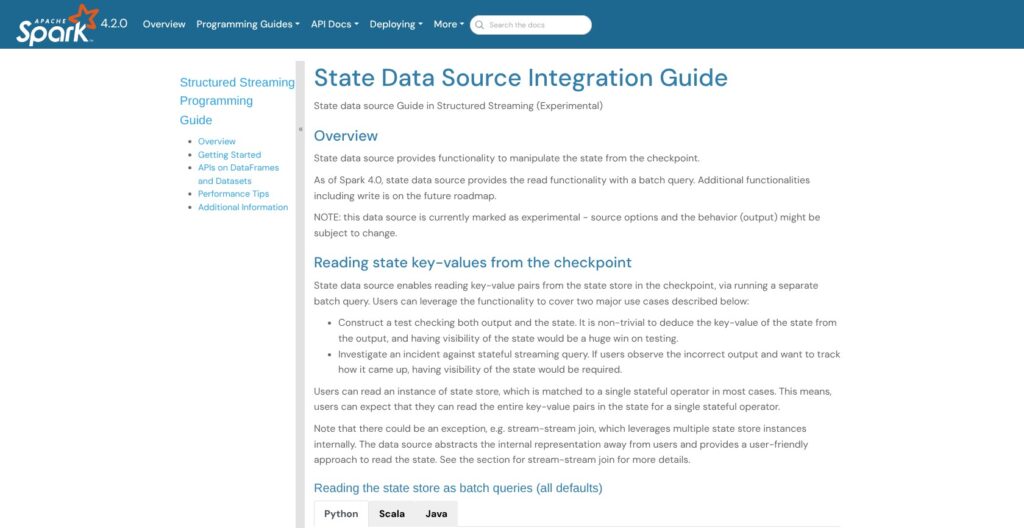
The default HDFS-backed provider keeps state in executor heap, “limited by the size of the executor memory” (SPARK-28120), and Microsoft warns Fabric users of long GC pauses as state grows. The RocksDB provider ships with changelogCheckpointing.enabled false, boundedMemoryUsage false and maxMemoryUsageMB 500. With RocksDB and changelog checkpointing on, my state directory held one changelog file per batch, and the first commit reported a rocksdbChangeLogWriterCommitLatencyMs of 368.
spark.read.format("statestore") returned key, sum and partition_id rows (a=106, b=8, c=1, d=1), and .option("batchId", 0) showed the state as of batch 0. state-metadata listed the operator, 4 partitions and batches 0 to 3: your window into a checkpoint during an incident.
Set these before production:
- RocksDB and changelog checkpointing on from the first run.
- A watermark around 2x your latency SLA (Databricks’ starting point).
- One checkpoint per query, on durable storage.
- The checkpoint treated as part of the deployment (Microsoft’s rule).
Real-time Mode: What Spark 4.2 Actually Ships
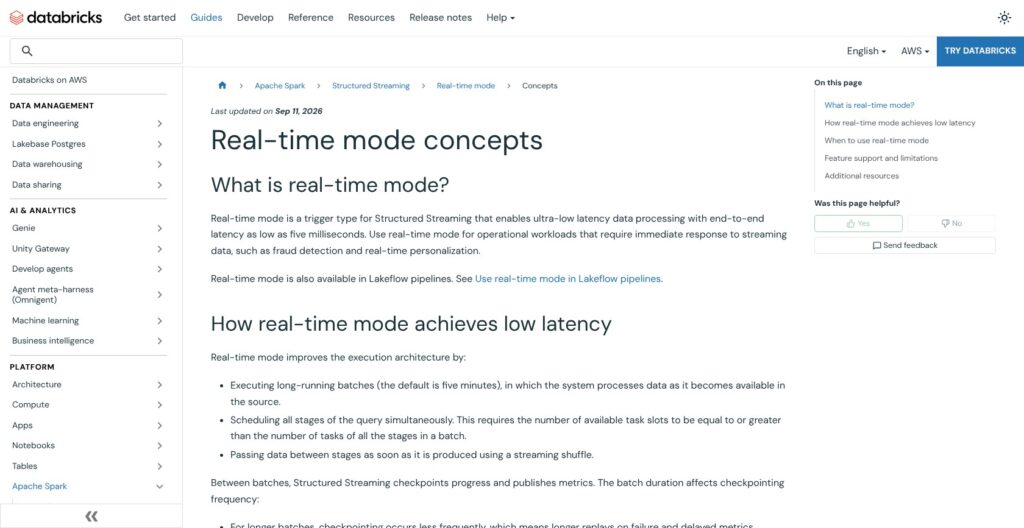
On my laptop the same Kafka-to-Kafka filter dropped from 400 ms at p50 and 1,547 ms at p99 in micro-batch to 63 ms and 153 ms in Real-time Mode, loopback numbers on a stateless query. Instead of planning a job per micro-batch, Real-time Mode keeps a long-running task on each partition and streams records through it. The trigger duration (default 5 minutes, minimum 5 seconds via spark.sql.streaming.realTimeMode.minBatchDuration) sets how often it checkpoints, not how fast records move.
Requirements in open-source 4.2:
- Update output mode only, plus a checkpointLocation.
- Kafka source only; the rate source is rejected.
- Kafka, foreach and console sinks; memory is listed too, but my 4.2.0 run rejected it, and foreachBatch is out.
- No async progress tracking on stateful queries.
Supported today: projections, filters, from_json, UDFs, explode, unions of distinct sources and broadcast stream-static joins. Spark 4.3.0 is slated to add dropDuplicates, groupBy aggregations and JVM transformWithState through a pipelined shuffle, and 4.4.0 dropDuplicatesWithinWatermark. Stream-stream joins, flatMapGroupsWithState, PySpark transformWithState and range partitioning stay out, and PySpark only got the realTime trigger in 4.2.0 (SPARK-54660).
Databricks’ build is GA, switched on with spark.databricks.streaming.realTimeMode.enabled, and marketed at 5 ms best case and a P99 of 40 to 300 ms; its production guidance says “around 300 ms in common cases”. Fabric supports Real-time Mode too.
Two older latency options exist, and both drop a guarantee:
- Continuous processing: experimental since 2.3, about 1 ms, at-least-once, map-only, and failed tasks are not retried; my rate-to-console run reached epoch 8 in 8 s with an empty recentProgress.
- asyncProgressTrackingEnabled: Kafka sink and stateless only, and it gives up end-to-end exactly-once; my run on a memory sink started without complaint anyway.
Flink 2.x already has per-event processing and disaggregated state (up to 49x faster recovery than Flink 1.20 in its authors’ VLDB 2025 tests), which is the bar Real-time Mode is chasing. Use Real-time Mode today for stateless routing and enrichment on open-source Spark; wait for 4.3 or pay Databricks for stateful work.
Delivery Guarantees and the Kafka Sink
Exactly-once in Structured Streaming belongs to the sink, not the engine: the file sink is exactly-once, the Kafka sink is at-least-once (“some records may be duplicated”), foreach is at-least-once, and foreachBatch depends on your code. End to end, it also needs a replayable source such as Kafka.
I stopped my Kafka-to-Kafka query in the middle of a 6,000-row producer run and restarted it from the checkpoint: 5,573 output records, 5,573 distinct ids, 0 duplicates. One clean restart proves nothing about the guarantee, so put the id in the message key and dedupe on read, or write idempotently.
foreachBatch hands you a batchId with every call (my run saw 0, 1, 2, 3 and 4), and that id is the dedupe key for exactly-once writes into a store with no transactions.
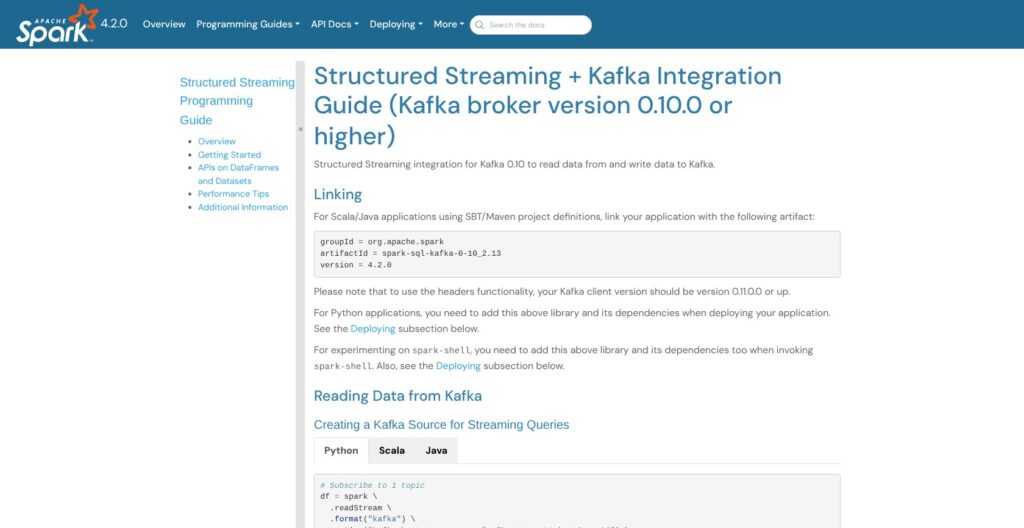
Offsets live in the checkpoint, and Spark never commits them to a Kafka consumer group; group.id, auto.offset.reset and enable.auto.commit are restricted options. failOnDataLoss defaults to true, which is why my restarted query died after I recreated the topic, with “Partition events-in-2 offset was changed from 985 to 0”.
- maxOffsetsPerTrigger: caps each batch; 500 against a 4,000-row backlog gave me batches of 497 to 499.
- minOffsetsPerTrigger: waits for a minimum batch size, bounded by maxTriggerDelay (default 15 minutes).
Kafka Streams with exactly_once_v2 and Flink’s two-phase-commit Kafka sink deliver exactly-once into Kafka; Spark’s Kafka sink does not, in micro-batch or in Real-time Mode. If Kafka is your output and duplicates cost money, that gap alone can decide the engine.
How Does Spark Structured Streaming Compare to Competitors?
Spark wins when you already run Spark; each rival below wins a niche it does not.
| Engine | Model | Latency floor | State and exactly-once | Price signal (October 2026) |
|---|---|---|---|---|
| Spark Structured Streaming 4.2 | Micro-batch plus Real-time Mode | About 100 ms micro-batch; milliseconds in Real-time Mode, stateless only | RocksDB state; exactly-once into file and Delta sinks | Free; you pay the platform |
| Apache Flink 2.3 | Per-event streaming | Milliseconds | Disaggregated state; two-phase-commit Kafka sink | Free; Confluent Cloud about $0.21 per CFU-hour |
| Kafka Streams | Library inside your JVM app | Per record | Local state; exactly_once_v2 | Free |
| ksqlDB | Streaming SQL on Kafka | Per record | Materialized views on Kafka topics | Billed per CSU-hour on Confluent Cloud |
| RisingWave 3.1 | Postgres-compatible streaming database | Incremental, per change | SQL materialized views | Apache-2.0; Cloud from about $0.227 per RWU-hour |
| Materialize | Streaming SQL database | Incremental, per change | Strongly consistent incremental views | $1.50 per compute credit; source-available |
| Databricks Lakeflow | Managed Spark with Real-time Mode GA | P99 of 40 to 300 ms claimed | Same engine, stateful Real-time Mode | DBU-hour plus VMs |
- Apache Flink: per-event processing, timers, side outputs for late data and on-demand savepoints, with 2.3 out since June 2026 and AWS’s managed service supporting it from July; it wins sub-second stateful work, at the price of a steeper learning curve and a cluster of its own.
- Kafka Streams: no cluster at all, since it runs inside your JVM app, and exactly_once_v2 has been the recommended setting since Kafka 2.5; it wins Kafka-to-Kafka microservices, with scaling tied to partition count and Kafka-only sources and sinks.
- ksqlDB: SQL materialized views on Confluent; the repo has 315 GitHub stars, and Confluent Cloud’s stream processing service is now Flink at about $0.21 per CFU-hour.
- RisingWave and Materialize: streaming databases for teams that want SQL views applications can query rather than a DataFrame engine; RisingWave speaks Postgres and shipped v3.1.0 on September 21, 2026.
- Databricks Lakeflow: the same engine plus GA Real-time Mode, Auto Loader, enhanced autoscaling and Spark Declarative Pipelines (open-sourced in Spark 4.1), at DBU prices; see Databricks.
- Bytewax: Python-native dataflows under Apache-2.0, with 2,055 GitHub stars and a small community; PySpark users get a bigger ecosystem with the same language.
On October 11, 2026, apache/spark had 44,166 stars and 29,439 forks against 26,400 and 14,058 for apache/flink, and Spark 4.1.0 alone closed 1,800+ Jira tickets from 230+ contributors.
The same Kafka connector reads Apache Kafka, Redpanda and Azure Event Hubs; on Event Hubs, set connections.max.idle.ms and metadata.max.age.ms under the service’s 240,000 ms idle timeout, since the Kafka client defaults are 540,000 and 300,000 ms. CDC events from Debezium arrive as ordinary Kafka topics.
Pick Spark if your batch jobs already run on it and seconds, or stateless milliseconds, are enough. Pick Flink if you need sub-second stateful processing, timers or late-data routing today. Pick a streaming database if the output is a SQL view that applications query.
How I Reviewed Spark Structured Streaming
I installed PySpark 4.2.0 on a standalone Python 3.12 with a Temurin 17 JRE on an Apple Silicon MacBook and ran a single-node Kafka 4.3.1 KRaft broker, with local[4] and local[6] masters and a 2 GB driver. My queries covered the rate, file and Kafka sources with memory, console, Parquet, Kafka and foreachBatch sinks in micro-batch, Real-time and continuous modes, plus watermark, dedup, checkpoint-change, RocksDB, statestore-reader and transformWithStateInPandas runs; all timings are single-machine loopback numbers.
I then weighed the engine’s stated behavior, the managed platforms’ published rates, release and support policy, adoption signals and practitioner sentiment, and compared it against Flink, Kafka Streams, ksqlDB, RisingWave, Materialize and Databricks’ build on list prices, latency model and delivery guarantees. Prices current as of October 2026.
Should You Run Your Streams on Spark Structured Streaming?
On my laptop Spark Structured Streaming moved Kafka records in 400 ms at p50 in micro-batch and 63 ms in Real-time Mode, refused most unsupported setups with a named error code, and enforced its checkpoint rules on restart. The engine is free; the bill is the platform, from a $0.010 Dataproc fee per vCPU-hour to $0.30 per Premium Azure Databricks DBU-hour.
If you already run Spark or Delta Lake, yes: start with Trigger.AvailableNow on a schedule, RocksDB with changelog checkpointing, and one checkpoint per query. If you need sub-second stateful streams today, open-source 4.2 cannot do it, so choose Flink or pay for Databricks’ Real-time Mode build. If your output is a SQL view that applications query, RisingWave or Materialize fits better, and a Kafka-only microservice is cheaper on Kafka Streams with no cluster at all.
Start at spark.apache.org/streaming, install PySpark 4.2.0 and run the Kafka example with trigger(realTime="10 seconds") in update mode; an afternoon on a laptop shows you both latency modes and the allowlist before you commit a cluster.
FAQ
Is Spark Structured Streaming exactly-once?
It depends on the sink. With a replayable source such as Kafka, the file and Delta sinks are exactly-once, while the Kafka and foreach sinks are at-least-once and may duplicate records. foreachBatch is exactly-once only if your code dedupes on the batchId each call receives, which makes writes into a non-transactional store safe on replay.
Is Spark Structured Streaming real-time?
Partly. Micro-batch has a floor of about 100 ms, and my loopback Kafka run landed at 400 ms p50. Real-time Mode, added in 4.1, cut the same stateless query to 63 ms p50 on my laptop. Open-source 4.1 and 4.2 support stateless queries only; aggregations and dedup are slated for 4.3.0, and Databricks sells a GA stateful build.
What is the difference between Spark Streaming and Structured Streaming?
Spark Streaming is the older DStreams API. Structured Streaming is the DataFrame and SQL engine, and everything in this review, from event-time watermarks and RocksDB state stores to the state reader, transformWithState and Real-time Mode, belongs to it. Build new pipelines on Structured Streaming, which shares its API with Spark batch jobs.
Spark Structured Streaming vs Flink: which should I pick?
Pick Spark if you already run Spark and seconds, or stateless milliseconds, meet your latency target; you reuse the same DataFrame code and cluster. Pick Flink for sub-second stateful work, timers, side outputs for late data and two-phase-commit writes into Kafka. See the comparison section above for Kafka Streams, ksqlDB, RisingWave and Materialize.
How much does it cost to run Spark Structured Streaming?
The engine is free under Apache-2.0, and you pay for compute. Dataproc adds $0.010 per vCPU-hour, EMR adds $0.048 an hour on an m5.xlarge, Azure Databricks Premium Jobs Compute is $0.30 per DBU-hour plus VMs, and a Fabric F2 capacity is about $0.36 an hour. Scheduled AvailableNow runs cost least, because compute is released between runs.