
Editor’s note: This StarRocks review covers StarRocks 4.1 (4.1.6, September 30, 2026) and the managed offering from PhoenixAI (formerly CelerData) as sold in October 2026: pricing, documented behavior and deployment; it is not a hands-on performance test. I weigh pricing transparency, setup and operating effort, openness and exit costs, governance and development momentum.
Quick verdict: I recommend StarRocks for engineering teams that need sub-second SQL over joined tables or straight over Iceberg, for customer- or agent-facing dashboards. It is a memory-hungry, Linux-only engine, and the managed route through PhoenixAI is quote-only.
Key Takeaways
- The engine is free under Apache 2.0, a Linux Foundation project with 12,000+ GitHub stars.
- A cost-based optimizer and async materialized views handle multi-table joins without flattening into wide tables.
- Primary Key tables take real-time upserts and deletes from Kafka and Flink.
- Production starts at 3 FE (8 cores, 16 GB) plus 3 BE nodes (16 cores, 64 GB) on Linux, AVX2 CPUs recommended; spill to disk is still Beta.
- PhoenixAI publishes no prices: a 30-day trial, then a sales quote.
In the Panoply directory, StarRocks sits under OLAP engine with ClickHouse, Apache Druid and Apache Pinot.
In this review, I’ll take a closer look at StarRocks’ pricing, setup, join and lakehouse features, real-time ingestion and operating costs, so you can see exactly whether the free license makes it cheaper for you.
StarRocks Pros and Cons
Pros
- Free under Apache 2.0, a Linux Foundation project.
- MySQL protocol, so BI tools connect as to MySQL.
- Cost-based optimizer plus async materialized views with transparent query rewrite for multi-table joins.
- Primary Key tables accept upserts, deletes and partial updates from Kafka, Flink and Stream Load.
- Queries Iceberg, Hudi, Delta Lake, Hive and Paimon in place, and writes to Iceberg.
- Shared-data mode keeps data on S3, GCS, Azure Blob or MinIO with local disk as cache.
Cons
- Linux only (RHEL/CentOS 7.9, Ubuntu 22.04), JDK 17 required and AVX2 CPUs recommended for production.
- Production starts at 3 FE plus 3 BE nodes, with 64 GB of RAM per BE.
- Upsert and compaction memory blow-ups in GitHub issues; spill to disk still Beta.
- PhoenixAI publishes no prices for either managed edition.
- Downgrades are restricted: nothing below 4.0.6 once you run 4.1.
How Much Does StarRocks Cost?
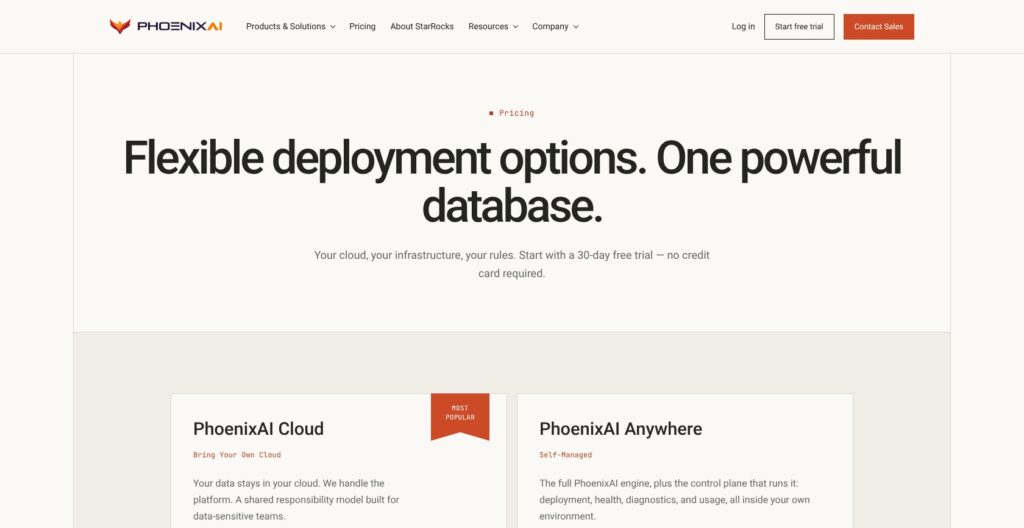
StarRocks itself costs nothing under Apache 2.0, so your bill is servers and the people who run them, or a PhoenixAI contract.
- StarRocks open source (Free): for teams with Linux and JVM skills who will run nodes and upgrades themselves.
- PhoenixAI Cloud BYOC (Quote): for teams that want PhoenixAI to operate the cluster inside their own AWS, Azure or Google Cloud account, with managed upgrades, monitoring, 24/7 priority support and SOC 2.
- PhoenixAI Anywhere (Quote): for on-prem or air-gapped teams that run the enterprise edition themselves on any Kubernetes (EKS, AKS, GKE, OpenShift).
PhoenixAI quotes on query volume, data scale, region and support tier. Both editions offer a 30-day trial with no credit card, on a full instance. There is no serverless tier and no published uptime SLA percentage.
| Option | Price | Who runs it | Trial | Best for |
|---|---|---|---|---|
| StarRocks (Apache 2.0) | Free, plus your infrastructure | You | Not needed | Teams with in-house Linux ops |
| PhoenixAI Cloud (BYOC) | Quote | PhoenixAI, inside your cloud account (shared responsibility) | 30 days, no card | Managed operations without data leaving your account |
| PhoenixAI Anywhere | Quote | You, on Kubernetes | 30 days, on request | On-prem and air-gapped deployments |
What a Production Cluster Needs
The docs’ production baseline is 3 Follower FE nodes with 8 cores, 16 GB of RAM and 100 GB of disk each, plus 3 BE nodes with 16 cores and 64 GB of RAM each, on 10 Gigabit Ethernet. By my count, that is 72 cores and 240 GB of RAM before you load a row, and Primary Key tables with a persistent index need SSDs.
The docs size disk as raw data times replicas divided by compression: with 3 replicas and 3:1 to 5:1 compression, 1 TB raw needs roughly 0.6 to 1 TB. Shared-data mode swaps BEs for CN nodes that keep data in object storage and use local disk only as cache.
ClickHouse Cloud charges $0.2181 per compute unit-hour on Basic and $0.2985 on Scale (one unit is 2 vCPUs and 8 GiB of RAM), plus $25.30 per TB-month, and VeloDB charges $0.134 per vCPU-hour on SaaS. Those are the published rates to hold a PhoenixAI quote against.
Is StarRocks Good Value for Money?
- Good fit: teams already running Kafka or Flink on Linux, where the join engine removes a denormalization pipeline.
- Less convincing fit: a small team with one wide event table, where ClickHouse Cloud’s $0.2181 per compute unit-hour and $300 credit give a published price from day one.
- Budget priority: with 64 GB per BE and memory issues on GitHub, I’d size RAM first and cores second.
Reviewer’s Notes: Start on the free Docker image to prove your joins, or on the 30-day PhoenixAI trial if you already know you won’t self-host. Before you sign anything, get a PhoenixAI quote for your real query volume and data size, then price the same workload on ClickHouse Cloud’s or VeloDB’s published rates. If the quote costs more than that rival estimate, or more than your own servers plus the engineer time to run them, take the cheaper route.
Getting Started With StarRocks
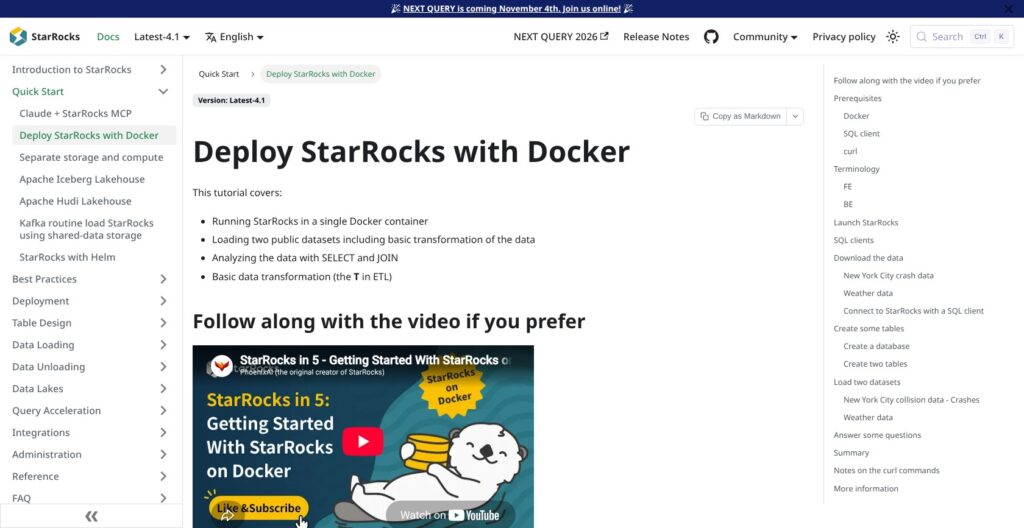
The Docker Quickstart
The quickstart has you assign 4 GB of RAM and 10 GB of disk to Docker, run the all-in-one starrocks/allin1-ubuntu image with ports 9030, 8030 and 8040 published, and connect with the mysql client on port 9030 as root:
docker run -p 9030:9030 -p 8030:8030 -p 8040:8040 -itd --name quickstart starrocks/allin1-ubuntu
docker exec -it quickstart mysql -P 9030 -h 127.0.0.1 -u root --prompt="StarRocks > "
From there, the guide creates a quickstart database, loads New York City crash data and a weather CSV with Stream Load over curl, and joins the two tables. I like that the first lesson is a join, since that is the workload StarRocks sells on. The guide says this cluster is for learning, not for large datasets or performance testing. On macOS or Windows, Docker is the only route, because the documented server builds are Linux only.
Moving to a Production Cluster
- Prerequisites: RHEL or CentOS 7.9 or Ubuntu 22.04, x86 CPUs with AVX2 (strongly recommended), and JDK 17 or later (a JRE is not supported).
- OS tuning: swap off,
vm.overcommit_memory=1, Transparent Huge Pages set to madvise, CPU governor on performance, SELinux disabled and the internal ports opened. - Frontends: set
meta_dirinfe.conf, start the Leader FE, then add two Follower FEs. - Backends: set
storage_root_pathinbe.conf, start each BE, register it from the SQL client and repeat until you have three.
The official StarRocks Kubernetes Operator, documented as a level 2 operator, and a Helm quick start are the alternative to doing this by hand. I’d take the operator route if your team already runs Kubernetes, because PhoenixAI Anywhere also runs on Kubernetes (EKS, AKS, GKE or OpenShift), so those skills carry over if you later buy support.
The PhoenixAI Route
PhoenixAI Cloud’s 30-day trial needs no credit card and deploys a full BYOC instance into your own AWS, Azure or Google Cloud account, so your data never leaves it. PhoenixAI Anywhere’s trial is by request.
My recommendation: run the Docker image against a sample of your own tables first. Take the PhoenixAI trial only if nobody on your team wants to own the OS checklist above.
Joins, Materialized Views and the Query Engine
StarRocks pairs a vectorized engine that relies on AVX2 instructions with a cost-based optimizer, speaks ANSI SQL and accepts MySQL-protocol connections. Joins happen at query time, so a star schema can stay a star schema. DiDi’s own engine comparison, published by StarRocks, rates StarRocks good at star-schema joins and notes that ClickHouse relies on wide tables.
Table design starts with four table types:
- Duplicate Key: raw data with no constraints, with a sort key set by ORDER BY since 3.3.0.
- Primary Key: unique, non-null keys for frequent real-time updates and partial column updates.
- Aggregate: pre-aggregated rows for rollup metrics.
- Unique Key: an older type the docs say is being replaced by Primary Key.
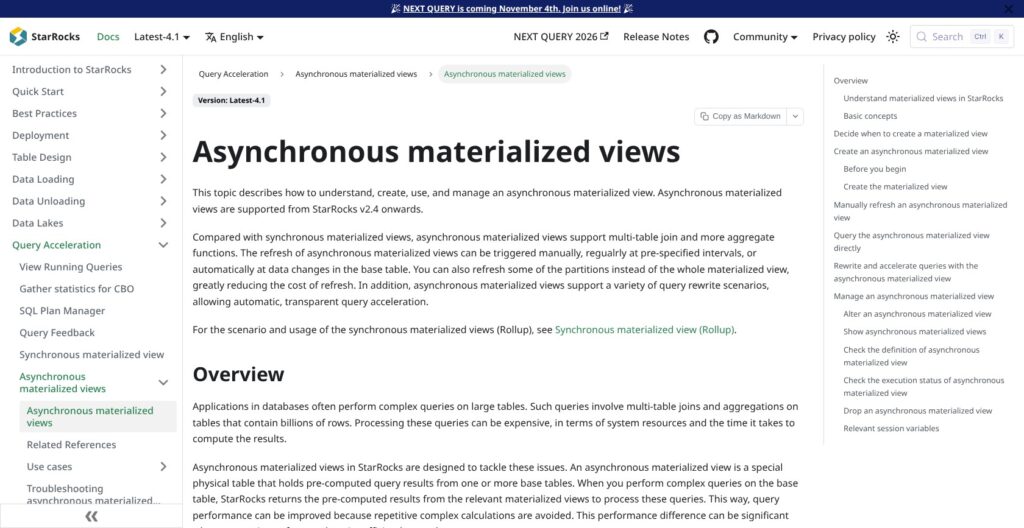
Asynchronous materialized views, available since 2.4, are the real accelerator. They can join several tables, refresh manually, on a schedule or when a base table changes, refresh only some partitions, and the optimizer rewrites queries to use them without anyone changing the SQL. Synchronous views stay single-table rollups. The Query Cache keeps in-memory local-aggregation results for time-partitioned append data, in shared-data clusters since 3.4.
StarRocks’ own August 2023 benchmark reports ClickHouse 2.2x slower and Druid 8.9x slower on 13 SSB flat-table queries, and Trino 5.54x slower on TPC-DS 1 TB over Iceberg. StarRocks adds that ClickHouse and Druid could not finish the TPC-H set. I treat all of it as vendor claims, three years old, to re-run on your own data.
Pinterest’s engineers, in a post StarRocks republished, report that replacing Druid with StarRocks cut p90 latency by 50% on 32% of the instances, without yet using query cache or materialized views. Each Pinterest cluster ran 70 BEs plus 11 FEs and observers on R6id.8xlarge instances with 32 cores and 256 GB of RAM, so treat the docs’ 3-BE baseline as a floor, not a target.
Real-Time Ingestion and Upserts
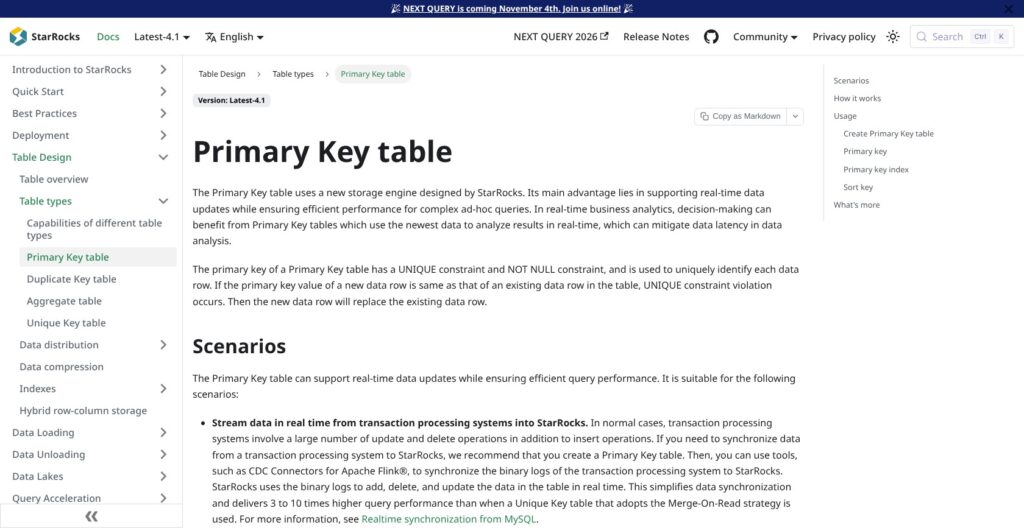
Primary Key tables make updates and deletes a load-time operation: rows arriving through Stream Load, Broker Load or Routine Load carry an __op field that marks each one as UPSERT or DELETE, with UPSERT as the default. Partial updates and conditional updates are supported, but Primary Key tables can’t be changed through Spark Load or INSERT.
The documented loading methods cover most pipelines:
- Stream Load: CSV or JSON over HTTP, up to about 10 GB per load.
- Routine Load: continuous Kafka consumption in CSV, JSON or Avro, with Kafka 4.0 supported since 4.0.
- Broker Load: batch files from dozens to hundreds of GB.
- Pipe: continuous Parquet or ORC loading from S3 or HDFS, 100 GB to 1 TB or more, since 3.2.
- INSERT FROM FILES(): SQL loads straight from S3, HDFS, Azure or GCS.
- Connectors: Kafka, Flink and Spark (the recommended one), plus Flink CDC pipelines.
Release 4.0 added multi-table write transactions, so INSERT, UPDATE and DELETE across several tables commit atomically through Stream Load and INSERT INTO. DiDi, in a case study published by StarRocks, built its real-time risk-control features on Primary Key tables after comparing ClickHouse. Pinterest credits SQL-based ingestion, with no JSON ingestion specs, and 10-second freshness for its move off Druid.
Memory is the weak spot: issues on the StarRocks GitHub tracker describe a BE running out of memory while inserting 10 million rows into a 3,000-column Primary Key table in column partial-update mode, and compaction memory reaching 60 GB under four threads of 300 MB Stream Loads, then retrying in a loop once capped. Both issues are closed, but I’d load-test your widest table with your real batch sizes before trusting any freshness target.
Lakehouse Queries, Shared-Data Mode and AI Features
External Catalogs and Iceberg Writes
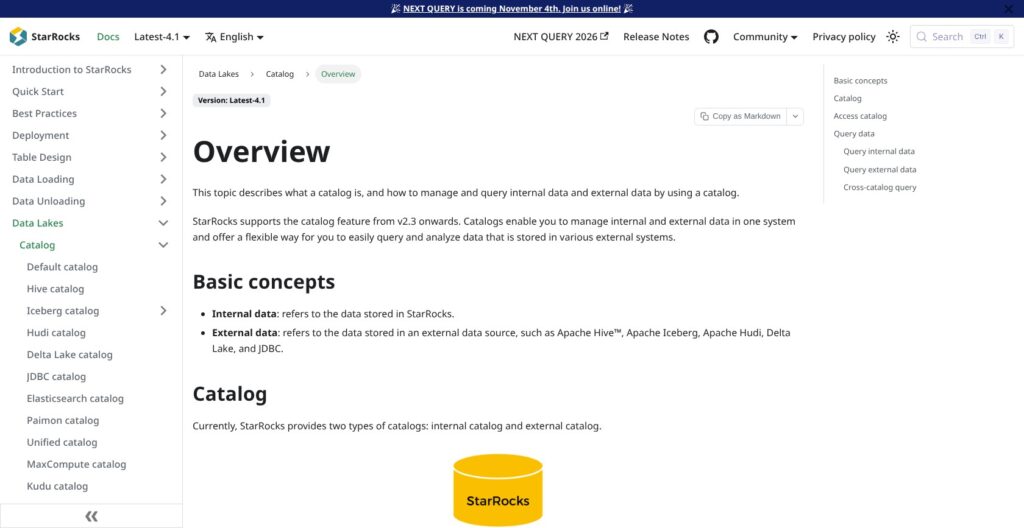
External catalogs query Hive, Iceberg, Hudi, Delta Lake, Paimon, JDBC sources and Elasticsearch in place, and a unified catalog treats the four lake formats as one source. That puts StarRocks up against Trino as well as ClickHouse.
StarRocks also writes to Iceberg: release 4.0 added sink optimizations, compaction through rewrite_data_files and hidden partitions, and 4.1 added DELETE on Iceberg tables through position-delete files, TRUNCATE and incremental materialized views on append-only Iceberg tables. Shopee, in a case study StarRocks published, reports queries on external Hive tables 3x to 10x faster than on Presto, including one product-group query that dropped from 364 seconds on Presto to 20, and 10x to 2000x gains on materialized-view-accelerated API queries. Since 3.4, one unified Data Cache serves both external catalogs and shared-data tables, so repeat lake queries read from local disk.
Shared-Data Mode
In shared-data mode, CN nodes compute while data lives on S3, GCS, Azure Blob Storage, Azure Data Lake Storage Gen2, HDFS or MinIO, and local disks act as a block-level Data Cache. The docs treat shared-nothing and shared-data as separate deployments, so pick one up front. Release 4.0 made File Bundling the default for new tables to cut object-storage API calls, and 4.1 added per-warehouse CPU weights for workload isolation plus opt-in range distribution with automatic tablet splitting, which is off by default.
AI and Agent Features
Release 4.1 added ai_query(), which calls an external AI model from SQL, and the docs carry a Claude plus StarRocks MCP tutorial. PhoenixAI markets itself as the Agentic AI Database and claims sub-second p95 at 1,000+ queries per second and Kafka or Flink CDC updates queryable in under five seconds, with no methodology published. The substance under the pitch is warehouse isolation, which keeps agent bursts away from BI queries; the rest is a SQL function call.
Running StarRocks in Production
Upgrades and Stability
StarRocks maintains three release lines at once: 4.1.6 and 4.0.16 both shipped on September 30, 2026, and 3.5.21 in August 2026, with a patch per line roughly every two to six weeks. Release 4.0.0 shipped in October 2025 and 4.1.0 in April 2026. That pace brings fixes fast, and occasional regressions: 4.1.0’s container image could stop the BE from starting, and container users were told to wait for 4.1.1.
The upgrade guardrails need planning:
- Move to 3.4.10 or later before 3.5, and switch to JDK 17 from 3.5.
- After 4.0, don’t downgrade to 3.5.0 or 3.5.1, which crashes the FE.
- After 4.1, don’t downgrade below 4.0.6.
Closed GitHub issues also describe Iceberg metadata stuck on an old snapshot after an upgrade from 3.5.6 to 4.0.0, and a 3-FE container cluster that would not restart after a host crash. Spill to disk is still Beta, and without it, memory-heavy queries that hit the limit are killed. I’d stay one patch behind the latest and rehearse every upgrade on a staging cluster.
Security and Workload Isolation
Native RBAC ships with five built-in roles. Apache Ranger integration, since 3.1.9, adds access, masking and row-level filter policies plus Ranger audit logs, though Ranger servers secured with Kerberos are not supported. Group Provider, since 3.5.0, maps external user groups into StarRocks. Resource groups split short queries, ad hoc analysis and ETL in one cluster, with CPU hard limits since 3.3.5, and 4.1 adds per-warehouse CPU weights. The docs add Observer FEs for high query concurrency. PhoenixAI Cloud adds SOC 2 certification.
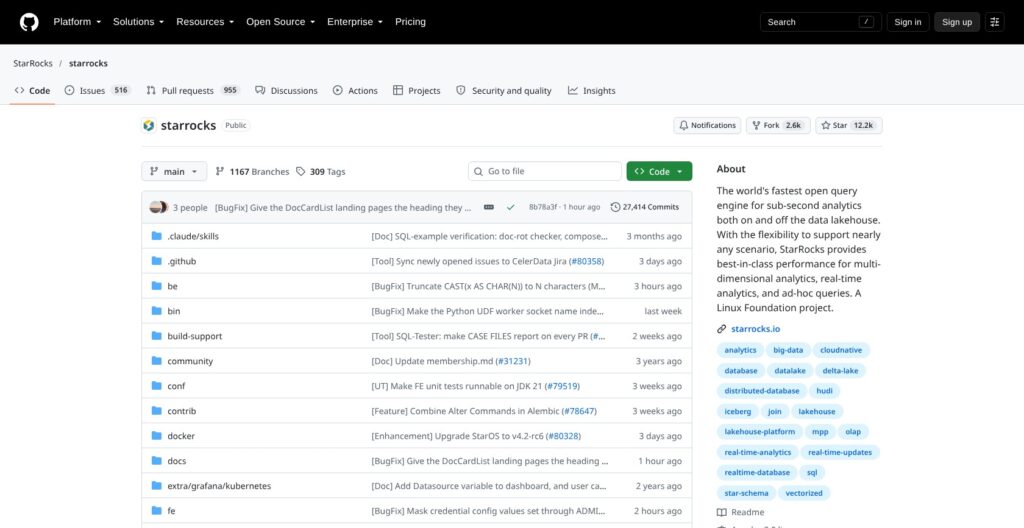
Governance is reassuring for an exit plan: StarRocks is a Linux Foundation project with 12,168 GitHub stars, 2,613 forks and about 1,470 open issues and pull requests.
How Does StarRocks Compare to Competitors?
StarRocks is the only engine in this set without a published managed price, and the one most focused on joins plus mutable data.
| Tool | Open source | Managed pricing (published) | Strongest at |
|---|---|---|---|
| StarRocks / PhoenixAI | Yes, Apache 2.0 | None, quote only | Multi-table joins, upserts, lakehouse queries |
| ClickHouse / ClickHouse Cloud | Yes, Apache 2.0 | $0.2181 per compute unit-hour (Basic), $300 credit | Wide-table and log analytics |
| Apache Druid / Imply Polaris | Yes, Apache 2.0 | From $100 a month (Starter, 25 GB) | Streaming time-series with Kafka and Kinesis |
| Apache Pinot / StarTree | Yes, Apache 2.0 | $0.21 per vCPU-hour SaaS, $0.11 BYOC | Very high-concurrency user-facing analytics |
| Apache Doris / VeloDB | Yes, Apache 2.0 | $0.134 per vCPU-hour SaaS, $0.11 BYOC | Closest feature match with public rates |
| Trino / Starburst Galaxy | Yes, Apache 2.0 | From $0.75 per credit (Enterprise) | Federated lakehouse SQL |
| Firebolt | No (Firebolt Core is source-available, ELv2) | $0.92 an hour per S node, $200 credit | Per-second billed managed serving |
- ClickHouse: wins on single wide tables and a published price with $300 of credit. StarRocks wins back when queries join several tables, the case DiDi’s comparison favored StarRocks on.
- Apache Druid and Imply: win on native Kafka and Kinesis time-series ingestion, with Imply Polaris from $100 a month. StarRocks wins on joins and SQL-based ingestion, which Pinterest credited when it moved its advertiser dashboards off Druid.
- Apache Pinot: wins on extreme concurrency, claiming hundreds of thousands of queries per second, with StarTree publishing per-vCPU rates. StarRocks wins on lakehouse queries and Iceberg writes.
- Apache Doris (VeloDB): the closest relative, with Apache 2.0, a 14-day SaaS trial and published rates from $0.11 per vCPU-hour on BYOC. Pick it if you want StarRocks-style analytics at a list price.
- Trino (Starburst Galaxy): wins on federation across many sources, with a $500 trial credit. StarRocks’ vendor benchmark claims a 5.54x edge on Iceberg, and Trino is not a real-time upsert store.
- Firebolt: wins on zero operations and per-second billing from $0.92 an hour. StarRocks wins on openness: the whole engine is Apache 2.0, while self-hosted Firebolt Core is source-available under ELv2.
Choose StarRocks over ClickHouse when your dashboards join several tables and rows change after landing, and ClickHouse Cloud when you want a list price and a $300 credit today. Choose StarRocks over Trino when the same Iceberg tables also feed sub-second customer dashboards, and Trino when analysts federate many sources. If PhoenixAI’s quote disappoints, VeloDB is the nearest published-price fallback.
How I Reviewed StarRocks
For this StarRocks review, I weighed the areas Panoply scores for every data tool: pricing transparency, setup and operating effort, openness and exit costs, governance and development momentum.
I worked through the 4.1 documentation, the release notes for the 3.5, 4.0 and 4.1 lines, the deployment and cluster-sizing guides, the GitHub repository and its issue tracker, and PhoenixAI’s pricing and product pages. I mapped the documented setup path from the Docker quickstart to a 3 FE plus 3 BE cluster and compared rivals at their current list rates.
This is not a hands-on performance test, so every speed figure here is a vendor or customer claim, published by StarRocks, PhoenixAI or the rival project. Prices current as of October 2026.
Should You Run Your Real-Time Analytics on StarRocks?
StarRocks gives you sub-second SQL over joined tables, real-time upserts and direct Iceberg queries for the price of your own servers. The catch is operations: Linux-only nodes, a 240 GB RAM baseline and an upgrade path you have to rehearse, or a PhoenixAI quote with no list price to check it against.
I recommend StarRocks if your dashboards join normalized tables, you want to accelerate an Iceberg or Hive lakehouse without copying data, your real-time data changes after it lands, and you have a team comfortable running Linux JVM services or the budget for PhoenixAI.
I’d skip it if your workload is one wide log table, where ClickHouse Cloud’s public pricing is simpler, or if you serve event streams at very high concurrency, where Pinot fits. Skip it too if you have no ops staff and need a published price before you buy.
Next action: run the Docker quickstart from starrocks.io against a sample of your heaviest joins, then request a PhoenixAI quote and set it next to a ClickHouse Cloud or VeloDB estimate for the same workload.
FAQ
Is StarRocks free?
Yes. The StarRocks engine is licensed under Apache 2.0 and free to self-host, so you pay only for infrastructure and operations. PhoenixAI (formerly CelerData) sells a managed BYOC edition and a self-managed enterprise edition with quote-based pricing and a 30-day free trial that needs no credit card.
What is the difference between StarRocks and CelerData (PhoenixAI)?
StarRocks is the open-source engine, a Linux Foundation project. CelerData was the company behind it and rebranded as PhoenixAI on May 20, 2026; celerdata.com now redirects to phoenixdata.ai. PhoenixAI sells PhoenixAI Cloud (formerly CelerData Cloud), run by PhoenixAI in your own cloud account, and PhoenixAI Anywhere for self-managed Kubernetes. Both are commercial editions built on the StarRocks engine.
Is StarRocks faster than ClickHouse?
On StarRocks’ own August 2023 benchmark, ClickHouse was 2.2x slower on 13 SSB flat-table queries, but that is a vendor test, not an independent one. StarRocks’ bigger edge is multi-table joins, where DiDi’s evaluation, published by StarRocks, found ClickHouse relying on wide tables. Run both on a sample of your own queries, with your real schema, before trusting either number.
Can StarRocks query Apache Iceberg tables?
Yes. An Iceberg external catalog queries Iceberg tables in place with no load step, and StarRocks can also write to Iceberg. Release 4.0 added Iceberg sink optimizations and compaction, and 4.1 added DELETE through position-delete files plus incremental materialized views on append-only Iceberg tables.
Does StarRocks run on Mac or Windows?
Only through Docker. The documented production platforms are RHEL or CentOS 7.9 and Ubuntu 22.04, with x86 CPUs that support AVX2 recommended. On a Mac or Windows machine, you run the starrocks/allin1-ubuntu image with 4 GB of RAM assigned to Docker and connect with any MySQL client on port 9030. That setup is for learning only, so production still needs Linux servers or Kubernetes.