Editor’s note: This LanceDB review combines a small local test of the open-source library with an assessment of its pricing, deployment options, and documented features.
Quick verdict: I recommend LanceDB for developers who want to add search to an application without setting up a separate database server, particularly when the project involves images, documents, or other AI data. Its free embedded library is an appealing starting point, but you still own the work of building a useful search experience and keeping it running.
Key Takeaways
- LanceDB’s open-source library runs inside your application, with no database license fee.
- Vector, keyword, and combined searches worked in my small local test.
- Keeping source content, metadata, and vectors together is useful for projects that need more than a list of similarity matches.
- Free software still brings storage, model, and maintenance costs, and Enterprise requires a custom quote.
- This is a developer tool. You need to choose models, prepare data, and evaluate results yourself.
Among vector databases, LanceDB appeals to me most when the alternative is adding another service just to get a prototype working. I would be less quick to recommend it to a team that already has everything it needs in PostgreSQL.
In this review, I’ll take a closer look at that decision, including my local search test, the running costs to consider, and when I’d choose an alternative.
LanceDB Pros and Cons
Pros
- Free Apache-2.0 licensed core with embedded local storage
- Vector and full-text search can be combined in one query
- Source data, metadata, and embeddings can share a table
- Version history lets you revisit an earlier dataset
- Python, TypeScript, and Rust SDKs
Cons
- Requires code and decisions about models, schemas, and indexes
- Open-source deployments need ongoing storage and index maintenance
- Enterprise pricing requires a sales conversation
- Enterprise feature engineering is outside the free library
How Much Does LanceDB Cost?
I’d start with LanceDB OSS unless your project already has a clear requirement for managed operations or a private Enterprise deployment. You can explore the embedded library without committing to a database subscription.
- LanceDB OSS ($0 license fee): For developers building and operating their own applications. You pay for any infrastructure and external model services you use.
- Enterprise Managed (custom pricing): For teams that want LanceDB to operate the platform.
- Enterprise BYOC (custom pricing): For organizations that need the Enterprise platform in their own cloud account. BYOC means bring your own cloud.
| Option | Software price | Best fit | Budget consideration |
|---|---|---|---|
| OSS | Free | Local development and applications you operate | Compute, storage, embeddings, and engineering time |
| Enterprise Managed | Custom quote | Teams seeking vendor-managed operations | Confirm included capacity, usage charges, and support |
| Enterprise BYOC | Custom quote | Teams requiring deployment in their own cloud | Confirm the contract and cloud infrastructure costs |
There isn’t a straightforward public monthly Enterprise price to compare with a small hosted database plan. That makes the upgrade decision less convenient than I’d like. You need a workload estimate and a conversation with sales before you can judge value properly.
Is LanceDB Good Value for Money?
- Good value for local development: The free library lets you explore the search workflow before introducing a paid service.
- Less predictable once you grow: Engineering time, historical data storage, and embedding costs belong in the comparison with a managed database.
- Harder to budget for Enterprise: A custom quote makes it difficult to price an upgrade while your requirements are still taking shape.
My recommendation is to start with OSS, measure your own workload, and request Enterprise pricing when you can explain what you need the vendor to take over. If you want a hosted starting budget immediately, I’d compare Pinecone alongside it.
My Experience With LanceDB
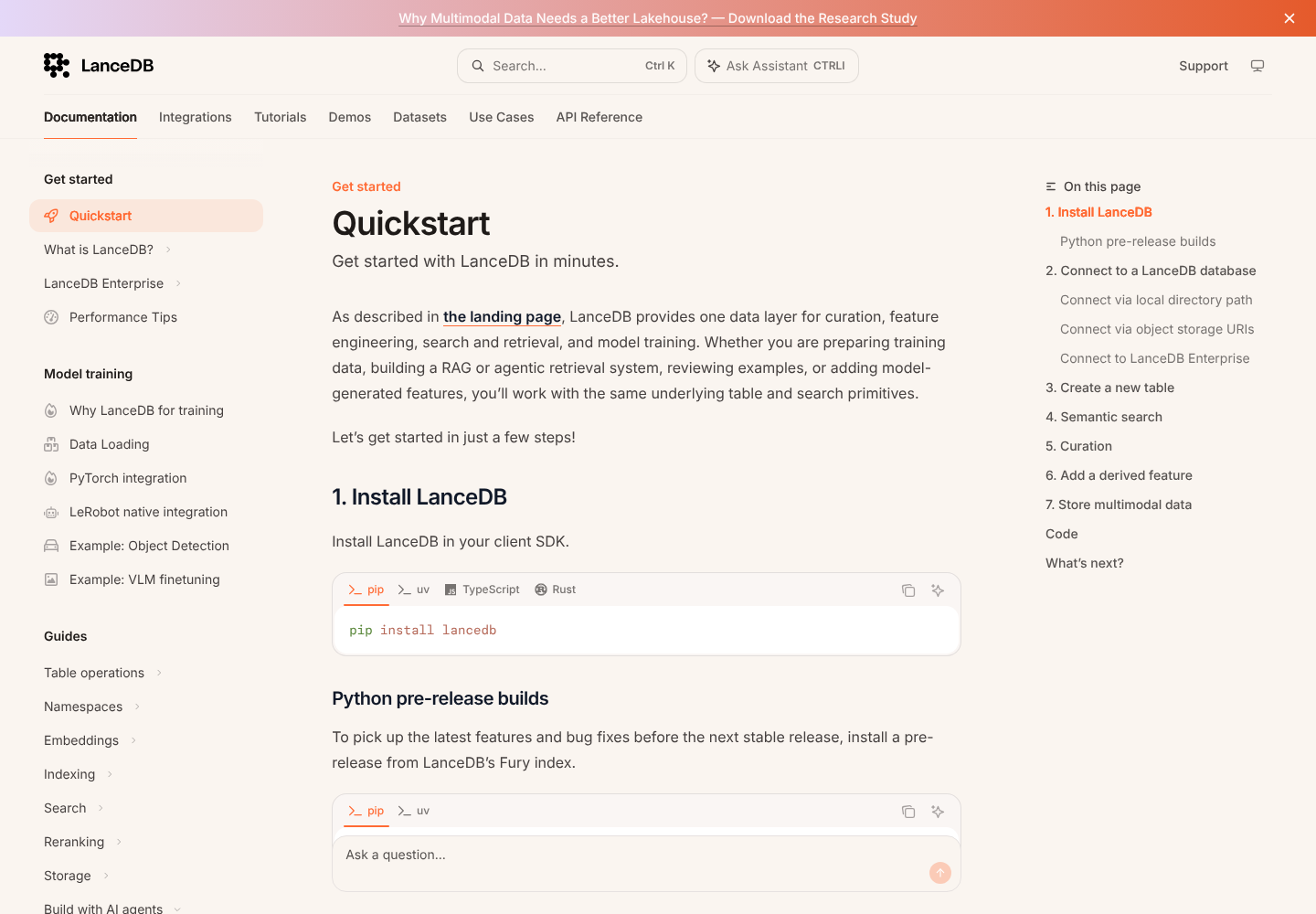
I installed the Python library, connected it to a local directory, and created a table containing five made-up catalog items. Each row had a description, a product category, and a three-number vector that I supplied myself.
This was a small workflow test, not a search-quality benchmark. The vectors were deliberately simple, so I could check how the API behaved without introducing an embedding service.
Creating and Searching a Table
I didn’t need to create a hosted database account or start a separate database server. The table lived in a directory, and I could query it from the same Python script that created it. That’s the part of LanceDB’s setup I like most: there’s very little infrastructure between an idea and a working local example.
- Vector search: My query returned the two bicycle records and a bicycle helmet as the three closest matches to the vector I supplied.
- Filtered search: Restricting the category to bikes returned the two bicycle records and excluded the helmet.
- Keyword search: After creating a text index, searching for “waterproof” returned the jacket record.
- Combined search: A query using both a vector and the word “bicycle” returned the two bicycles and helmet. The helmet ranked ahead of the second bicycle, unlike in the vector-only query.
The filter was the most useful part of this example. A nearby vector isn’t enough if the result belongs to the wrong product category. Being able to apply that restriction within the query makes the application easier to reason about.
Updating and Reopening My Data
I changed one bicycle description from a steel frame to a titanium frame. The current table showed the new description, while checking out the earlier version returned the original wording. Reopening the database also preserved all five records.
I like having that history available when a dataset changes. If a retrieval experiment behaves differently after an update, an earlier table version gives you something concrete to compare it with.
The limits of this test matter, though. Five records say nothing useful about large-dataset latency, simultaneous users, or the relevance of real AI-generated embeddings. Those require a workload that resembles your application.
Combining Vector and Keyword Search
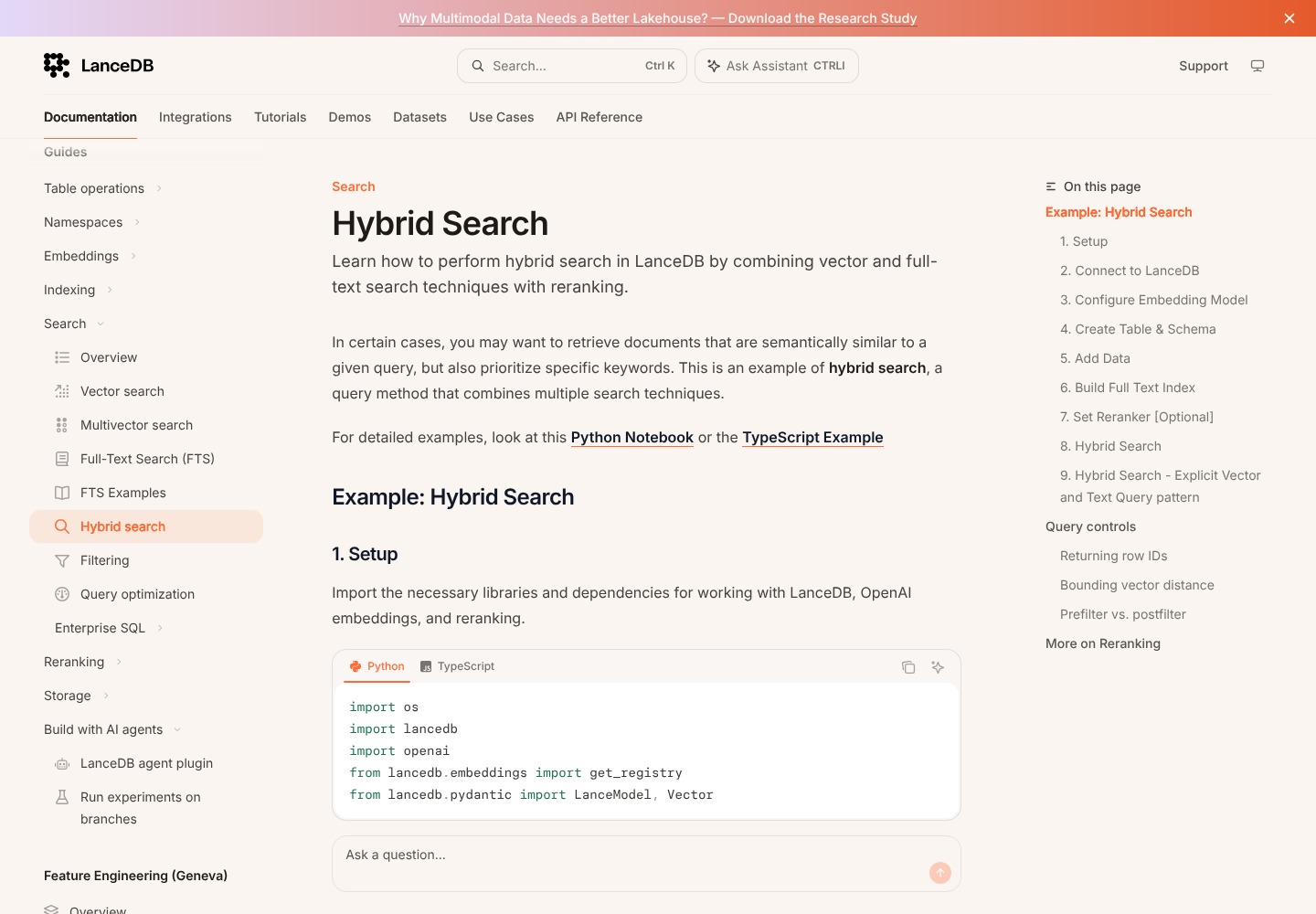
I’d use LanceDB’s hybrid search for a knowledge base where people mix ordinary questions with exact product names or error codes. Similarity search helps with meaning, while keyword search gives literal terms a separate route into the results.
LanceDB combines those result lists using Reciprocal Rank Fusion by default, which merges their rankings. You can also use a supported or custom reranker to change how candidates are ordered. I like having that flexibility, although it introduces another decision to evaluate rather than a guarantee of better answers.
The full-text search uses BM25, a ranking method based on term relevance, and requires an index on the text column. Phrase searches need positions enabled in the index, adding storage and indexing work. If exact phrases matter to your application, I’d plan for that at setup.
Filters and Indexes Still Need Attention
Metadata filters accept SQL expressions, and pre-filtering is the default. That’s useful when every returned result must meet a condition. With post-filtering, you can end up with fewer results than requested because candidates are removed after selection.
For larger vector datasets, approximate indexes trade some accuracy for less search work. LanceDB gives you tuning controls for how many candidates to examine and refine. My advice is to judge those settings against questions with known good answers. A fast query isn’t a success if it misses the document your user needs.
Keeping Your Data and Vectors Together
LanceDB’s appeal extends beyond storing embeddings. The underlying Lance format can hold text, images, audio, video, and metadata alongside the vectors used to search them.
For an image catalog, that means a result can carry its source image and descriptive fields. I prefer that starting point to an application where the search index and original content have to be reconciled separately every time the data changes.
For a team already using PostgreSQL, though, I’d compare pgvector before moving data. Keeping vectors beside relational records and joins may matter more to you than LanceDB’s support for media-rich datasets.
Storing an image doesn’t automatically make it searchable by meaning. You still need an appropriate embedding model. LanceDB’s OpenCLIP integration is one option for building text-and-image similarity search.
The embedding integrations can generate vectors during ingestion when configured with the right source and vector fields. That’s helpful, but it doesn’t remove the model choice or any provider charges. If you want an entirely local application, the embedding model must be local too.
Reviewer’s Notes: I’d choose the model and a small set of representative queries before importing a large dataset. The database can store and retrieve vectors correctly while the model still produces matches that don’t help your users.
Moving From a Local App to Production
The embedded setup removes a server from your initial workflow. It doesn’t remove database maintenance.
For an OSS deployment, I’d account for:
- Write patterns: Batch ingestion is preferable to lots of tiny writes that create extra data fragments.
- Index upkeep: Newly added rows remain searchable, but scanning the unindexed portion adds work until indexes are updated.
- History and storage: Older versions consume space, so retention needs an intentional policy.
- Backups: Table history is useful, but you still need protection against losing the storage itself.
You can use local disk or object storage, including S3, Google Cloud Storage, and Azure Blob. I’d choose based on the application’s access pattern and operational needs. Moving files to cheaper remote storage doesn’t promise the same query latency as a local disk.
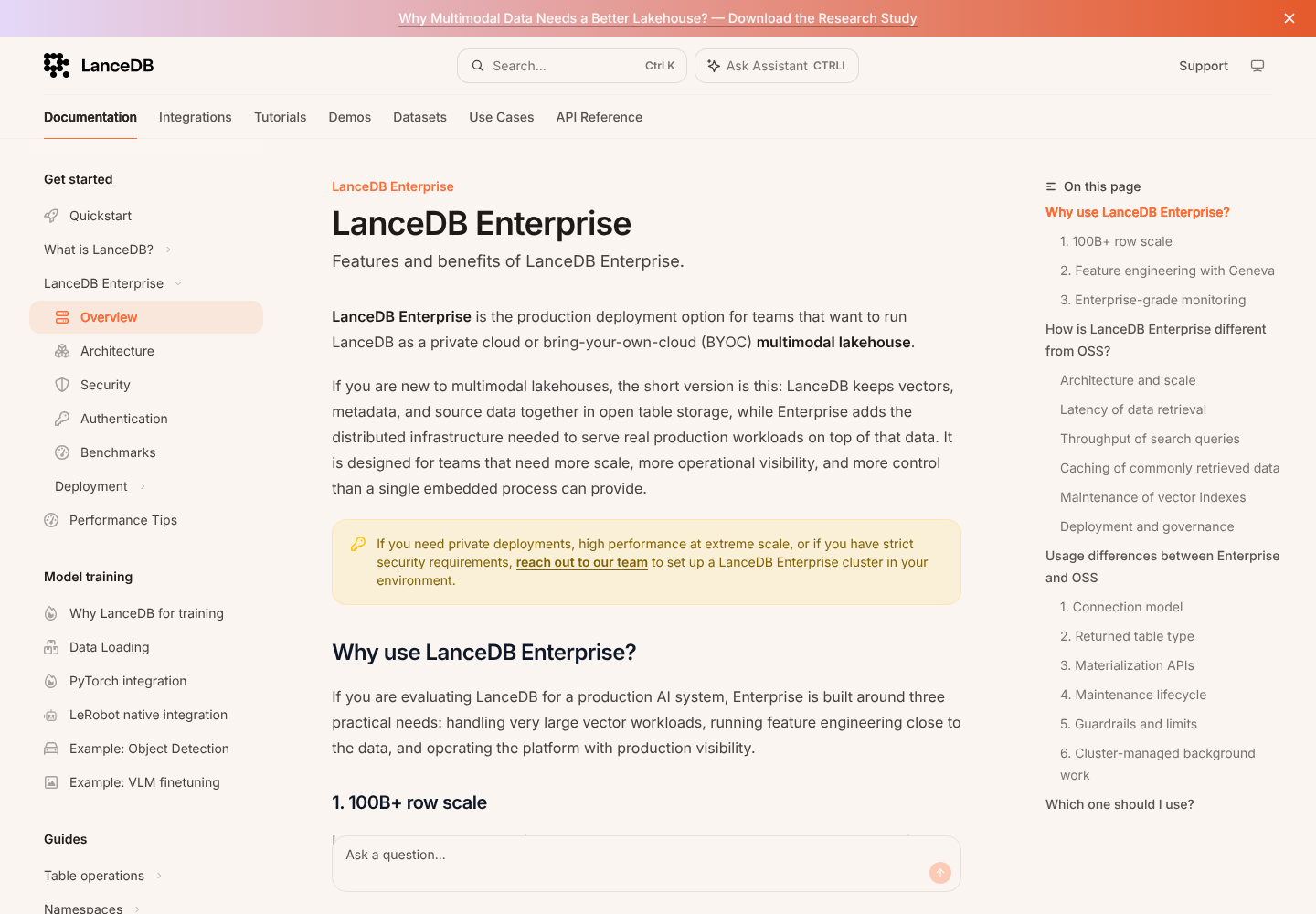
Enterprise adds Managed and BYOC deployment options on the same Lance format. That shared foundation is useful, but I’d still review API differences and deployment requirements before treating migration as automatic.
I would also weigh the work of operating OSS against a managed option such as Pinecone. Saving a subscription fee is less persuasive if your team has little time for database upkeep.
Feature engineering is another reason to consider Enterprise. Its Geneva tooling turns Python functions into feature columns and runs distributed backfills. This matters if your team is repeatedly enriching large datasets; it isn’t a reason for a small search prototype to skip the free library.
How Does LanceDB Compare to Alternatives?
I would shortlist these alternatives based on the database you already use and who will operate the new system:
- pgvector: My first comparison for a team already using PostgreSQL. It keeps vector search alongside relational data, joins, and existing database operations. I’d need a clear benefit before introducing a separate store.
- Pinecone: Worth considering when you want managed vector search with published self-serve pricing. I’d compare its allowances and ongoing usage costs against both your Enterprise quote and the cost of operating LanceDB OSS.
- Qdrant: A useful comparison for a dedicated vector service with payload filtering. It also has an embedded Edge option, so I wouldn’t choose LanceDB solely on the assumption that Qdrant always requires a separate server.
I favor LanceDB when embedded development and keeping AI data together are central requirements. Those advantages are less compelling if an existing database already meets your retrieval needs.
How We Test
I tested LanceDB 0.40.0 locally with five synthetic records and manually supplied three-dimensional vectors. The checks covered vector, filtered, keyword, and hybrid queries, plus updates, historical reads, and reopening saved data.
I assessed deployment options and paid features separately; the hands-on findings apply to the local library. Pricing and plan information checked in October 2026.
Should You Choose LanceDB?
I’d choose LanceDB for a developer-led project that benefits from local retrieval and keeping content close to its vectors. The free library makes it practical to explore that approach, and the workflow was straightforward in my small test.
I’d look elsewhere if the main requirement is a finished search application, or if PostgreSQL already does the job. Before committing to Enterprise, get a workload-specific quote and establish which operational responsibilities it removes for your team.
LanceDB FAQ
Is LanceDB Free?
The open-source library has no license fee. Infrastructure, embedding services, and maintenance can still cost money. Enterprise uses custom pricing.
Can LanceDB Run Locally?
Yes. I created and reopened a database in a local directory. For fully offline semantic search, you also need a locally available embedding model.
Can You Use LanceDB for RAG?
Yes. It can retrieve relevant material for an application that supplies context to a language model. You still need the surrounding ingestion, generation, and evaluation workflow.
Does LanceDB Support Keyword Search?
Yes. It supports full-text search as well as vector search, and hybrid queries can combine the two. I checked all three query types in the local test.