Editor’s note: This Feast review is based on my hands-on test of Feast 0.67.0, from installation to a 3.36-million-row feature repo on my own laptop, in November 2026. I weighed infrastructure costs, the Red Hat and Canonical distributions, setup, training data, serving, security, release pace, and alternatives including Hopsworks, Databricks, SageMaker, Vertex AI, and Chalk.
Quick verdict: I recommend Feast for platform teams with warehouse and Kubernetes expertise that want an Apache-2.0 feature store without a license fee. You run and secure every component: the default is no_auth, 2026 CVEs reached 9.9, and the project remains pre-1.0 after nine minor releases in 2026.
Feast keeps feature definitions in Python, builds point-in-time correct training sets, and serves the same features over HTTP. In the laptop test behind this Feast review, the feature server answered single-entity lookups in a median 4.4 ms, but the default offline store dropped training rows in TTL edge cases.
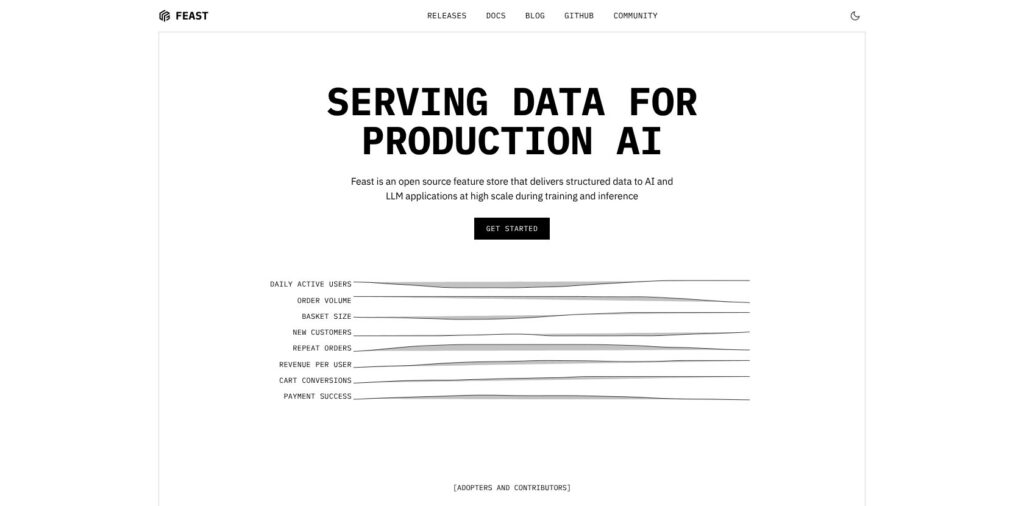
Feast has belonged to LF AI & Data since 2020 and joined the PyTorch Ecosystem in January 2026. Databricks announced its acquisition of Tecton, Feast’s largest historical contributor, on August 22, 2025; Fennel joined Databricks that April. In this review, I’ll take a closer look at Feast’s pricing, features, and security trade-offs, so you can see exactly whether it belongs in your ML platform or whether a managed feature store is the better buy.
Key Takeaways
- Free software: Apache-2.0 removes license fees, not infrastructure and operations costs.
- Correct historical values: Point-in-time joins matched raw data on every row I checked.
- Fast local serving: HTTP reads had a 4.4 ms median; pushed values were readable 3.2 ms later.
- Missing training rows: The default offline store dropped out-of-TTL rows; DuckDB returned them as nulls.
- Authentication required: The
no_authdefault and 2026 CVEs rule out exposing an unchanged installation.
Pros and Cons
Pros
- Apache-2.0 with no license fee; my pip install took 39 seconds.
- Point-in-time values matched the raw data on all 4 rows I checked.
- Single-entity HTTP lookups took a median 4.4 ms on my laptop.
- Pushed values were readable 3.2 ms later, with no materialization run.
- 17 offline and 24 online store options, from DuckDB to Redis and DynamoDB.
Cons
- Still pre-1.0: nine minor releases in 2026, and 0.65 renamed a config key.
- The default config is no_auth, and 2026 CVEs were rated up to 9.9.
- The default offline store dropped training rows outside the 1-day TTL.
- The feast ui command crashed on a plain pip install until I added the grpcio extra.
- No built-in scheduler: cron, Airflow or the operator’s cronJob must run materialization.
Feast Pricing: How Much Does It Cost?
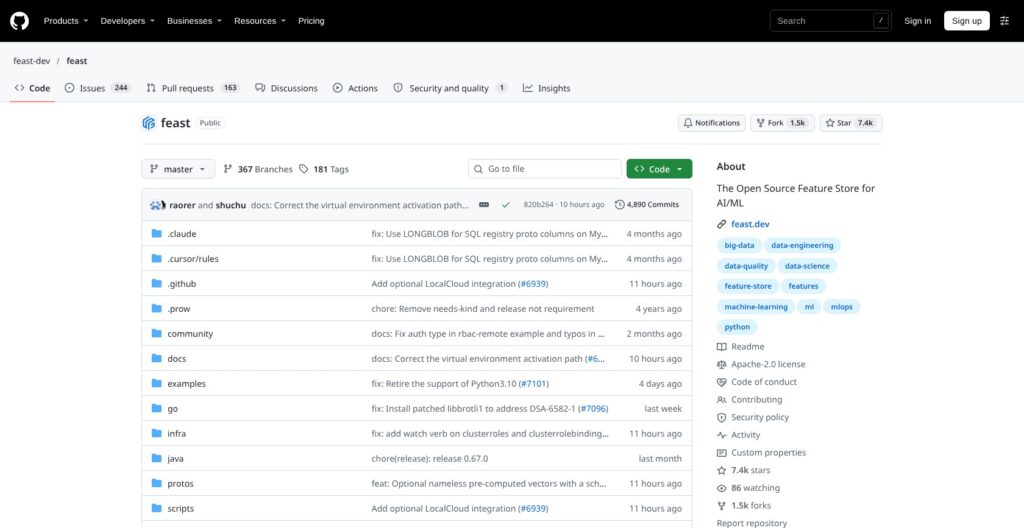
Feast is free under Apache-2.0, with no paid tier and no hosted service from the project. Your bill covers the online database and offline storage, plus materialization compute. A production deployment also needs a registry database and Kubernetes or VMs for the feature server.
- Feast open source (free): for teams operating their own infrastructure. All stores and servers are included, with community support through GitHub.
- Red Hat OpenShift AI (quote only): for OpenShift teams. Its Feast-based Feature Store is a Technology Preview in self-managed releases 2.25 and 3.0. Self-managed licensing uses core pairs of 2 physical cores or 4 vCPUs, with Standard or Premium support; managed licensing is per vCPU, and there is no public list price.
- Canonical Charmed Feast (Ubuntu Pro + Support): for Ubuntu and Juju teams. There is no Feast license fee; Canonical sells it per node through Ubuntu Pro at $500 per server per year, with optional 24/7 support add-ons of $1,775 or $3,400 per server per year and up to 10 years of security maintenance.
| Option | Price | Support | Who runs it |
|---|---|---|---|
| Feast open source | Free | Community: GitHub | You |
| Red Hat OpenShift AI | Quote only; core or vCPU subscription | Red Hat | You, on OpenShift |
| Canonical Charmed Feast | Ubuntu Pro from $500 per server per year | Canonical; 24/7 optional | You, on Kubernetes with Juju |
Is Feast Good Value for Money?
- One-laptop starting point: My SQLite, file-registry, DuckDB, and local Parquet stack ran on one laptop with no service charges. Production swaps in Redis or DynamoDB, a SQL registry in place of the default registry file, and Kubernetes.
- SageMaker comparison: US East rates are $1.25 per million write request units, $0.25 per million read request units, and $0.45 per GB-month. Feast’s equivalent online cost is whatever your Redis or DynamoDB bill comes to.
- Vertex AI comparison: An optimized online serving node costs $0.30 an hour in us-central1, with 200 GB included, or about $219 a month per node running all 730 hours. Offline use adds BigQuery charges.
- Engineering costs: Feast supplies neither managed compute nor a scheduler. Releases arrive roughly every 3 to 8 weeks, and each one needs regression testing before it reaches production.
Reviewer’s Notes: Start on the free open-source release, and pay Canonical or Red Hat only if you already run Ubuntu Pro or OpenShift AI and need a support contract for compliance. If nobody on your team owns infrastructure, I recommend SageMaker, Vertex AI, Databricks, or Chalk instead: a managed store is cheaper than the engineering hours Feast will take.
My Experience With Feast
Installing Feast 0.67
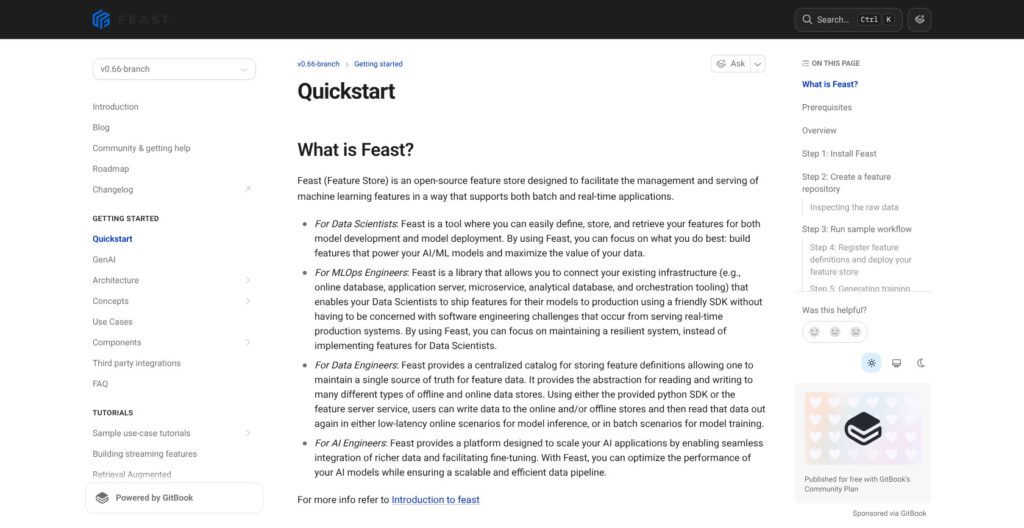
I installed Feast on an Apple M1 MacBook with 8 cores and 16 GB RAM. My system Python was 3.9.6, below Feast 0.67.0’s Python 3.10 minimum, so I used Python 3.12 in a fresh virtual environment.
pip install feast took 39 seconds and installed 65 packages. The environment occupied 467 MB: PyArrow alone used 130 MB, pandas 70 MB, and Feast 41 MB, including its 26 MB web UI.
I counted 56 optional extras in the package metadata, from aws, gcp, and azure to redis, postgres, clickhouse, rag, and ray. The CLI included apply, plan, serve, and permissions, alongside dbt, mcp, and monitor; on-demand feature views, stream feature views, and saved datasets were still marked Experimental.
Building My First Feature Repo
feast init my_project took 5 seconds and generated configuration, feature definitions, a test workflow, and sample Parquet data containing 1,807 hourly rows for 5 drivers. My configuration selected a local provider, file registry, SQLite online store, and no_auth.
The template already used Map, Json, and Struct feature types and defined:
- A Project and an entity.
- Two feature views, one fed by a push source.
- Two on-demand feature views and three feature services, one with feature logging.
- A LabelView for human labels, with a last-write-wins conflict policy.
feast apply took 7 seconds, registering those objects and creating three SQLite tables. It also warned that entity value_type would become mandatory, since the template’s entity was left as ValueType.UNKNOWN, and that experimental on-demand views “do not scale well for offline retrieval.”
For the scale test, I generated 3.36 million synthetic rows (20,000 users with 168 hourly rows each, a 34 MB Parquet file) and defined them with an explicit entity type and a two-day TTL:
from datetime import timedelta
from feast import Entity, FeatureView, Field, FileSource, ValueType
from feast.types import Int64, Float32
user = Entity(name="user", join_keys=["user_id"], value_type=ValueType.INT64)
source = FileSource(path="data/user_stats.parquet", timestamp_field="event_timestamp")
user_stats = FeatureView(
    name="user_stats", entities=[user], ttl=timedelta(days=2),
    schema=[Field(name="clicks_1h", dtype=Int64),
            Field(name="spend_1h", dtype=Float32),
            Field(name="score", dtype=Float32)],
    source=source, online=True,
)
Pulling Point-in-Time Training Data
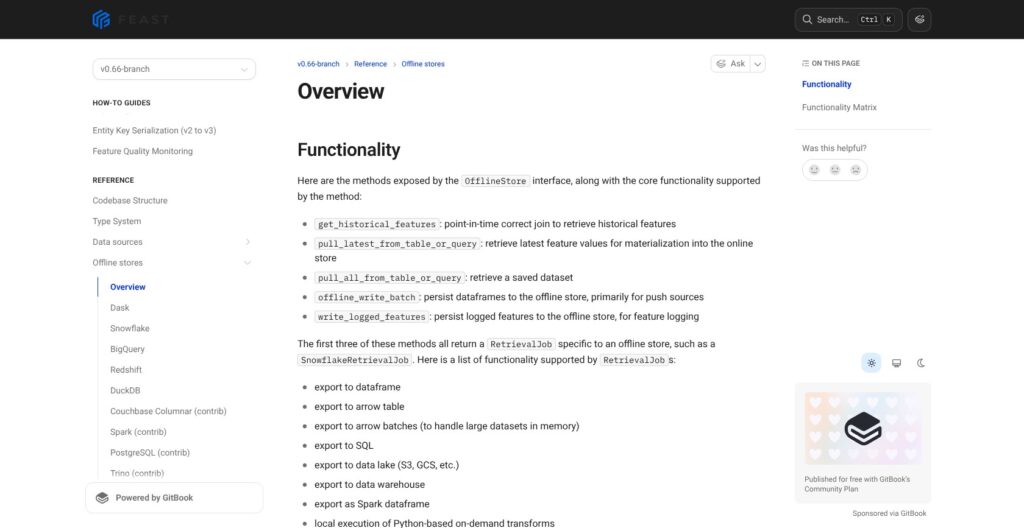
I passed four entity rows to get_historical_features: the same driver at two timestamps 30 minutes apart, plus drivers 26 hours and 3 days back. Retrieval took 0.11 seconds, and every checked value matched the latest source row at or before the entity timestamp: 09:54 selected 09:00, while 10:24 selected 10:00.
The output came back reordered, so I joined labels by keys rather than position.
The default Dask offline store silently dropped out-of-TTL rows when a driver had history but nothing inside the one-day window. I repeated it four ways; one query returned 1 of 4 rows, another 1 of 3. A driver with no history at all came back with nulls instead, because the Dask store’s _filter_ttl code keeps a joined row only when its source timestamp is null or inside the TTL window.
DuckDB returned all 4 rows for the same query, with nulls where history was outside the TTL. I then built training sets of 100,000 and 200,000 entity rows from the synthetic repo on both stores:
| Offline store | 100,000 entity rows | 200,000 entity rows | Peak memory at 200,000 | Rows returned at 200,000 |
|---|---|---|---|---|
| Default local: Dask | 4.2 s | 9.4 s | 2.69 GB | 199,995 |
| DuckDB | 0.7 s | 1.1 s | 1.39 GB | 200,000 |
The five missing Dask rows were duplicate user-and-timestamp pairs that the Dask store collapsed and DuckDB kept. DuckDB was also roughly 8x faster at 200,000 rows with half the memory, so switch to DuckDB or a warehouse before trusting local training sets.
Reviewer’s Notes: I recommend comparing input and output row counts on every training build until the offline store is DuckDB or a warehouse. Include duplicate keys and expired history in those checks; in my test, correct feature values did not guarantee a complete training set.
Changing a Schema
I changed score from Float32 to Int64 and added new_feat. feast plan displayed raw protobuf differences and “No changes to infrastructure”; feast apply accepted the definitions without checking the source Parquet, which had no new_feat column.
Online retrieval still returned 0.9475 under the Int64 definition, while new_feat was empty. Historical retrieval failed with KeyError: "['new_feat'] not in index". Feast validated my definitions, not my data.
I also left a benchmark script inside the repo: feast apply imported it and crashed with a ValueError until I added .feastignore. Separately, feast ui failed with ModuleNotFoundError for grpc; installing feast[grpcio] let it start in about 4 seconds. The UI bound to 0.0.0.0, all network interfaces, unlike the feature server’s 127.0.0.1.
Online Serving, Push and Materialization
I materialized all 3.36 million synthetic rows in 3.6 seconds, with 990 MB peak memory. SQLite retained 60,000 online rows (11 MB): one per user per feature, rather than the full history. The first materialize-incremental run, which loads only the TTL window, also took 3.6 seconds, at 850 MB.
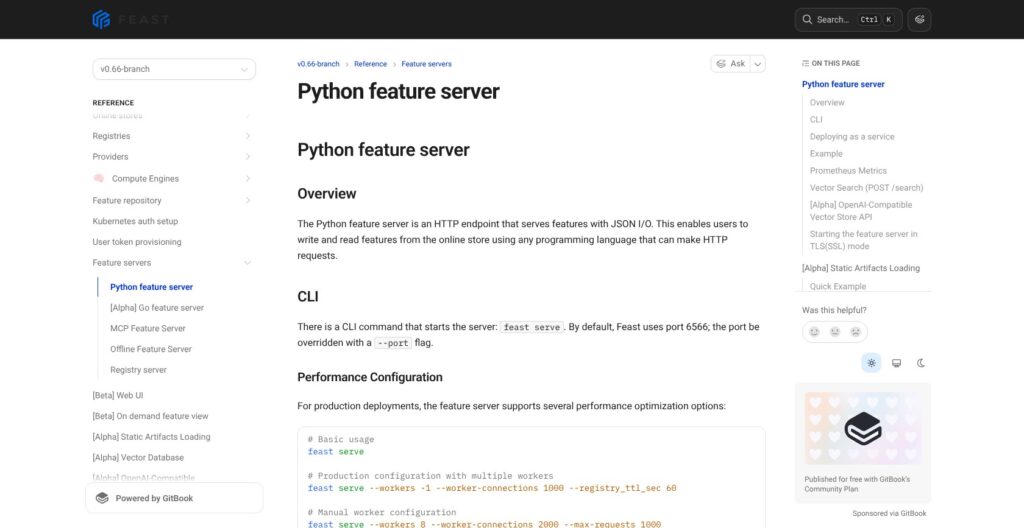
feast serve started Gunicorn and Uvicorn in about 4 seconds. My POST /get-online-features timings were:
- Single entity, 500 calls: median 4.4 ms, p95 10.4 ms, p99 16.7 ms.
- 100 entities per call, 200 calls: median 37.6 ms, p95 86.3 ms.
- On-demand feature service, one entity: median 3.9 ms, p99 5.4 ms.
Responses included a PRESENT status and event timestamp per value. When I omitted content-type: application/json, the endpoint returned HTTP 422.
My POST /push wrote fresh values (conv_rate 0.123, avg_daily_trips 999), and the next read returned them 3.2 ms later, without materialization. For Apache Kafka or Kinesis, an external stream processor must perform that push: Feast does not consume the stream itself. Unlike Databricks Feature Views’ managed pipelines, Feast leaves that processing infrastructure with you.
Of Feast’s 24 online stores, five are core: SQLite, Redis, DynamoDB, Snowflake, and Datastore. PostgreSQL, HBase, Cassandra, and ScyllaDB are community contributions with no stability guarantee. The Python feature server is the default; the Go and Java servers are alpha.
Feast’s own tuning benchmark, using Redis 7.0.12 and a PostgreSQL 16 registry on Kubernetes, measured a default single-worker p99 of 6.92 ms at 480 requests per second. Worker, pooling, and pre-computed feature-vector tuning brought p99 below 2 ms.
The default local engine loads all data into memory: my 34 MB Parquet file peaked at 990 MB during materialization. Spark and Ray (both community-contributed), Flink, Snowflake, and AWS Lambda (alpha) engines exist for larger jobs.
Feast has no scheduler outside the Kubernetes operator’s cronJob setting, so cron, Kubernetes Jobs, or Airflow must run materialize-incremental.
Transformations, Streaming and GenAI Features
Feast labels on-demand transformations Beta and streaming transformations Alpha; batch transformations remain in progress. Feast is not an ETL system, so keep upstream transformation in dbt and scheduling in Airflow.
The template’s pandas transformation added request-time values (val_to_add=1000) to stored features correctly in my test. In-process median latency rose from 0.07 ms to 1.5 ms with that transformation in the path. Transformations can run in the feature server, an offline store such as BigQuery or DuckDB, or a compute engine, and different engines may run different code; Databricks Feature Views run them as managed pipelines instead.
- dbt import: The 0.67 CLI’s
dbtcommand turns dbt models into feature views. - Streaming: Kafka and Kinesis data enter through push sources. Stream feature views remain Experimental in the CLI.
- Vector search: This is Alpha, with Milvus offering the fullest implementation, including
retrieve_online_documents_v2. Other options include SQLite, Elasticsearch, PostgreSQL with pgvector, Qdrant, and ScyllaDB. - Search APIs: The feature server exposes
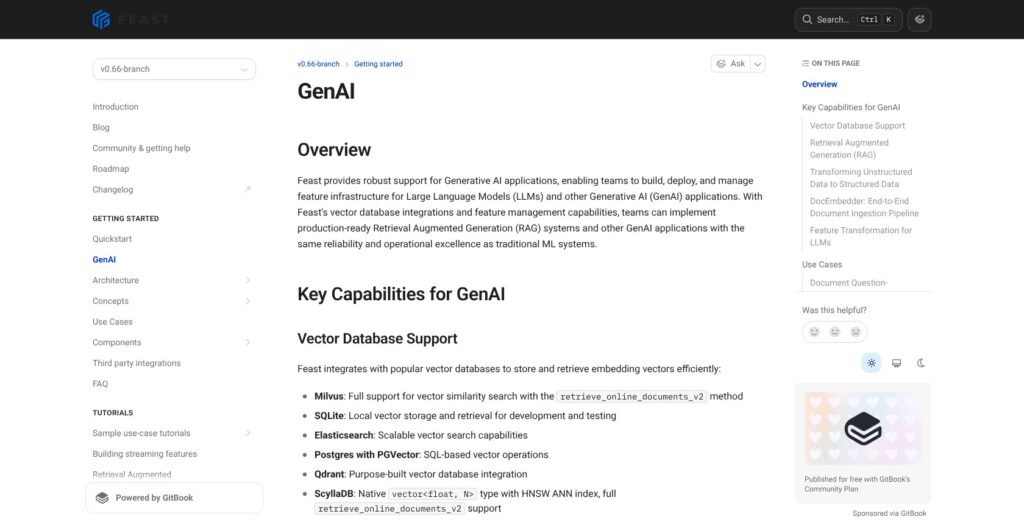
/searchand an OpenAI-compatible vector-store search route. Templates includerag,ray_rag, andpytorch_nlp. - MCP: Installing
feast[mcp]enables an embedded MCP server;feast mcpruns a standalone one. On my plain installation, the command reported “Unavailable in this environment.” - Experiment tracking: MLflow integration, added in 0.62, tags runs with their feature refs and feature service once an
mlflowblock is infeature_store.yaml. - Monitoring: Since 0.64,
feast monitor runcomputes feature-quality metrics, with a Monitoring page in the Beta web UI. - Human labels: The default template includes LabelView for training labels, RLHF, and evaluation data.
Redis Feature Form offers a different split: features-as-code and plan-before-apply keep a Redis online store fresh, while Feast can supply its offline store.
Security, Governance and Release Pace
Feast defaults to no_auth when authentication is omitted. My generated configuration explicitly selected it, and startup warned: “All endpoints are unauthenticated. This is suitable for local development only.”
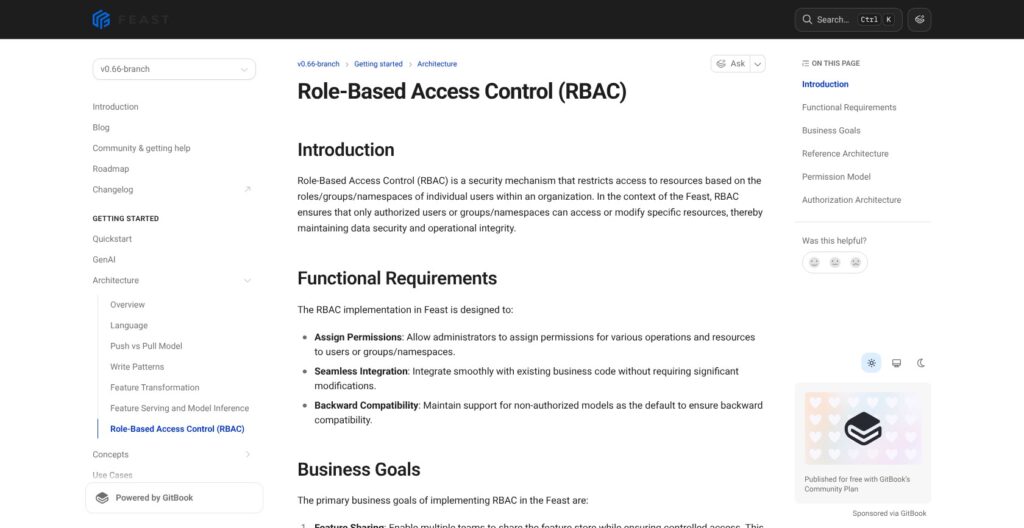
RBAC, added in November 2024, enforces permissions by resource and action at the servers, with OIDC or Kubernetes authentication. Those controls require configuration; installing Feast does not enable them.
The 2026 vulnerabilities, rated 7.5 to 9.9, included:
- CVE-2026-23537, 9.1: Unauthenticated arbitrary JSON file writes through
/save-document. - CVE-2026-56121, 9.3 under CVSS 4.0: Registry-server code execution through deserialization before authorization; fixed from 0.63.0.
- CVE-2026-18948, 9.9: Unsafe deserialization of stored transformations.
- CVE-2026-18947, 8.5:
/materializepermission bypass by omittingfeature_views. - CVE-2026-18941, 7.7: The
no_authdefault in the SDK and operator. - CVE-2026-23538, 7.5: Unauthenticated
/ws/chatconnections enabling resource exhaustion.
In the 0.67.0 code I installed, I found no /save-document endpoint. The WebSocket code capped connections at 5 and messages at 60 per minute, with a 60-second read timeout, and the registry authorized requests before deserializing user code. None of that changed the no_auth default.
Run 0.63.0 or later for the registry fix, and turn on OIDC or Kubernetes authentication before anything leaves a laptop.
Feast remains an LF AI & Data project, rather than a Databricks product. Its 2024 maintainer appointments included Red Hat, Affirm, J.P. Morgan, and an independent contributor, and Red Hat builds its OpenShift AI Feature Store on Feast. Maintainers decide by lazy consensus with a 48-hour objection window.
Feast shipped nine minor releases in 2026, from 0.59.0 on January 16 to 0.67.0 on October 13. In 0.65, total_timeout_ms became batch_total_timeout_ms, so existing config files needed edits. There is still no 1.0, and the Kubernetes operator remains alpha. Pin the Feast version and test config migrations before each upgrade.
How Does Feast Compare to Competitors?
Databricks absorbed two former Feast rivals: Tecton’s acquisition was announced on August 22, 2025, and Fennel joined on April 18, 2025. Tecton has no standalone pricing, and tecton.ai redirects to databricks.com, so Feast vs Tecton is now a Feast vs Databricks decision.
- Hopsworks: The other main open-source choice, and my pick for a hosted starting point with a Feature Store and Model Registry. Its free serverless tier includes 1 project at $0 and community support. Pay-as-you-go SaaS and custom Enterprise plans have no published prices. The free Kubernetes installer supports EKS, GKE, AKS, and OVHcloud, requiring Kubernetes 1.27+ and about 4-5 nodes.
- Databricks Feature Store: My first choice to evaluate inside an existing Databricks deployment. Feature Engineering in Unity Catalog combines declarative Feature Views with a Lakebase-powered online store. There is no separate feature-store price listed, so the cost sits inside your Databricks platform usage.
- Amazon SageMaker Feature Store: The pick for AWS-native teams that want no feature servers to run. US East pricing is $1.25 per million write request units, $0.25 per million read request units, and $0.45 per GB-month. Its in-memory tier costs $0.233 per GB-hour.
- Google Vertex AI Feature Store: My shortlist choice for BigQuery-centered teams. Optimized online serving costs $0.30 per node-hour in us-central1, with 200 GB included, and a data processing node costs $0.08 an hour. Bigtable online serving costs $0.94 per node-hour; offline usage is billed through BigQuery.
- Chalk: The pick when features must be computed at request time and you want that compute managed. Usage-based compute starts at $0.0249 per vCPU-hour preemptible, or $0.0747 non-preemptible.
- Redis Feature Form: Formerly Featureform, it suits Redis-centered teams that want features-as-code with plan-before-apply and workspace RBAC. It can use Feast as its offline store, so it can complement Feast rather than replace it.
| Tool | Model | Pricing basis | Best for |
|---|---|---|---|
| Feast | Open source, Apache-2.0 | Free; infrastructure billed separately | Teams with warehouse and Kubernetes expertise |
| Hopsworks | Open source and managed | $0 serverless tier; paid prices unpublished | Hosted feature store plus model registry |
| Databricks Feature Store | Platform-native | Platform usage; no separate feature-store price listed | Existing Databricks teams |
| SageMaker Feature Store | AWS-managed | Request units and storage | AWS-native deployments |
| Vertex AI Feature Store | Google Cloud-managed | Node-hours plus BigQuery usage | BigQuery-centered deployments |
| Chalk | Managed feature platform | Usage-based compute | Managed request-time feature computation |
How I Reviewed Feast
I tested Feast 0.67.0 on November 10, 2026, using Python 3.12 in a fresh virtual environment on an Apple M1 MacBook with 8 cores and 16 GB RAM, running macOS 26.6.2.
- I ran the official template through initialization, registration, materialization, historical retrieval, online retrieval, push, HTTP serving, and the web UI.
- I checked point-in-time values row by row against the source Parquet rather than relying only on successful API responses.
- I built a 3.36-million-row synthetic repo and measured materialization and training-set builds using Dask and DuckDB.
- I tested TTL gaps, duplicate entity timestamps, and a schema change, including their effects on returned rows and online values.
- I inspected the installed code for the endpoints named in the 2026 CVEs, and weighed the Red Hat and Canonical distributions, the Kubernetes operator, and cloud stores from their documented behavior without deploying them.
Prices current as of November 2026.
Should You Use Feast as Your Feature Store?
I recommend Feast for ML platform teams that already operate a warehouse and have Kubernetes expertise. Snowflake, BigQuery, Amazon Redshift, or Spark can supply the offline side; Feast adds reusable feature definitions and an online API without a license fee.
My 4.4 ms median HTTP result supports a local proof of concept, while the training-row and schema failures make production validation non-negotiable. Choose Feast for control over infrastructure, not to reduce the number of systems a small team must own.
- Recommended if: You want Apache-2.0 software, already operate Redis or DynamoDB, and need shared feature definitions for training and serving.
- Choose Databricks instead: Your ML platform already runs there and its managed Feature Views fit the workload.
- Choose SageMaker or Vertex AI: Avoiding self-run servers matters more than infrastructure portability.
- Choose Chalk: You want request-time feature computation managed for you.
- Choose Hopsworks: You want a free hosted starting point with a model registry.
Before production, replace no_auth, move away from the default local offline store, and schedule materialization. Use a SQL registry, validate source schemas, and compare training-row counts. Run 0.63.0 or later at minimum, then keep up with security releases.
Start at feast.dev: run pip install feast, then point the local template at a copy of your own data.
FAQ
Is Feast free?
Yes, Feast is free under Apache-2.0, with no paid tier or project-operated hosted service. You pay for the online store, offline storage, materialization compute, and the servers that run Feast. Supported distributions include Red Hat OpenShift AI at quote-only pricing and Canonical Charmed Feast through Ubuntu Pro, starting at $500 per server per year before optional support.
Is Feast production ready?
It can be, once you add explicit authentication and a SQL registry. Version 0.67.0 shipped October 13, 2026, and the project remains pre-1.0. Nine minor releases in 2026 included a breaking config rename in 0.65, while the Kubernetes operator remains alpha. Test upgrades and store-specific behavior before deployment.
Is Feast still maintained after Tecton joined Databricks?
Yes, Feast remains maintained as an LF AI & Data project, with maintainers from Red Hat and other organizations. It shipped nine minor releases in 2026, roughly every 3 to 8 weeks, has about 7.4k GitHub stars, and joined the PyTorch Ecosystem in January 2026. Tecton’s move to Databricks did not make Feast a Databricks product.
Is Feast secure by default?
No, Feast defaults to no_auth, leaving server endpoints unauthenticated unless you configure authentication. Its 2026 vulnerabilities included scores up to 9.9. Enable OIDC or Kubernetes authentication and server-side permissions before production, and stay current with security fixes. See Security, Governance and Release Pace above for the specific issues.
What Python version does Feast need?
Feast 0.67.0 requires Python 3.10 or newer, despite quickstart text that still mentions Python 3.9. I used Python 3.12 because my Mac’s system Python was 3.9.6. My fresh virtual-environment installation took 39 seconds and occupied 467 MB, so keep Feast in its own environment.