
Editor’s note: This Looker review assesses semantic modeling, pricing, and governance through independent product analysis.
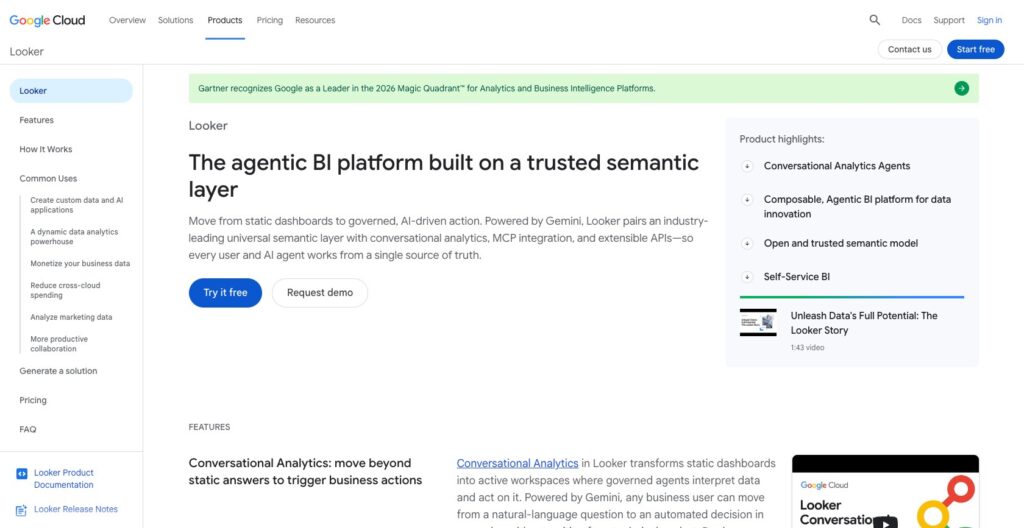
Quick verdict: I recommend Looker (LookML) for teams that want shared business definitions and a reporting platform built around them. Its strongest feature is the control you get over how metrics are calculated, but you need someone to own the model and a budget for the wider Looker platform.
LookML is the modeling language inside Looker. If finance and sales keep arriving at different revenue totals, its shared definitions could justify the investment. If you just want a dashboard for a weekly meeting, I would start with something simpler.
In this review, I’ll take a closer look at the cost, modeling workflow, and limitations that matter when choosing Looker as your semantic layer.
Key Takeaways
- Shared metric definitions are the main attraction. LookML puts reusable business logic behind your Looker reports and Explores.
- The development workflow supports controlled changes. Git integration and validation help teams maintain models together.
- You’re buying into Looker. This is an integrated BI and semantic modeling choice, with a commercial platform contract.
- Self-service still needs preparation. Business users benefit from well-designed Explores, but someone must maintain the definitions underneath.
- External access has boundaries. The Open SQL Interface currently requires BigQuery-backed models and supports a restricted set of SQL operations.
Looker (LookML) Pros and Cons
Pros
- Reusable dimensions and measures keep shared business definitions in LookML.
- Git integration supports versioned model development.
- Explores let business users query prepared models without writing SQL.
- Access filters can restrict data by user attributes.
- Conversational Analytics can use the LookML model as business context.
Cons
- Platform pricing requires a sales quote and annual commitment.
- Reliable modeling needs SQL knowledge and ongoing ownership.
- Warehouse queries and persistent derived tables add operational costs.
- The Open SQL Interface currently requires BigQuery-backed models.
How Much Does Looker Cost?
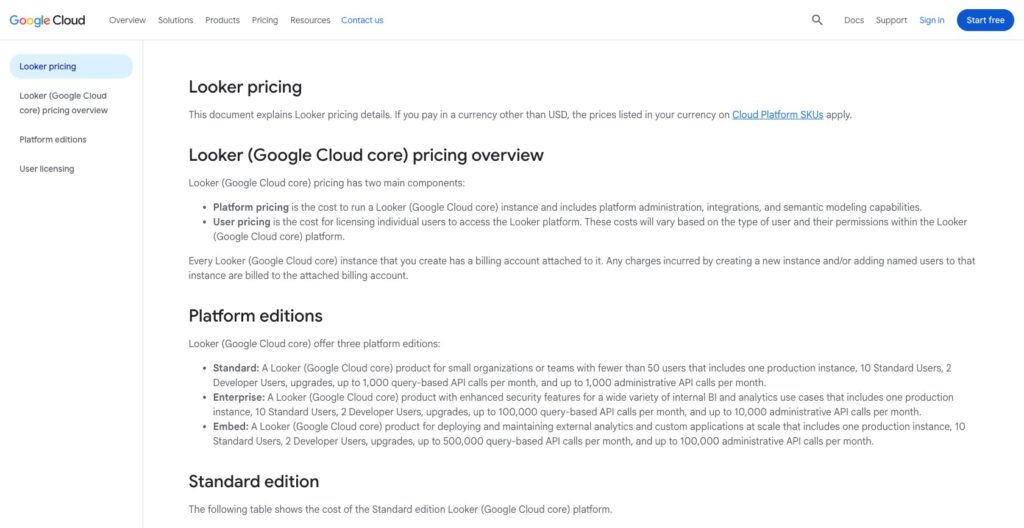
Looker uses custom pricing, which makes it frustrating to shortlist on cost. For Google Cloud core, the bill combines a platform subscription with user licensing. I would request a quote for your actual mix of model developers, report creators, and viewers before comparing it with other tools.
- Standard (custom quote): Positioned for internal teams with fewer than 50 users.
- Enterprise (custom quote): For internal analytics with more demanding security and API requirements.
- Embed (custom quote): For customer-facing analytics and custom applications.
| Google Cloud core edition | Platform price | Included standard/developer users | Monthly query-based API calls |
|---|---|---|---|
| Standard | Custom quote, annual commitment | 10 / 2 | 1,000 |
| Enterprise | Custom quote, annual commitment | 10 / 2 | 100,000 |
| Embed | Custom quote, annual commitment | 10 / 2 | 500,000 |
Those API allowances are separate from ordinary dashboard queries.
User roles deserve particular attention. A viewer can consume reports but cannot use Explore or create dashboards. A standard user can create reports, while LookML development requires developer access. Giving everyone viewer access can undermine the self-service experience you bought Looker to provide.
Is Looker Good Value for Money?
I like the value proposition when several departments need the same definitions and your data team is already spending time reconciling their reports. I am less convinced when you need only a handful of charts and have no plans to maintain a shared model.
Budget for more than licenses:
- Model development: Someone must define calculations, review changes, and handle new reporting requests.
- Warehouse usage: Queries still need database resources, even when a business user launches them through a visual interface.
- Ongoing maintenance: Changes to source tables and business rules can require updates to reporting logic.
Reviewer’s Notes: I would start the quote discussion with Standard for a small internal rollout. Move to Enterprise when specific security or usage requirements justify it, and consider Embed when external analytics is part of the product. Include model developers in that quote.
Getting Started With Looker (LookML)
The biggest setup decision is who owns your metrics. Provisioning Looker will not settle whether revenue includes refunds or which date determines a sale. I would agree on those definitions before exposing a wide set of fields to the business.
To build a conventional LookML project:
- Connect a supported database. Set up the connection and permissions for the data Looker will query.
- Create a LookML project. Define views for the data and models that organize how users can explore it.
- Add business logic. Specify dimensions, measures, and joins that reflect your reporting rules.
- Build a focused Explore. Give users a useful selection of fields for a particular area, such as orders or subscriptions.
- Validate and deploy. Review the model changes and check the reports that depend on them before making them available broadly.
I like the reuse this makes possible. A well-designed orders Explore lets colleagues investigate sales periods or products without asking an analyst to write SQL for every question.
The downside is the preparation. When users need a new shared definition, the request can come back to the data team. Someone still has to extend the model.
Google also offers a visual modeling canvas in Public Preview for eligible BigQuery setups. It can generate LookML from visual work, which is useful for reducing some manual authoring. I would still assign an owner to the resulting model: choosing the right join is a data decision, however you draw it.
For a small team mainly seeking visual querying, I would also consider Metabase. Its query builder is a more direct starting point when formalizing a LookML project would be more work than your reporting needs justify.
LookML: The Best Reason to Choose Looker
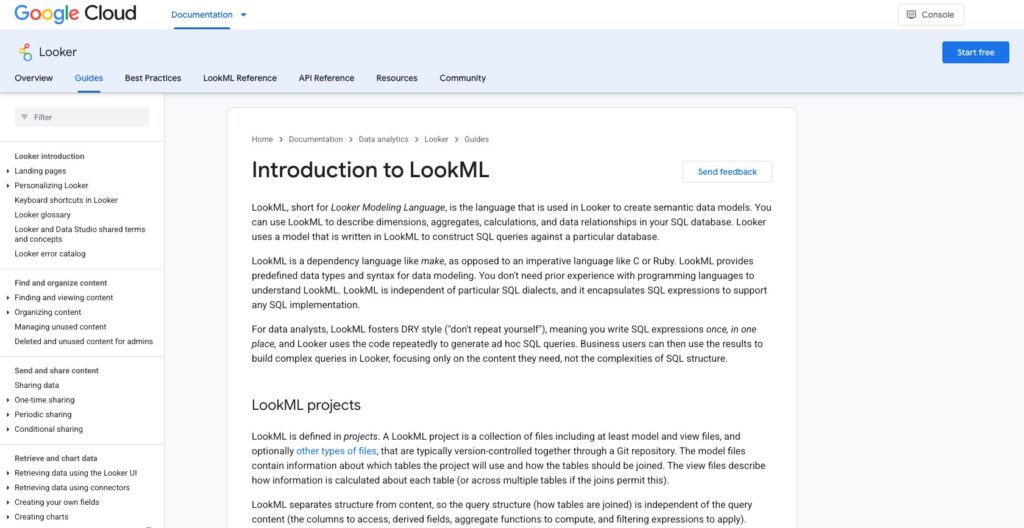
I would choose Looker for reusable definitions before choosing it for its charts. LookML describes the business meaning of your data, and Looker uses the model to generate SQL for the questions people ask.
Consider a hypothetical retailer reporting net sales. One analyst subtracts refunds; another includes canceled orders; a third uses the payment date instead of the order date. All three can produce plausible charts with different answers.
A shared LookML measure gives the team an agreed calculation to reuse. That is the benefit I care about: you can discuss whether the definition is right instead of repeatedly reconstructing how each report calculated it.
What I Like About the Development Workflow
LookML projects integrate with Git, so model changes can be tracked and reviewed. Development Mode gives developers a place to work on changes before deploying them to production.
Looker also separates different checks:
- LookML validation looks for errors in the model code.
- Content validation helps identify saved content affected by model changes.
- Data tests let developers define assertions about query results.
I like having these checks available because a small modeling change can affect many reports. Renaming a field is easy; knowing which saved questions relied on it is the harder part.
Still, a model that validates can contain a business definition nobody wanted. I would keep an agreed example alongside important metrics, such as an order with a partial refund, and use it to check the calculation. Automated checks are most useful when your team has decided what a correct result should be.
Where the Shared Model Can Lose Its Value
Custom fields and table calculations give permitted users room to investigate outside the maintained model. I like that flexibility, but table calculations operate only on the returned rows. A total can therefore exclude rows beyond the query limit.
My preference is to move widely reused calculations into LookML after review. An improvised result should not become the company KPI just because it looks convincing in a dashboard.
Governance and Performance: You Still Need a Data Team
Looker’s access controls are useful when different people should see different parts of the same model. Roles govern permissions and model access, while access filters can apply restrictions using user attributes.
For example, a regional manager could work with the same reporting structure as colleagues while seeing only the data their assigned region permits. I like this approach because it can avoid building a separate reporting model for every audience.
One detail I would not overlook: hiding a field only removes it from the interface. It does not secure the data. Use access grants for sensitive fields, and check the permissions assigned to ordinary users.
Fast Dashboards Depend on More Than LookML
Looker generates queries for the connected database, so the model and warehouse both affect performance. A shared definition does not make an expensive join cheap.
Caching can reuse results, and datagroups help coordinate cache expiry with data updates. This is useful when a pipeline runs on a schedule: you can align when reports refresh with when new data is ready.
Persistent derived tables, or PDTs, offer another option. They store the results of derived queries in the connected database so that work can be reused. I like having that flexibility, but those tables need storage, rebuild resources, and maintenance.
I would agree on freshness before tuning for speed. A management dashboard can often wait for the morning data load; an operational report may need updates throughout the day. Those requirements should determine the cache and rebuild settings.
If performance engineering across several BI applications is the main project, I would also compare AtScale. Its shared semantic layer and aggregate-based acceleration address a different buying decision from adopting Looker as the reporting environment.
Can You Use LookML Outside Looker?
You can access Looker’s modeled data beyond its own dashboards, but I would examine the connection you intend to use before treating LookML as a general replacement for a standalone semantic layer.
The Open SQL Interface is a good example. It lets compatible SQL clients access Looker models, but currently requires models connected to BigQuery. Its supported query syntax is restricted: read-only SELECT queries are supported, while client-side JOIN operators, subqueries, and window functions are not.
That does not mean your LookML model cannot contain joins. The restriction applies to what the external client submits through this interface.
The Tableau connector makes the trade-off concrete: it uses this interface, cannot join two Looker Explores, and is designed for live connections. Extract mode returns null for Looker measures. I would want those limitations resolved before committing to Looker underneath an existing Tableau setup.
Cube is worth comparing when you want a semantic layer serving multiple BI tools and applications through its interfaces. Ask for a demonstration with your intended client and a representative query.
Looker’s AI Features: Useful Context, With Limits
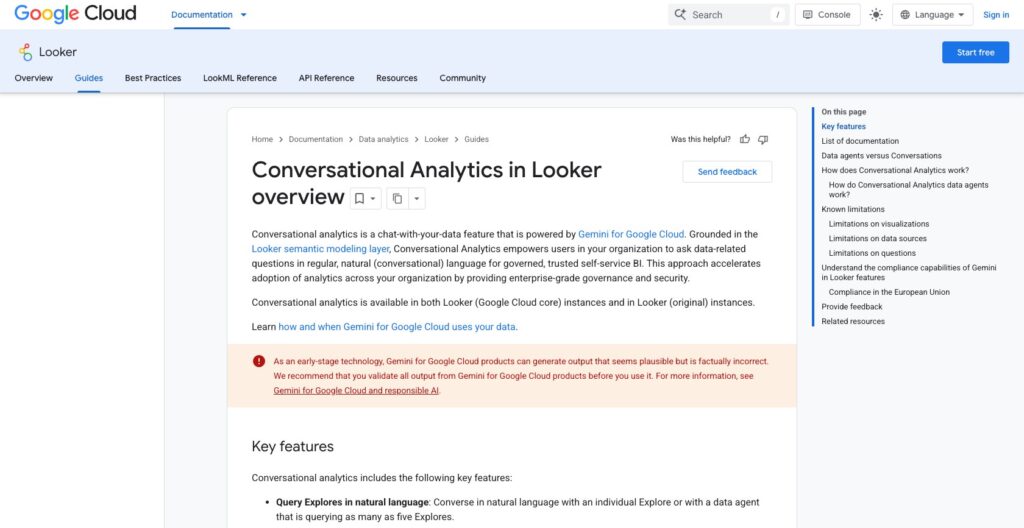
The attraction of Conversational Analytics is that questions can use your modeled business context. A natural-language request can draw on the LookML schema and agent instructions, giving the system more guidance about your business than a set of unexplained column names.
I like that direction, particularly for occasional users who know their question but do not know which fields to select. Clear metric names and descriptions become more valuable when they also help interpret a question.
My reservation is that a governed model does not guarantee a correct AI answer. Ambiguous questions still need checking. Conversational Analytics also has a 50,000-row limit per query and cannot set filter-only fields defined with LookML’s parameter or filter options.
For consequential figures, I would inspect the filters and underlying result before passing on the answer. Separate Python-based Advanced Analytics supports broader work, such as cohort analysis, but is unavailable in dashboard agents and standalone Explore conversations.
AI usage also deserves a line in your budget. Current promotional access has no quota limits or overage fees within fair usage, but Google describes future token allowances and charges, with at least 90 days’ notice before enforcement. I would assess the long-term terms before rolling conversational access out widely.
How Does Looker Compare to Alternatives?
I would compare Looker with these three tools, depending on how much reporting infrastructure you already have:
- Cube: My first comparison for a team building a semantic layer that serves several applications. Its modeling, access controls, caching, and APIs suit that architecture.
- AtScale: Worth considering when you want shared business definitions beneath existing BI tools, with aggregate-based query acceleration. It is still a substantial data-platform decision.
- Metabase: My preference for a smaller team prioritizing visual questions and dashboards. I would weigh its simpler starting workflow against Looker’s more formal model development.
I would favor Looker when its reporting interface and LookML model are both part of the plan. Buying the platform mainly to feed other tools makes the external integration requirements much more important.
How I Reviewed Looker (LookML)
I evaluated the modeling workflow, licensing structure, access controls, external connections, and AI limitations, then compared how those choices fit different teams. My recommendations give particular weight to model ownership and the work required to maintain consistent metrics.
Pricing and plan conditions checked in October 2026. Custom contract totals depend on your quote.
Should You Choose Looker for Its Semantic Layer?
Choose Looker (LookML) when you can commit to maintaining shared definitions. I recommend it for teams that can assign technical ownership and want business users to work inside a reporting environment built around that model.
I would skip it for a small dashboard project with no dedicated modeling capacity. I would also compare standalone semantic layers if your priority is supporting several reporting tools equally. LookML is most persuasive when the wider Looker platform is something you actually want.
FAQ
Is LookML a separate product from Looker?
LookML is Looker’s modeling language. It defines the semantic models Looker uses to generate queries. Evaluate the commercial Looker platform when budgeting for it.
Do you need SQL to use LookML?
Developers benefit from SQL knowledge to define and troubleshoot models. Business users can query prepared Explores without writing SQL, subject to their access and license.
Is Looker the same as Looker Studio?
They are different products. This review covers Looker and its LookML semantic layer, not the separate Looker Studio reporting tool.
Can Looker connect to Snowflake?
Yes, Looker supports Snowflake connections. That does not extend to every external interface: the Open SQL Interface currently requires BigQuery-backed models.
Will LookML eliminate conflicting metrics?
It gives you a shared place to define them. Your team still needs to agree on the definitions and use them consistently. I would treat metric ownership as part of the implementation.