
ClickHouse is my top analytics database pick for 2026 if you need fast dashboards over large datasets. It works well for real-time reporting and product analytics. If you’re working with files on your own machine, DuckDB is simpler; if you want a managed cloud warehouse, try Snowflake.
In this guide, I’ll explain how analytics databases differ from everyday operational databases, compare the leading options on speed and cost, and help you choose the one that fits the way you work.
Top 3 analytics databases at a glance
The chart below shows what each of these three databases is best for, what it costs, and where to learn more.
Real-time analytics

ClickHouse
See pricing Visit ClickHouse →Free open-source software; ClickHouse Cloud charges for compute and storage
- Columnar SQL analytics over large datasets
- Self-hosted and managed cloud options
- Built for dashboards and event analytics
Local analysis

DuckDB
About DuckDB Visit DuckDB →Free, open-source software; no database server required
- Queries Parquet and CSV files directly
- Runs inside your application or notebook
- Works locally without a separate server
Managed warehousing

Snowflake
See pricing Visit Snowflake →Usage-based compute credits, plus storage and applicable data-transfer charges
- Managed cloud data warehouse
- Separate storage and compute scaling
- SQL analytics for multiple teams
Analytics databases compared
The order follows the article: the four operational databases first, then the purpose-built engines, then the cloud warehouses.
| Database | Type | Best for | Deployment | Cost model |
|---|---|---|---|---|
| Oracle DB | Operational RDBMS | Analysis on relational data you already hold | Self-hosted or cloud | License |
| Microsoft SQL Server | Operational RDBMS | The same, plus close Power BI integration | Self-hosted or cloud | License |
| MongoDB | Operational document store | Analysis on semi-structured data you already hold | Self-hosted or managed | Open source or usage-based |
| Cassandra DB | Operational wide-column store | High write throughput; the weakest here for ad hoc analytical queries | Self-hosted or managed | Open source |
| ClickHouse | Columnar OLAP | Sub-second dashboards over very large tables | Self-hosted or ClickHouse Cloud | Open source, or published usage rates |
| DuckDB | In-process OLAP | Local and single-machine analysis over files | Embedded in your process | Free |
| Apache Druid | Real-time OLAP | Streaming time-series with pre-defined queries | Self-hosted or managed | Open source |
| Apache Pinot | Real-time OLAP | High-concurrency, user-facing analytics | Self-hosted or managed | Open source |
| StarRocks | Columnar OLAP | Multi-table joins and frequent updates | Self-hosted or managed | Open source |
| Apache Doris | Columnar OLAP | Mixed batch and streaming, coupled or decoupled storage | Self-hosted or managed | Open source |
| Firebolt | Cloud OLAP | A PostgreSQL dialect with a small operational surface | Self-hosted, managed, or your own cloud account | Per-second usage |
| SingleStore | HTAP | Transactions and analytics in one system | Managed or self-hosted | Published credit rates |
| Snowflake | Cloud warehouse | Managed SQL analytics with compute sized per team | Managed | Credits, priced by quote |
| BigQuery | Cloud warehouse | Serverless analytics with no cluster to size | Managed | Per TiB scanned, or per slot-hour |
| Databricks | Cloud warehouse and lakehouse | Warehouse queries alongside Spark and machine learning | Managed | DBUs plus cloud compute, priced by quote |
Treat it as a way of narrowing fifteen options to the two worth testing on your own query patterns.
Key Takeaways
- ClickHouse leads on raw speed with a 0.148 second median; DuckDB follows at 0.348 seconds, and the gap from second place to third is an order of magnitude
- Oracle, SQL Server, MongoDB and Cassandra are operational databases, and they stay the sensible choice while the data already lives there and moving it is not worth the effort
- Purpose-built engines store data in columns instead of rows, which is the single design decision behind fast aggregate queries
- Costs split four ways: per byte scanned (BigQuery charges 6.25 US dollars per TiB), per unit of compute time, per compute unit at a published rate, or a free license you pay for in operations
- Choose a managed warehouse such as Snowflake, BigQuery or Databricks if you would rather not run the infrastructure yourself
A note on where these numbers come from: ClickBench is open and reproducible, so anyone can rerun it, but the results page everyone cites is published by ClickHouse, who top it. Vendor documentation and published price lists cover the rest. Where a vendor does not publish a number, as Snowflake and Databricks do not for their per-unit rates, I say so rather than estimate.
An analytics database (usually read-only) serves as the data repository used for the sole purpose of analytics in an organization.
Since its primary aim is business intelligence (BI) and analytics, it should be different from the operational database.
To choose the best and fastest analytical database for your organization, you must answer two questions:
- Which database will let me run fast analysis?
- Which database optimization is best to handle analytical querying?
Every database has its core strength.
Let’s look at a couple of SQL and NoSQL databases to identify their performances regarding these questions.
The SQL databases I’ll discuss are Oracle DB and Microsoft SQL Server (MS SQL), and the NoSQL databases are MongoDB and Cassandra DB.
Let’s dive in!
What counts as an analytics database in 2026
The four databases below are the ones teams most often already own, which is why they get used for analysis. It is worth being precise about what they are, though. Oracle, SQL Server, MongoDB and Cassandra are operational databases: they are built to write and read individual records quickly and safely, and they have each added analytical capability on top of that foundation.
A purpose-built analytics database starts from the opposite requirement. It stores data in columns rather than rows, so a query that scans one field across a billion records touches only that field. It compresses heavily, parallelizes aggregation, and accepts slower single-record writes in exchange. That is the trade that makes a dashboard return in under a second instead of a minute.
Running analytics on the database you already operate avoids moving data and keeps one system to maintain. Moving to a dedicated engine is what you do when query times stop being acceptable or when analytical load starts interfering with the application. The sections that follow cover the operational four first, then the engines built only for analysis.
SQL databases
Let’s start by looking at 2 of the best SQL databases: Oracle DB and MS SQL.
Oracle DB
Oracle DB is a relational database management system (RDBMS) by Oracle Corporation.
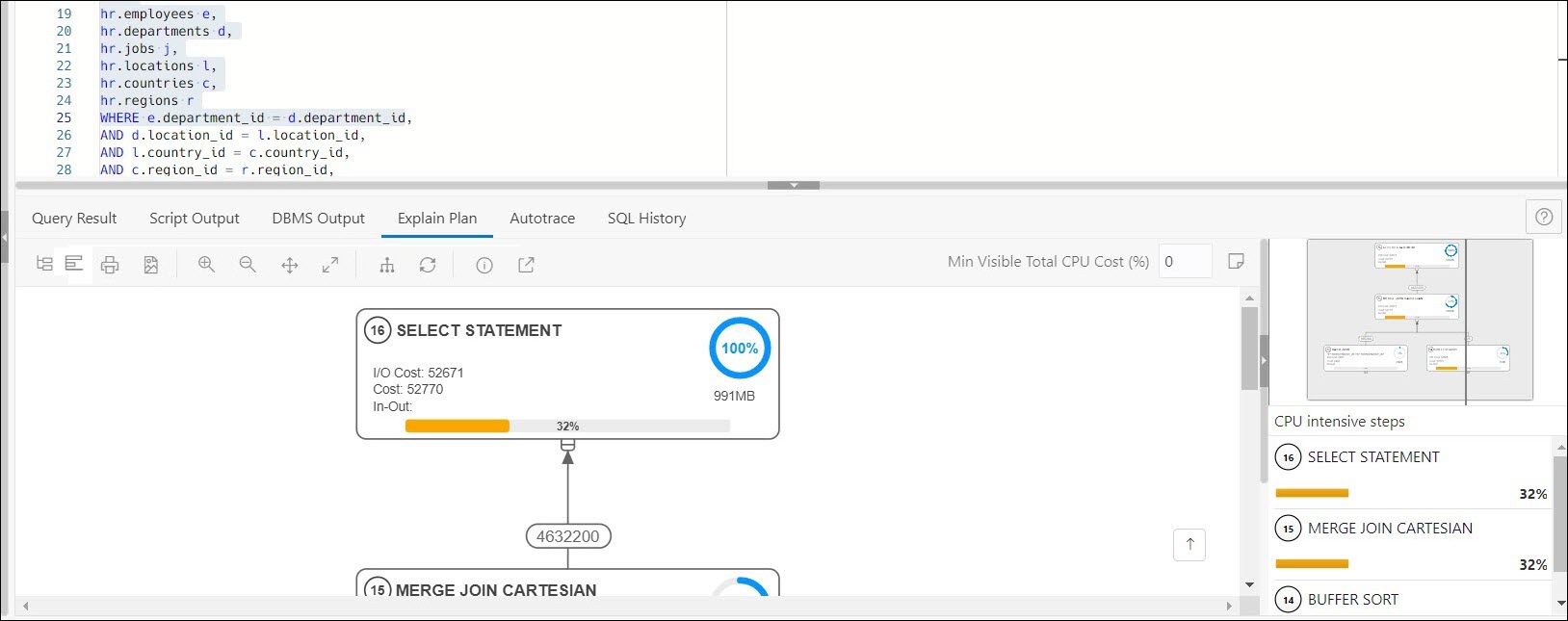
It offers a flexible and cost-effective system for managing information and data flow within an organization through grid computing.
Grid computing works by harnessing a combination of resources and virtualization to perform tasks such as “big data analysis.”
Will Oracle DB let me run fast analysis?
When compared to traditional analytics, Oracle DB takes a shorter time to perform data import, mining, preparation, and transformation.
In traditional analytics, these processes take hours, days, and sometimes even weeks. But in Oracle DB, it takes seconds, minutes, or hours depending on the data size resulting in a faster analysis time.
This slow pace in traditional analytics is because data analysts take the following steps before analyzing data:
- Download data to a spreadsheet.
- Determine questions that need answers from the downloaded data.
- Answer the questions defined in the step above.
To compare, in Oracle DB, the data remains in the database, and artificial intelligence and machine learning are harnessed to perform the analytics.
Is Oracle DB optimized to handle analytical querying?
When it comes to optimization for analytical querying, Oracle DB uses analytical views to optimize its handling of analytical queries.
Analytical views work by organizing datasets in a way that makes it easy for results of queries, such as aggregates, to run more quickly. These analytical views, therefore, help data analysts query data entities fast and efficiently.
MS SQL
Next up is MS SQL, an RDBMS developed by Microsoft that runs either on-premises or cloud environments. Similar to Oracle DB, it also uses virtualization to handle large datasets.
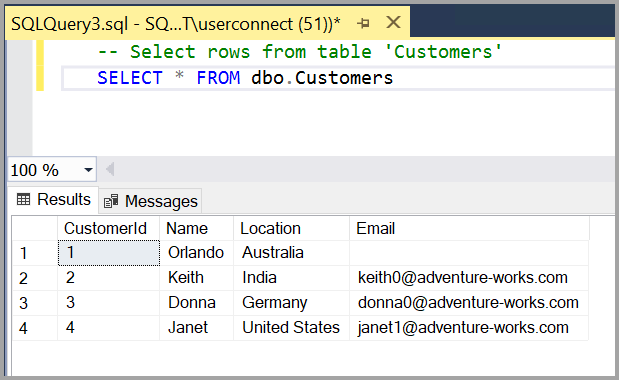
SQL Server has continued on this path since, with intelligent query processing expanded in SQL Server 2022 and 2025.
This feature allows data analysts to run various workloads on the database without any changes to the database or application design.
Will MS SQL let me run fast analysis?
MS SQL has an analysis feature that supports data analysts as they perform BI and analytics operations. This feature also supports data modeling, and, like Oracle DB, it supports data mining.
Also, like in Oracle DB, the dataset remains in the database.
Data analysts also can connect to the datasets from analytics platforms such as Power BI to perform data analysis and generate useful insights.
Is MS SQL optimized to handle analytical querying?
The most recent MS SQL version uses functions that are available as commands in Power BI to optimize query operations.
It is also optimized to automatically detect relationships between data entities such as tables and create data models from these in its Power BI platform.
These functions and commands improve query operations when compared with previous versions of MS SQL.
NoSQL databases
Now that we’ve seen some SQL databases, let’s look at MongoDB and Cassandra DB, which are both NoSQL.
MongoDB
Unlike the two previously discussed databases, MongoDB is not an RDBMS, which means that the data entities are non-relational.
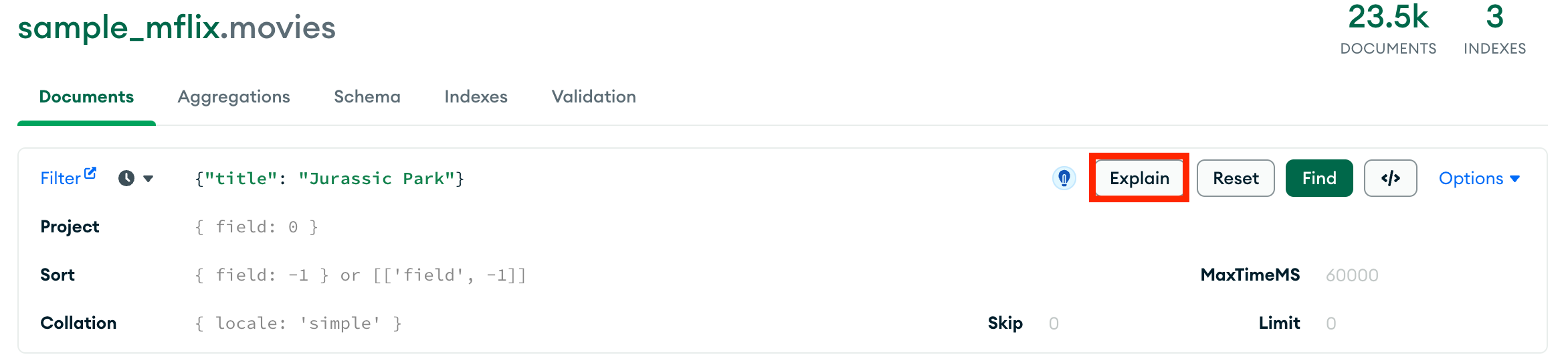
Additionally, it is an open-source database. MongoDB can run on multiple servers and supports sophisticated queries.
Similar to MS SQL, it also supports large workloads.
Will MongoDB let me run fast analysis?
Because MongoDB is a NoSQL database, data analysts don’t have to store data on the platform in a tabular format. Unstructured data, such as geospatial data and binary data, get stored in its database.
MongoDB uses indexes to perform real-time analytics, which takes seconds, minutes, or hours depending on the data size.
Is MongoDB optimized to handle analytical querying?
To perform optimized analytical querying, MongoDB uses tools such as its built-in query profiler to detect query operations that are performing poorly.
The data analyst will then use the information provided in the profiler to determine the optimizations that will help to improve the performance of the database.
This means that the data analyst performs optimization manually as against other databases that have built-in optimization capabilities.
Cassandra DB
Similar to MongoDB, Cassandra DB is non-relational and open-source. It’s a lightweight database, which means that it works on a large volume of data rapidly.
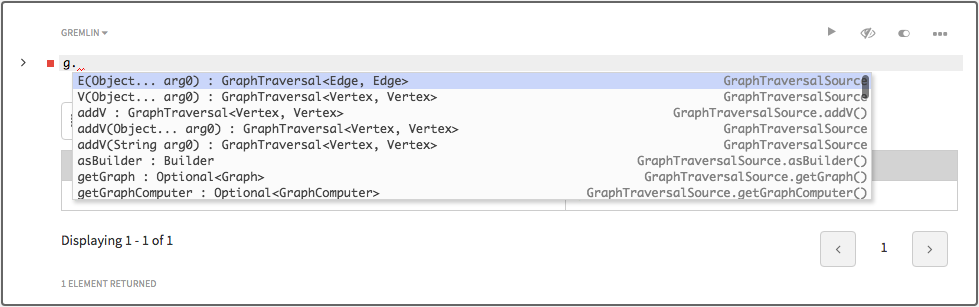
It can also handle datasets that have different data types.
Will Cassandra DB let me run fast analysis?
Cassandra DB works by creating replicas of datasets that users can easily access in case of data failure from any of the replicas.
It also uses distributed data centers, making data always available and reduces latency due to distance.
This capability to perform with reduced latency makes it possible for Cassandra DB to run analysis fast while supporting other workloads.
Is Cassandra DB optimized to handle analytical querying?
Cassandra optimizes its handling of analytical queries by letting the data analysts or engineers add more nodes to perform query operations faster.
This flexibility also lets the data analyst scale down on the number of nodes being used if required.
When to move analytics off your operational database
The useful question is not which path is better but when the first one stops working. Two triggers matter: analytical queries slowing the application down, or queries that no longer return fast enough to be useful.
Watch the contention signals. Engineering writeups from MotherDuck and Tinybird on outgrowing Postgres for analytics name the same mechanism, and it applies to any row-store. MotherDuck points to a buffer cache hit ratio dropping below 90 percent for analytical queries against a healthy 99 percent baseline, replica lag running past five minutes during peak reporting, and I/O wait of 10 to 20 percent during reporting windows. At that point the reporting load is costing the application latency.
Watch the query shapes. Tinybird looks at trend lines instead of fixed thresholds: average query time rising more than 20 percent month over month for three consecutive months, P95 response times running three times the average, and average joins per query above five. Large sequential scans and many-table joins are what a row-store handles badly, so once they dominate the workload the architecture is the constraint rather than the tuning.
Decide before it is urgent. Both sources treat three or four signals together as the trigger rather than any single metric, and both note that stopgaps such as materialized views buy six to twelve months before the pressure returns. Tinybird puts a move at three to six months to plan and execute, so decide while the current setup still works.
Purpose-built analytics databases worth knowing
If the four databases above are what teams analyze with because they already have them, these are what teams move to when analysis becomes the main job. The same two questions still apply: will it let me run fast analysis, and is it optimized for analytical querying?
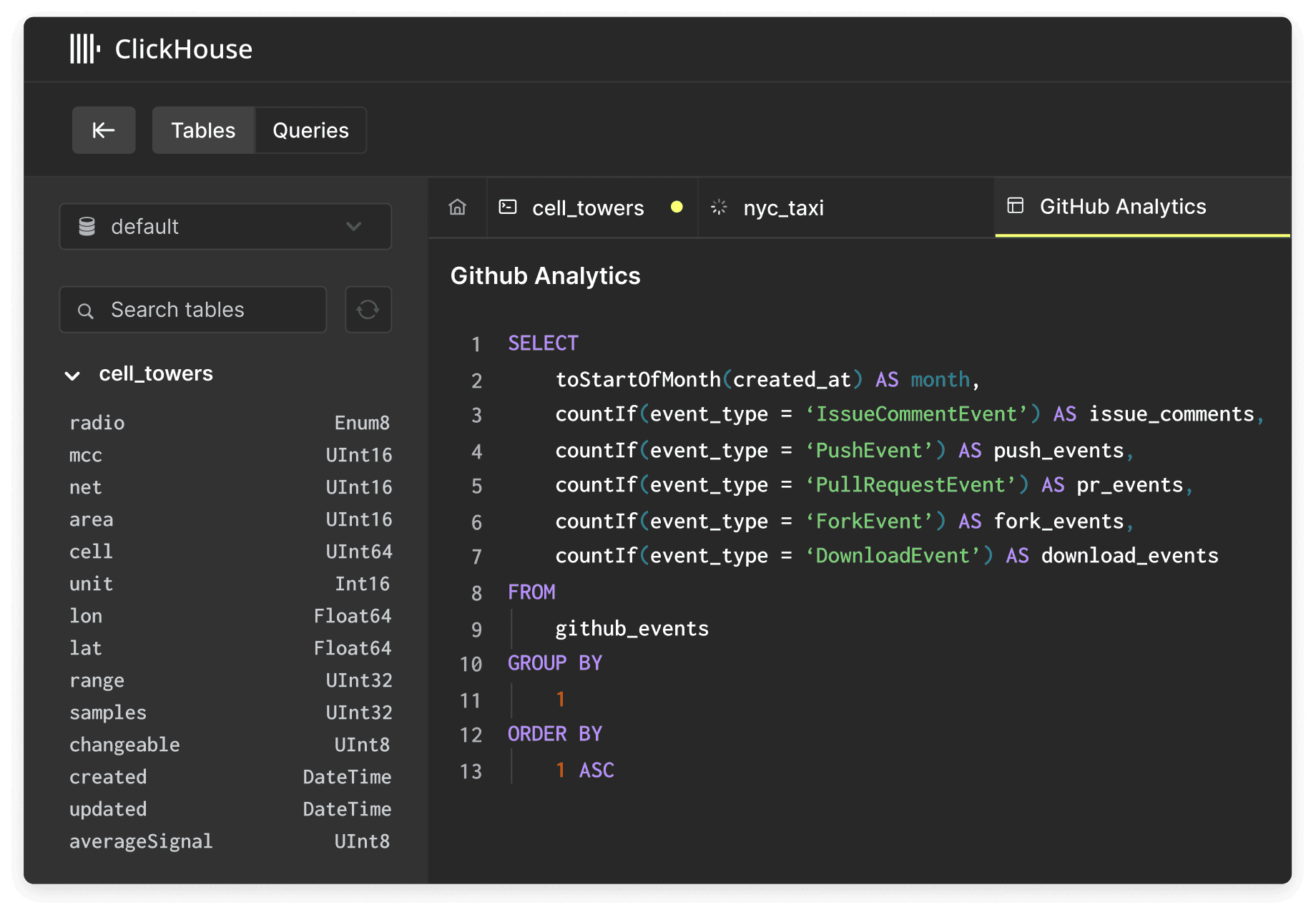
ClickHouse
ClickHouse is an open-source columnar database built for exactly this workload. It answers aggregate queries over very large tables in well under a second, which is why it shows up behind product analytics, observability and log-search tools. It is the default starting point if you want self-hosted speed and are comfortable managing a database.
DuckDB
DuckDB runs analytical queries inside your own process, with no server to operate. It reads Parquet and CSV files directly, which makes it the fastest way to analyze data that already sits in files. For single-machine work and local analysis it removes the infrastructure question entirely.
Apache Druid and Apache Pinot
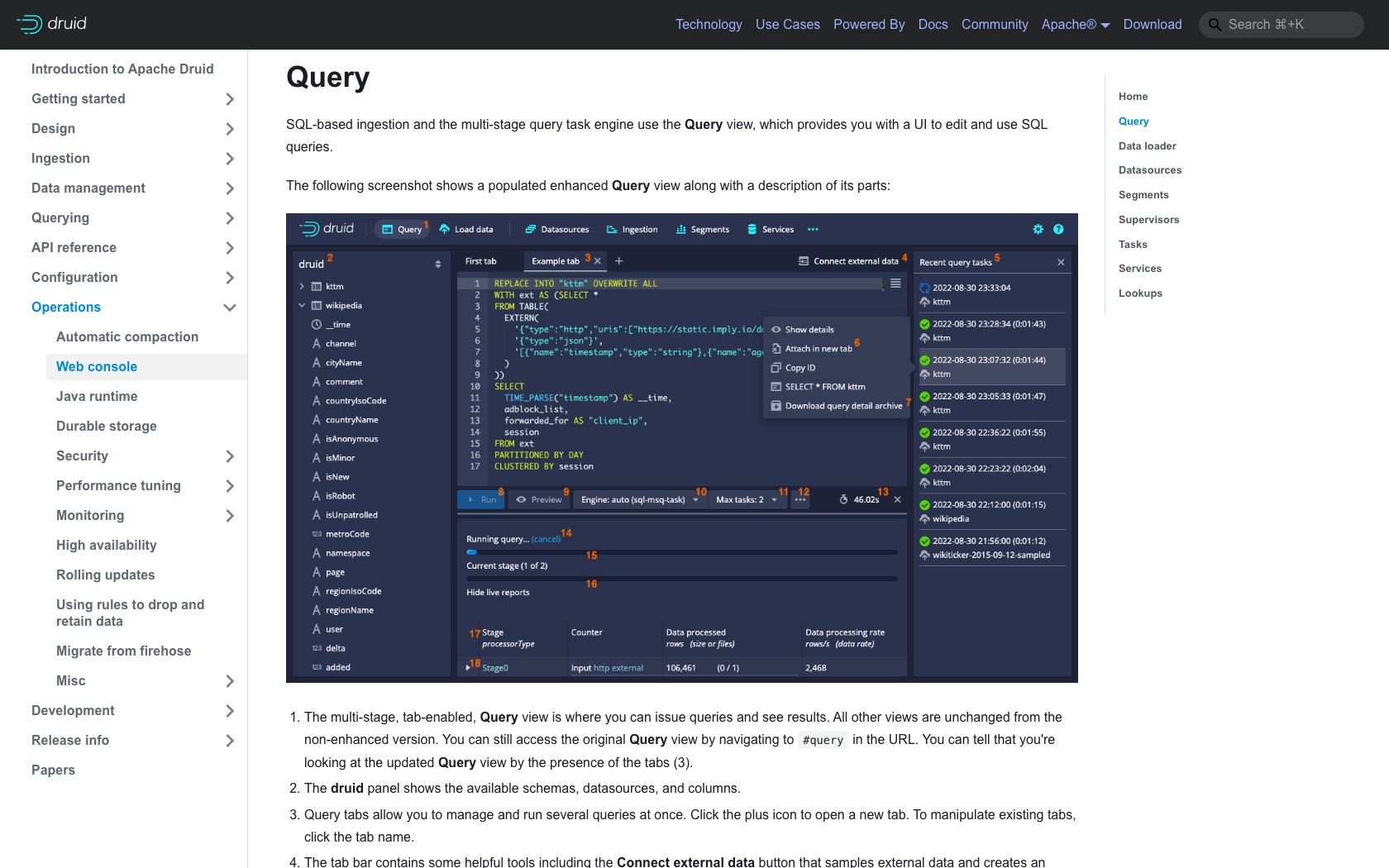
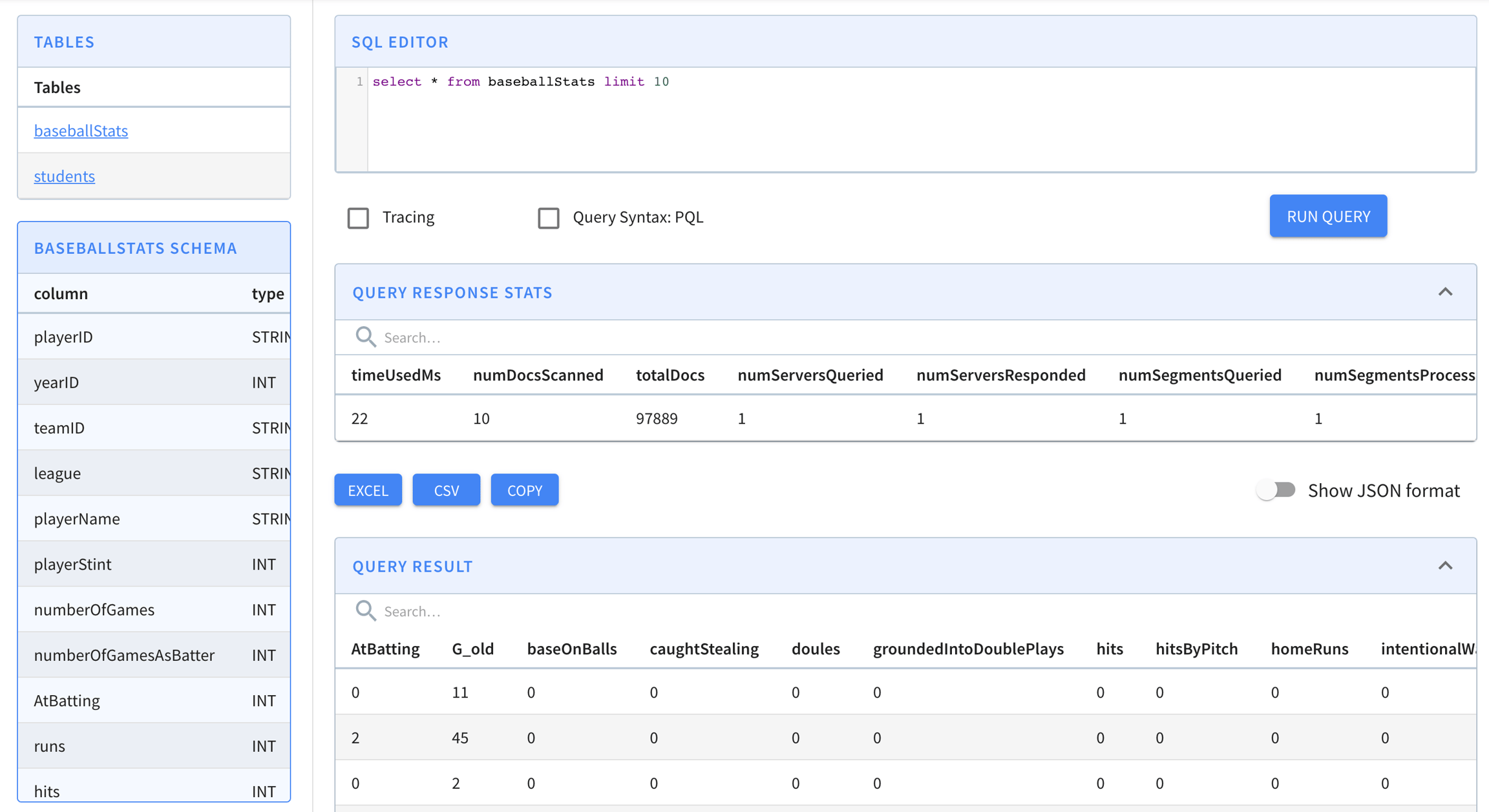
Both are built for real-time serving: data arriving from a stream becomes queryable within seconds, at high concurrency. The distinction that matters is who is asking. Druid and Pinot are chosen when the queries come from an application or a customer-facing dashboard rather than from an analyst, where consistent sub-second response under many simultaneous users is the requirement.
StarRocks
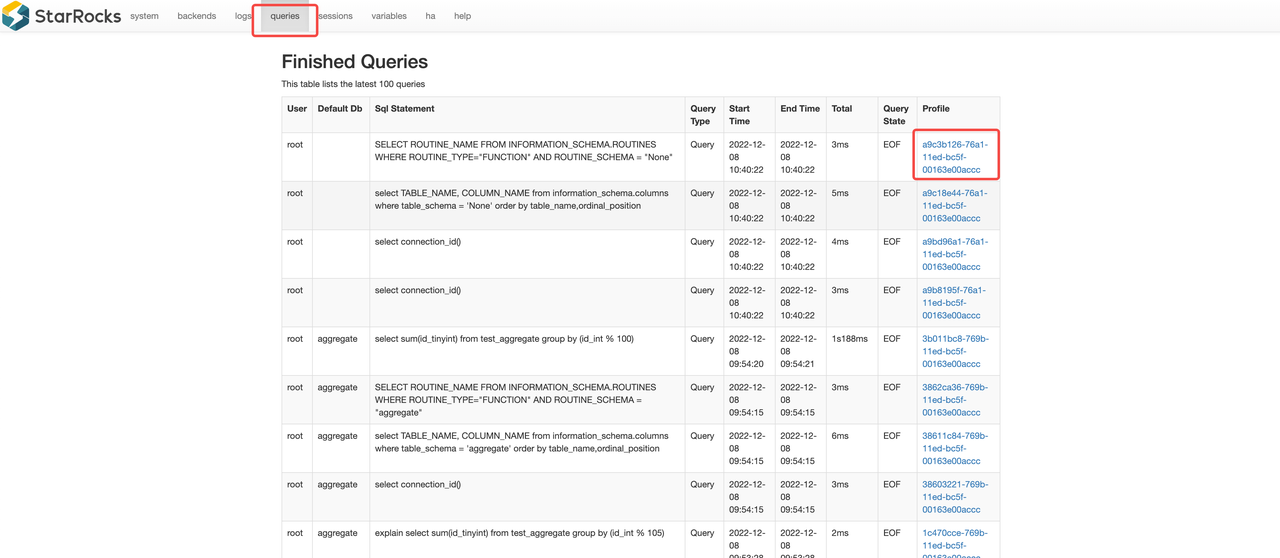
StarRocks is Apache 2.0 licensed and governed as a Linux Foundation project, with PhoenixAI, formerly CelerData, leading development. What separates it from ClickHouse is a cost-based optimizer for multi-table joins and support for second-level updates and deletes, so it suits star schemas you have not denormalized and data that keeps changing. StarRocks publishes its own tests claiming it beats ClickHouse by 2.2x on the thirteen-query flat-table Star Schema Benchmark; those are the vendor’s numbers, and StarRocks does not appear as a named current system in ClickBench.
Apache Doris
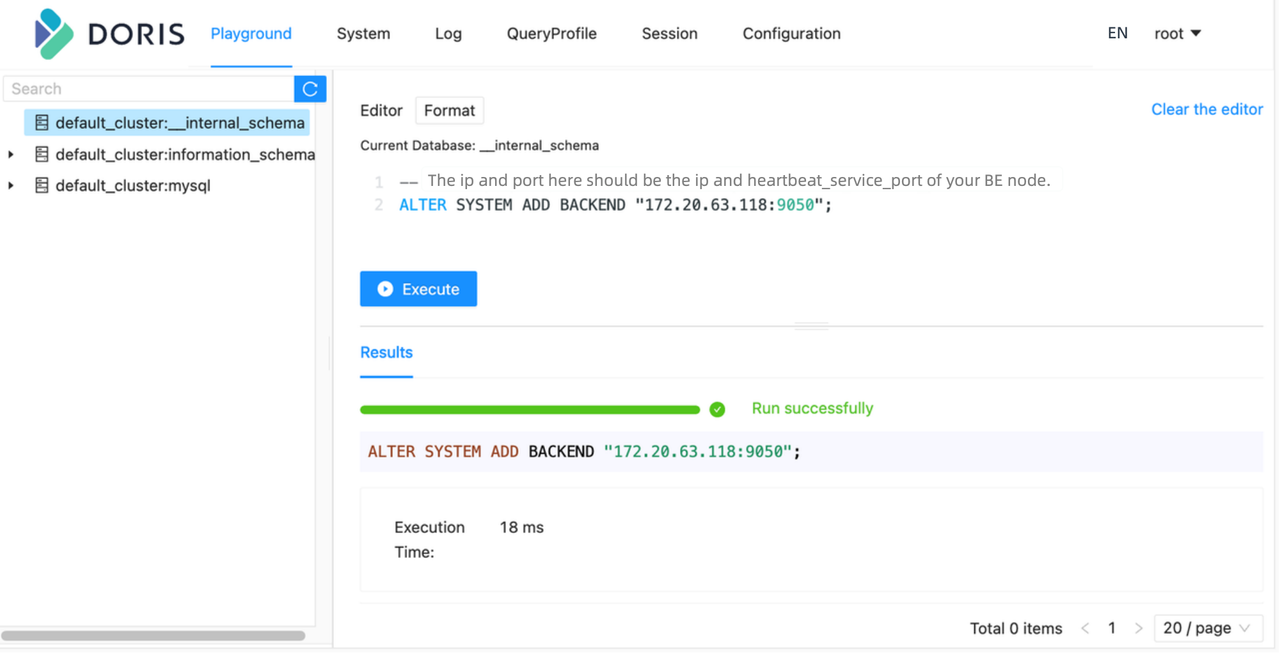
Doris began inside Baidu as Palo, serving Baidu’s ad reporting, was open-sourced in 2017, donated to the Apache Software Foundation in July 2018 and graduated to top-level project status in June 2022. It runs coupled, with compute and storage together for local I/O, or decoupled and cloud-native, with stateless compute nodes querying shared object storage. It reads Iceberg, Delta Lake and Hudi tables directly, and unlike StarRocks it has named result variants in ClickBench.
Firebolt
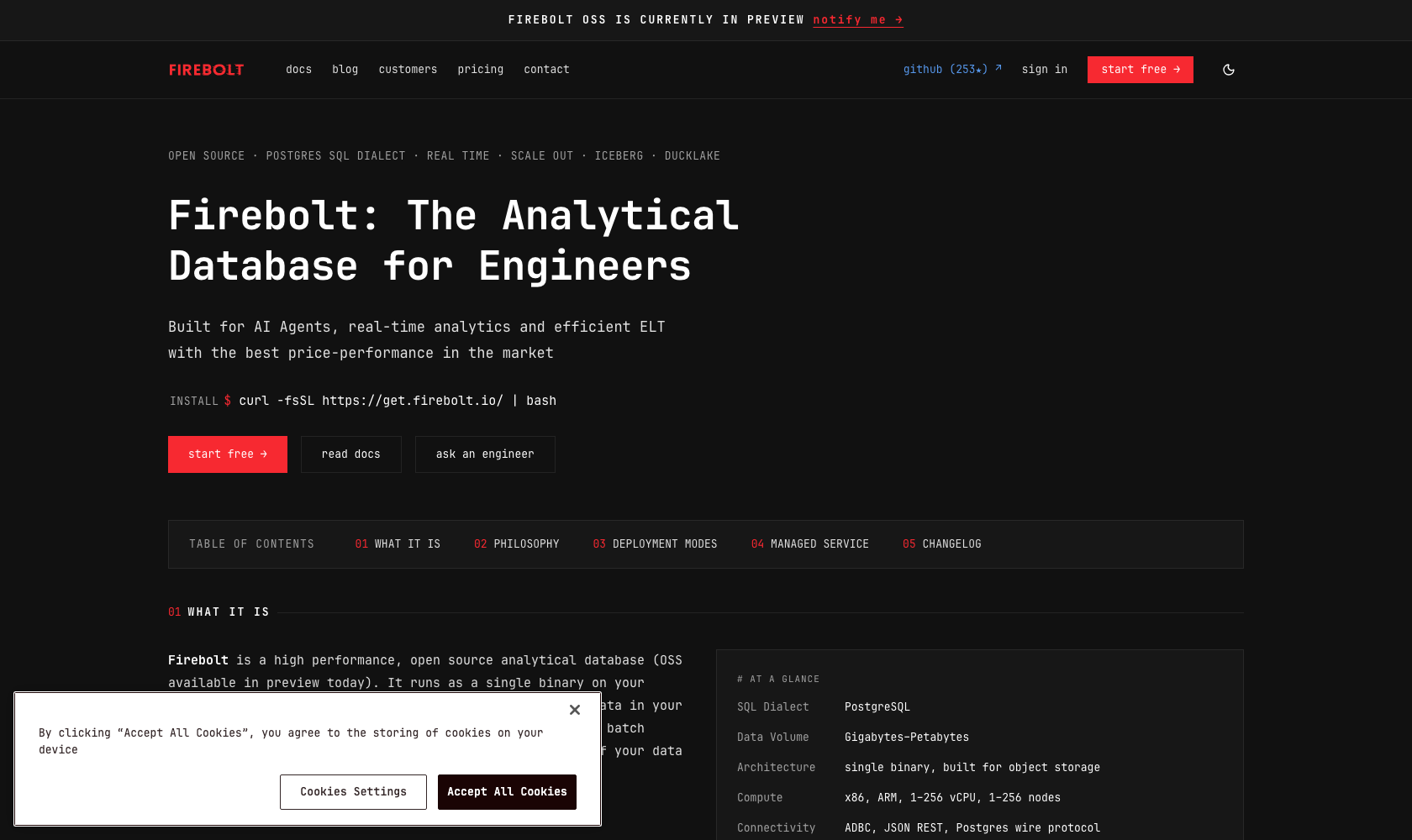
Firebolt, founded in 2019, builds on a PostgreSQL-compatible SQL dialect, so existing queries and drivers mostly carry over, and ships as a single binary that runs on a laptop and scales to hundreds of nodes. It supports ACID transactions with snapshot isolation and runs self-hosted, fully managed on AWS and Google Cloud, in preview on Azure, or in your own cloud account with per-second billing. It appears in ClickBench with several format variants.
SingleStore
SingleStore started in 2011 as MemSQL and took its current name in October 2020. Its Universal Storage combines a rowstore and a columnstore in one engine, which lets it serve transactions and analytics from the same database, the pattern vendors call HTAP. Instead of moving analytics to a second system you run one system that does both, trading generalism against engines tuned purely for analytical scans. SingleStore does not appear as a named current system in ClickBench.
Snowflake, BigQuery and Databricks
The cloud warehouses solve the same problem as a managed service. You do not operate a cluster; you load data and query it, and the platform scales compute to match. Snowflake separates storage from compute so teams can size each independently, BigQuery is serverless and priced by data scanned, and Databricks combines warehouse queries with the Spark and machine learning tooling around them.
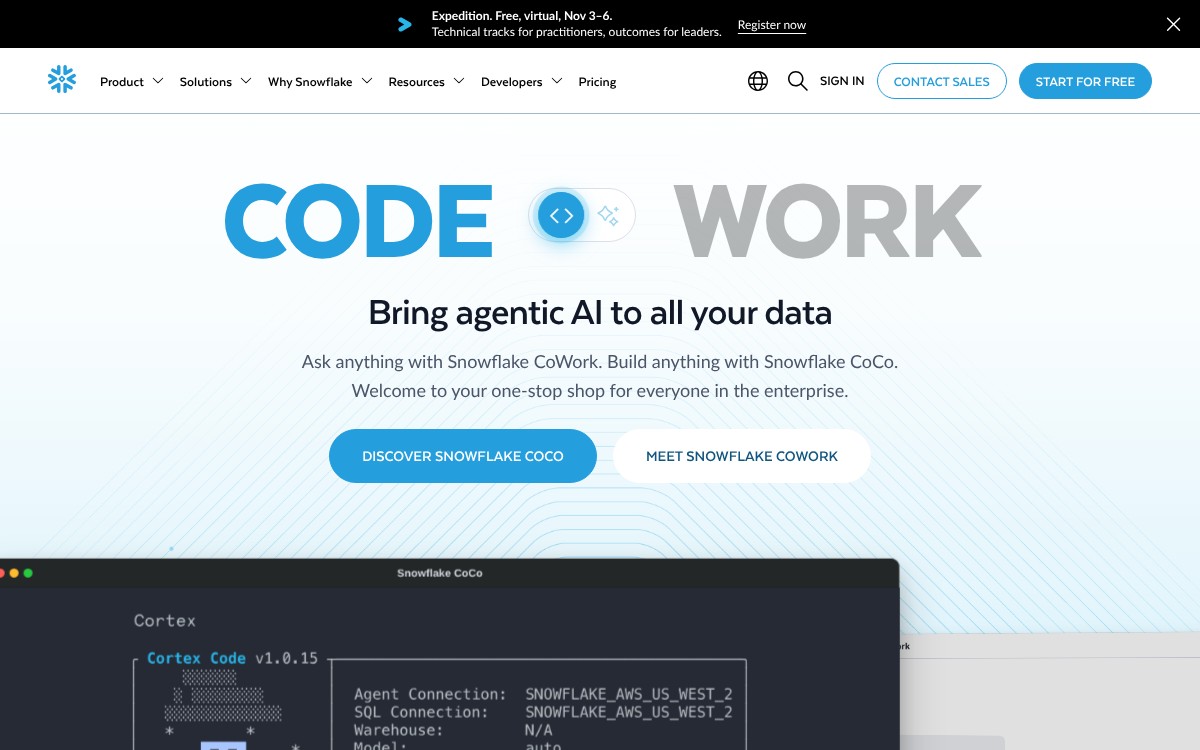
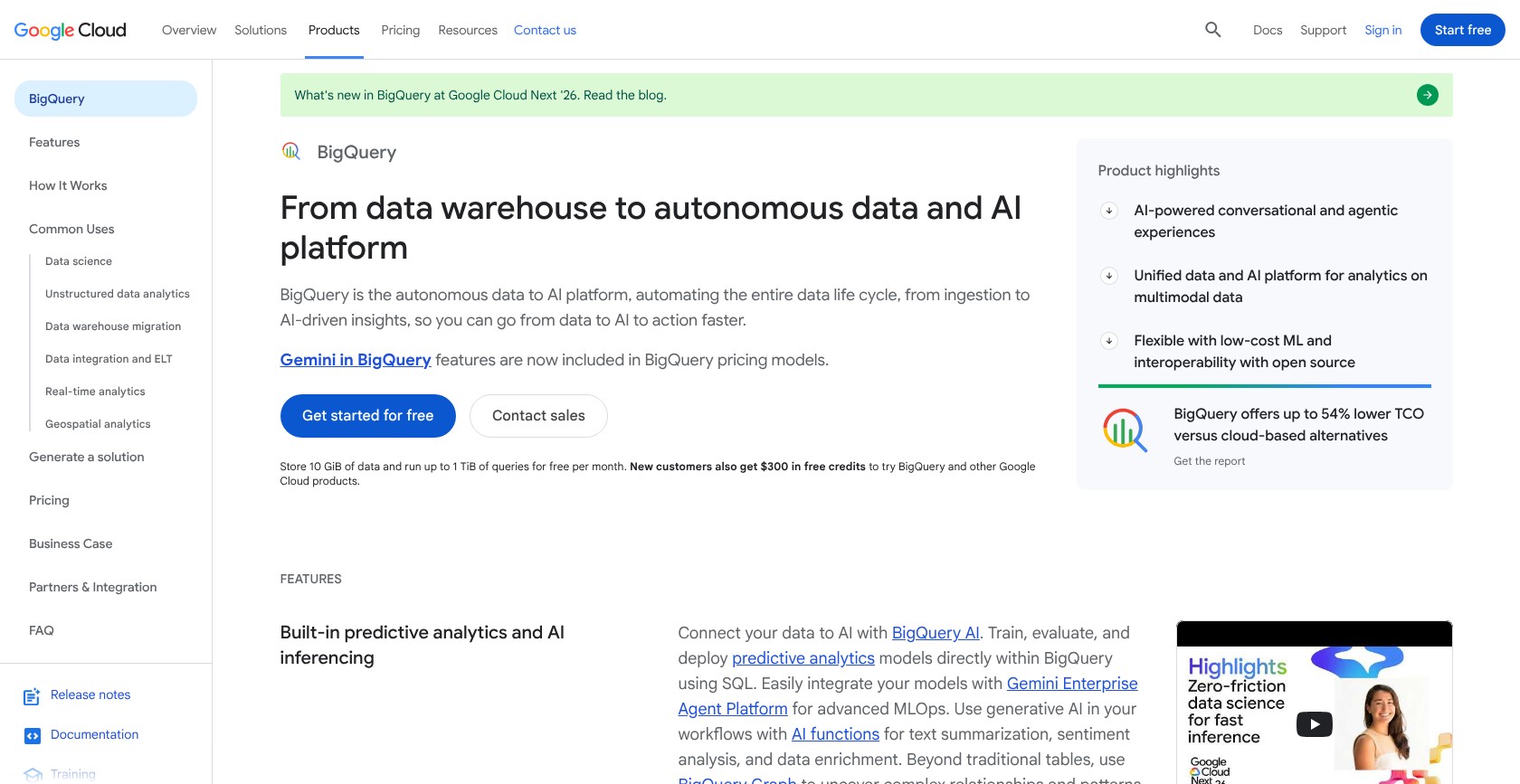
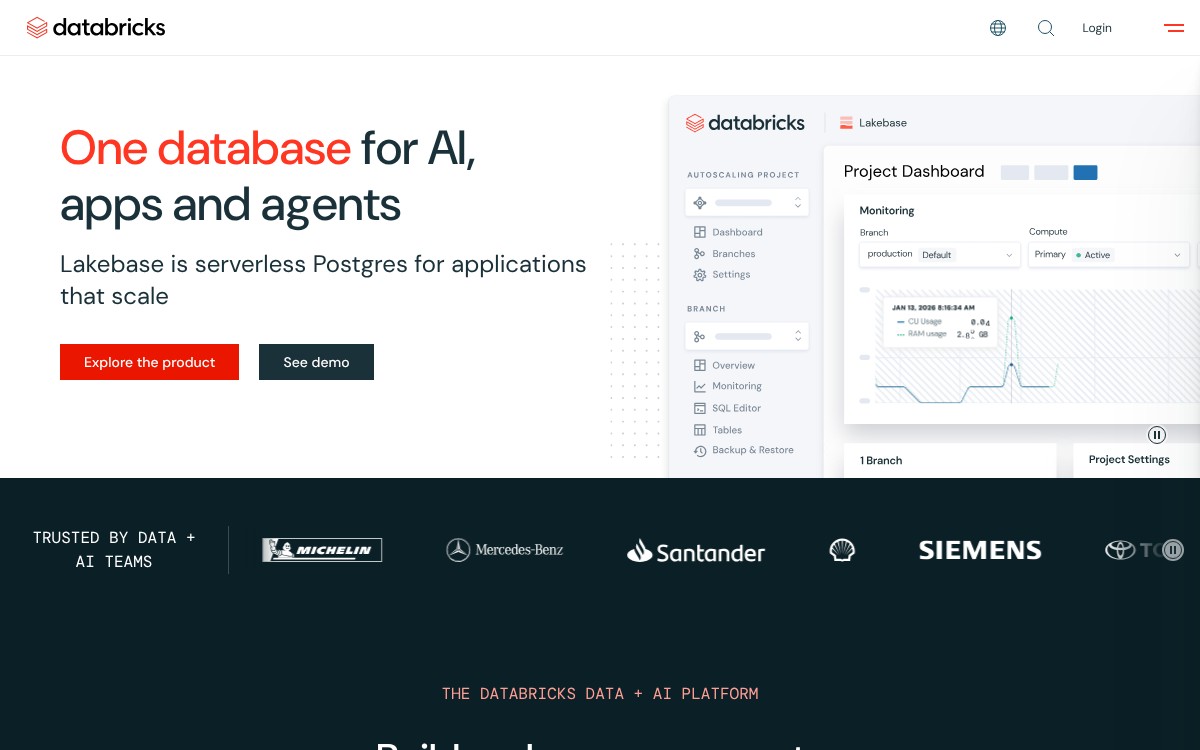
The practical rule: pick a managed warehouse when you would rather not run infrastructure, ClickHouse or DuckDB when you want control or local speed, and Druid or Pinot when the queries are coming from your product rather than your analysts.
How fast is the fastest? What the benchmarks actually show
ClickBench is the public, reproducible benchmark this category has settled on: a 100 GB web analytics dataset of roughly 100 million rows and 105 columns, 43 queries, run on a single c6a.4xlarge instance. The results page everyone cites is published by ClickHouse, and ClickHouse tops it. The benchmark itself is open and anyone can rerun it, so the numbers are checkable, but the ranking is ClickBench’s rather than mine.
| Engine | Median query | Slowest query | Failed queries (of 43) | Load time |
|---|---|---|---|---|
| ClickHouse | 0.148 s | 9.6 s | 0 | 5 min |
| DuckDB | 0.348 s | 6.5 s | 0 | 2 min |
| Apache Pinot | 3.02 s | 19.1 s | 5 | 34 min |
| Apache Druid | 1.77 s | 60.1 s | 14 | 5.5 hr |
| Trino (Parquet) | 2.72 s | 36.2 s | 0 | n/a |
The gap between first and second is small; the gap to third is not. DuckDB’s 0.348 s median is about 2.4 times ClickHouse’s 0.148 s, two engines doing the same job well. Everything below them sits in whole seconds rather than fractions of one. If sub-second response is your requirement, the short list is those two, and the pick depends on whether you want a server or a process.
Failed queries divide the field in a way medians do not. An engine that completes all 43 can be pointed at arbitrary queries; one that fails several needs its queries validated in advance, which changes how you work rather than how long you wait. Druid failing 14 of 43 explains the shape of its design: pre-defined time-series reporting over streaming data, not analysts exploring.
Load times span two orders of magnitude: two minutes for DuckDB, five for ClickHouse, 34 for Pinot, and five and a half hours for Druid. When you are iterating on a schema or reloading after a mistake, that number governs your day more than query latency does.
The cloud warehouses were measured too, each on its own hardware: Snowflake at a 0.366 s median, Redshift at 0.465 s, BigQuery at 0.544 s and Databricks at 0.546 s, all with zero failures. Those figures are not comparable to the table above, because each platform ran on a far larger configuration it sized itself. Read them as an order of magnitude signal: a warehouse you do not tune lands in the same half-second neighborhood as a self-hosted engine you do.
The lakehouse shift: Iceberg, Delta Lake and Hudi
Open table formats put database guarantees onto files sitting in cheap object storage: transactions, schema evolution, time travel back to an earlier snapshot, and row-level updates and deletes. The data stops living inside one engine’s proprietary storage and becomes readable by several engines at once.
Each format carries the priorities of the company that built it. Apache Iceberg came out of Netflix and emphasizes concurrent access from multiple engines plus hidden partitioning, where the table manages its own partition values and file pruning. Delta Lake came out of Databricks and has been an independent Linux Foundation sub-project since 2019, focused on ACID transactions and unified batch and streaming. Apache Hudi came out of Uber and is built for incremental processing rather than full-table rewrites, adding record-level indexing and upserts on top of Parquet, ORC or Avro. Spark, Trino, Flink, Presto and Hive read all three to varying degrees; Snowflake, BigQuery, Databricks, DuckDB, StarRocks and Doris read at least one without copying data.
On June 3, 2024, Snowflake announced Polaris Catalog, its own implementation of Iceberg’s open REST catalog specification; it open-sourced the code that July and made it generally available as Snowflake Open Catalog in October 2024. The next day, Databricks announced it was acquiring Tabular, the company founded by Iceberg’s original co-creator, in a deal reported at more than one billion dollars and by some outlets closer to two, explicitly to make Delta Lake and Iceberg interoperate rather than keep competing.
If your data sits in an open format, changing query engine stops being a migration. You land data once and point a batch engine, an interactive SQL engine and a low-latency OLAP engine at the same files. Trino, at a 2.72 s median with zero failures in the table above, exists for exactly this pattern, and makes the trade visible: you give up sub-second latency and get storage independence.
What analytics databases actually cost
What bites is rarely the headline rate but the billing model, because the model decides which of your habits turns out to be expensive.
Paying per byte scanned. BigQuery’s on-demand pricing is 6.25 US dollars per TiB scanned, after the first TiB each month, and Google publishes it directly. The failure mode is a wide table rescanned on every dashboard refresh, so a handful of panels on a five minute auto-refresh can cost more than the analysts using them.
Paying per unit of compute time. Snowflake meters credits and Databricks meters DBUs, and neither publishes a per-unit dollar figure on its own pricing page. Third-party trackers put Snowflake credits at 2 to 4 dollars depending on edition and Databricks DBUs between 0.15 and 0.75 dollars depending on workload type. Those are outside estimates, not list prices, and the comparison misleads anyway: the Snowflake credit includes the machine, the DBU does not, so add the underlying cloud instance cost on top of the Databricks figure. For either platform the real number comes from a quote.
Paying per compute unit at a published rate. ClickHouse Cloud bills compute per compute-unit-hour, where a unit is 8 GiB of memory and 2 vCPU, at 0.39030 dollars per unit hour on its Enterprise plan in AWS us-east-1, with storage at 25.30 dollars per TB per month in the same region. SingleStore lists on-demand compute at 3.96 dollars per credit.
Paying nothing for the license and everything in operations. ClickHouse, DuckDB, Druid, Pinot, Doris and StarRocks are all Apache 2.0 licensed, so the software is free and the cost moves to the people running it: sizing, upgrades, backups, on-call. An engine that loads the same dataset in two minutes and an engine that takes five and a half hours are not equally free.
The expensive surprises come from mismatches: scan-priced billing under constantly refreshing dashboards, or always-on compute for a workload that runs twice a day.
So, which analytics database is best?
Now that you’ve seen the top databases for performing fast analysis and analytical queries, you can decide which is right for you.
Fast analysis
All of the databases I discussed perform in a similar way when it comes to running fast analysis, although they use different methods to achieve this:
- Oracle DB and MS SQL allow the data to remain in the database,
- Oracle DB uses machine learning,
- MongoDB uses indexes,
- and Cassandra DB uses nodes.
Where the four above work around a row-store, a columnar engine changes the storage layout so that scanning one field across a billion rows touches only that field. That is why ClickHouse and DuckDB returned medians in fractions of a second on the same 43 queries that took the other engines whole seconds.
Analytical querying
When it comes to optimization for handling analytical querying, these databases perform in different ways.
Oracle DB, MS SQL, and MongoDB use built-in features to optimize analytical querying, while Cassandra DB allows data analysts to increase the number of nodes in use.
The purpose-built engines are optimized by construction rather than by feature, so the question is how much query freedom that optimization leaves you. The ClickBench failure counts answer it: ClickHouse, DuckDB and Trino completed all 43 queries, while Pinot failed 5 and Druid failed 14. An engine that pre-indexes for a known query shape is faster at that shape and less willing to answer anything else.
Choosing by what you are building
By the thing you are building:
- Sub-second dashboards over billions of rows: ClickHouse, or StarRocks where multi-table joins dominate.
- High-concurrency, customer-facing analytics: Apache Pinot.
- Streaming time-series with pre-defined queries: Apache Druid.
- Local or single-machine analysis over files: DuckDB.
- Transactions and analytics in one system: SingleStore.
- A managed warehouse you would rather not operate: Snowflake, BigQuery or Databricks.
- Analytics on data you already hold, where moving it is not worth it: the operational databases above.
An engine that meets a tight latency budget can serve a loose one, but not the reverse: nothing stops ClickHouse from running an overnight batch report, while no tuning gets a pre-indexed streaming engine to answer a question it was not indexed for. Size the choice to the tightest requirement you actually have.
Best practices for your analytical databases
After choosing your database, you should take into account some best practices for maintaining it.
As I mentioned earlier, the database you choose must have read-only access.
Read-only access means that database users can perform read operations on datasets, but they can not perform operations such as update and delete.
So, why should users not be allowed to perform these types of operations on the database? And what measures need to be in place to ensure this level of access and operation?
The answer to the first question is that operations that are not read-only will tamper with existing data models and architecture, thus making it difficult for the data analyst to rebuild existing models.
Also, the chances of losing existing insights and reports are high because analyzed information and insights are in real-time. This could, in turn, impact managerial decision-making.
As for the second question, you should consider implementing the following measures to ensure read-only access:
- To begin with, separate the operations database from the analytics database. This will allow you to perform any type of query on the operations database, thus limiting the impact on the real-time analytics report.
- Next, use the analytics database for analytics only to prevent people from tampering with existing data models.
- Furthermore, create a backup for both the operations and analytics databases. This should be a standard procedure in your organization in case of a database failure or system crashes.
- Finally, put in place a policy on information access and control. This policy will allow only users with the right level of access to perform required operations on databases.
These are some best practices for maintaining an analytical database.
Analytics database FAQ
What is the fastest analytics database?
ClickHouse, on ClickBench, with a 0.148 s median across 43 queries and no failures on a single c6a.4xlarge instance. DuckDB is next at 0.348 s. ClickBench is open and reproducible, though the results page is published by ClickHouse itself, so rerun it on your own queries if the margin matters.
What is the difference between an analytics database and a regular database?
Storage layout. A regular operational database stores whole rows together, which is ideal for reading or writing one record. An analytics database stores each column together, so a query aggregating one field across a billion records reads only that field and compresses it heavily. It pays for that with slower single-record writes.
Can I use PostgreSQL or MySQL as an analytics database?
Yes, up to a point. MotherDuck’s engineering team puts simple analytical workloads on Postgres as comfortable up to roughly 100 GB with multi-second queries tolerated. Past that, watch for a buffer cache hit ratio under 90 percent, replica lag over five minutes during reporting, and average joins per query above five.
Is ClickHouse better than Snowflake?
They are built for different jobs, so there is no single winner. ClickHouse gives you lower latency and full control, and asks you to run a database. Snowflake gives you a managed service that scales compute on demand, with less control over tuning. Pick ClickHouse if sub-second response or self-hosting matters, Snowflake if not operating infrastructure matters more.
What is a lakehouse?
A lakehouse is data held in an open table format, Apache Iceberg, Delta Lake or Apache Hudi, on cheap object storage, with query engines pointed at it from outside. The formats add transactions, schema evolution and time travel to plain files, so changing engine stops being a migration.
How much does an analytics database cost?
It depends on the billing model: per byte scanned, as with BigQuery at 6.25 dollars per TiB; per unit of compute time, as with Snowflake credits and Databricks DBUs; per compute unit at a published rate, as ClickHouse Cloud and SingleStore list; or free to license and paid for in operations, with the open-source engines. Snowflake and Databricks do not publish per-unit prices.
Wrapping up
As we have seen in the earlier paragraphs, different databases perform analytical querying using various methods to achieve fast results and optimize queries.
As I said before, you need to answer two questions when picking a database:
- Which database will let me run fast analysis?
- Which database optimization is best to handle analytical querying?
The operational databases answer them well enough when analysis is a secondary job and the data already lives there. Once analysis becomes the primary workload, a columnar engine answers them better, and the move is worth the migration.
Two things have changed since I first answered those questions. The benchmark numbers say the speed differences between engines are real and large, measured in orders of magnitude rather than percentages. And the open table formats mean the storage decision now outlives the engine decision, so if you are choosing today, choose the format carefully and treat the engine as replaceable.
Comments 0 Responses