
Power BI is our top pick for Microsoft-based teams building recurring business reports. It combines free desktop report building with paid publishing and sharing through Pro, which costs $14 per user per month, paid yearly.
Data analysis has changed since this guide first appeared. Alongside established dashboard platforms, tools like ChatGPT, Julius AI, and Anomaly AI let you ask questions about supported data in plain language and generate charts or reports.
Teams analyzing sales, customers, and operations have plenty to choose from. Options range from free open-source software to AI assistants with monthly credit allowances and enterprise platforms that require a custom quote.
Many tools cover familiar tasks such as filtering records, comparing results, and visualizing trends. Costs can rise when you need scheduled reports, database connections, tighter permissions, or access for the whole company. A free authoring tool doesn’t always mean free sharing.
We’ve refreshed our original selection with newer BI and AI options, keeping established tools where they still serve a useful purpose. This guide compares 16 picks, covering what each does well, what it costs, and where it falls short, to help you choose for your team.
Key Takeaways 🔍
- Power BI is our first choice for Microsoft-based teams, with free Desktop authoring and Pro at $14 per user per month, paid yearly.
- Budgets range from free software to custom enterprise quotes. Metabase offers free software to self-host, while Looker and Sigma require custom quotes.
- AI analysis needs a review step. ChatGPT, Julius AI, and Anomaly AI can help investigate data, but someone still needs to check definitions, calculations, and conclusions.
- Choose around the work: Tableau for visual exploration, Hex for collaborative SQL and Python, and KNIME for visual preparation workflows.
- Include the costs beyond the subscription. Viewer licenses, hosting, warehouse queries, connectors, and AI credits can all affect the bill.
How We Chose These Tools
We compared the 16 tools using product documentation, published pricing, and their suitability for common business workflows. Our selection considers reporting, AI assistance, data preparation, sharing, and maintenance. These recommendations are based on editorial research. Prices are current as of October 2026, with billing terms included where published.
The tools below cover a range of needs, from investigating a file to sharing company-wide reports.
Panoply may earn a commission when you buy through links on this page.
Data Analysis Comparison Table
Compare the main use cases, starting costs, and limitations before exploring each tool in detail:
| Tool | Best for | Starting cost | Main trade-off |
|---|---|---|---|
| Power BI | Microsoft reporting | Free Desktop; Pro $14/user/month, paid yearly | Sharing licenses |
| Metabase | Database dashboards | Free self-hosted; Starter $100/month for 5 users, billed monthly | Hosting and permissions |
| Tableau | Visual exploration | Free local Desktop; Cloud Creator $75/user/month, billed annually | Shared reporting costs |
| Sigma | Spreadsheet-style warehouse analysis | Custom quote | Warehouse costs |
| Looker | Consistent business metrics | Custom quote | Modeling work |
| ThoughtSpot | Natural-language questions | Custom quote | Modeled-data quality |
| Google Data Studio | Marketing reports | Free self-service; Pro $9/user/project/month | Connector costs |
| Qlik Cloud Analytics | Associative exploration | Starter $300/month for 10 users, billed annually | Data capacity |
| ChatGPT | Exploratory analysis and explanations | Plan-dependent | Validate generated analysis |
| Julius AI | Conversational file analysis | Free plan; Plus $20/month | Credit and connector limits |
| Anomaly AI | Conversational dashboards | Free allowance; Pro $25/month | Credits and refresh setup |
| Hex | Collaborative SQL/Python analysis | Free Community; Professional $36/Editor/month | Code ownership and extras |
| Python with pandas | Custom repeatable analysis | Free software | Coding and memory |
| DuckDB | SQL analysis of files | Free software | Sharing requires planning |
| KNIME | Visual preparation workflows | Free desktop; Pro from $19/month | Automation usage costs |
| Alteryx | Preparation and automation | Alteryx One Starter $250/user/month, billed annually | Cloud-only entry plan |
Prices are in US dollars. Free and paid editions have different capabilities.
Top 3 Side by Side
Top Pick
Power BI
See pricing Visit Power BI →Free Desktop
Pro $14/user/month (paid yearly)
- Free Desktop app for report building
- Pro adds publishing and sharing
- Fits teams already on the Microsoft stack
Open Source

Metabase
See pricing Visit Metabase →Free self-hosted
Starter $100/month for 5 users
- Visual query builder for business users
- SQL for more specific analyst work
- Managed Starter handles upgrades and backups
Visual Analysis

Tableau
See pricing Visit Tableau →Free local Desktop
Cloud Creator $75/user/month (billed annually)
- Strong visual exploration and dashboards
- Separate Creator, Explorer and Viewer seats
- Free Desktop edition for private analysis
Business intelligence: dashboards and shared metrics
Choose BI software for reusable reports and consistent metrics. Count authors and readers separately, and identify who owns the data model behind the charts.
1. Microsoft Power BI
Power BI belongs on your shortlist if you’re already comfortable with the Microsoft stack. Its free Desktop application supports report building, while paid options support publishing and sharing.
Choose it when someone can own how tables connect, what each measure means, and how reports stay consistent.
Desktop requires Windows, and a free account doesn’t automatically let someone view shared reports. Access depends on licensing and qualifying capacity. Work out the complete audience before multiplying a headline seat price, particularly if most colleagues only read the output.
- Pricing: Power BI Pro costs $14 per user per month, paid yearly. Premium Per User costs $24 on the same basis and adds capabilities such as larger models and more frequent refreshes.
- Buying check: include viewer access when comparing Pro licenses with capacity pricing.
2. Metabase
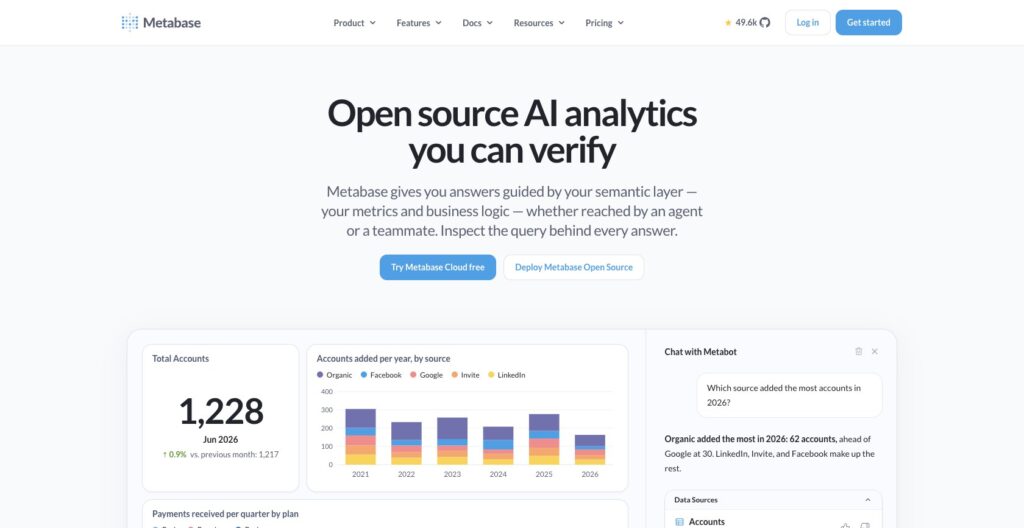
Metabase fits teams with usable database tables that want more people to answer questions from them. Its visual query builder gives business users an entry point, while analysts can use SQL for more specific work.
Start with a recurring question, such as orders by week and product category. Clear table names and agreed definitions matter as much as the interface.
The free edition requires self-hosting. Managed Starter handles operational work such as upgrades, backups, and monitoring. For a small team, the subscription can buy back time otherwise spent running the application.
- Pricing: Metabase Starter costs $100 per month including 5 users, plus $6 per additional user on monthly billing. Open-source self-hosting has no software subscription.
- Watch out: row- and column-level permissions require paid higher plans. Confirm access controls before sharing sensitive departmental data.
3. Tableau
Tableau is a strong candidate for visual exploration and dashboards. It suits analysts who need to investigate changes in the data, then communicate their findings to a wider audience.
Cloud Standard combines authoring and preparation tools with sharing. Creator, Explorer, and Viewer licenses distinguish user roles, so the cheapest Viewer seat isn’t the price of building reports. Compare Power BI Pro if the cost of publishing and sharing reports is your priority.
Tableau Desktop Free Edition supports local private analysis without publishing or sharing. Tableau Public is different: published workbooks and data are public.
- Pricing: Tableau Cloud Standard costs $75 for Creator, $42 for Explorer, and $15 for Viewer per user per month, billed annually. Each deployment requires at least 1 Creator.
- Buying check: compare your full mix of authors and readers.
4. Sigma
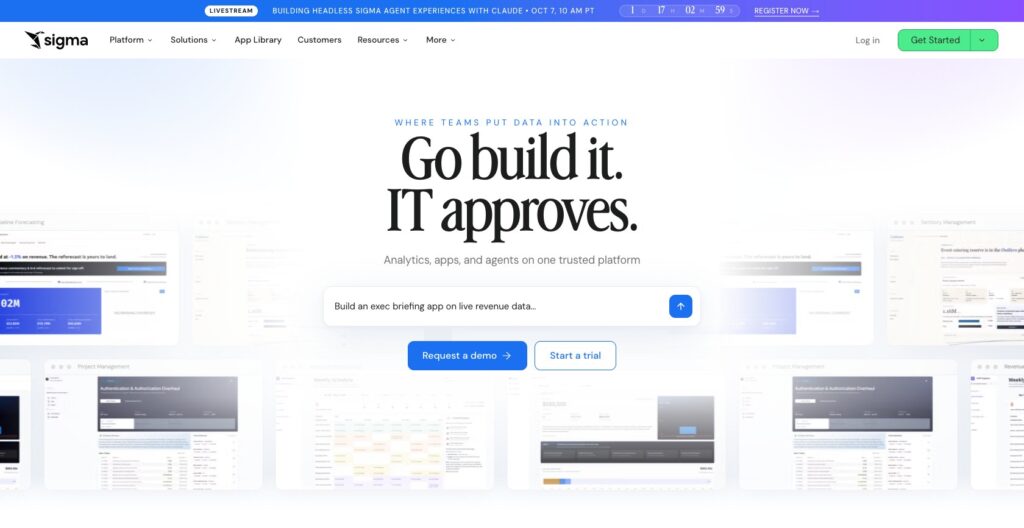
Sigma fits business users who like spreadsheet-style analysis but need to work with warehouse data. Its spreadsheet interface supports formulas, pivots, and grouping, translating those operations into SQL against a connected cloud warehouse.
That makes it useful when exporting data into separate workbooks has become the main obstacle. A finance or operations user can explore the prepared data through familiar interactions, while the warehouse supplies the analytical foundation.
Spreadsheet familiarity doesn’t remove the need for permissions, usable models, or warehouse administration. Evaluate refresh settings with a realistic workbook and follow-up queries. Cached results affect both data freshness and how much work reaches the warehouse.
- Pricing: Sigma requires a custom quote. Budget separately for warehouse compute and any applicable usage-based credits.
- Watch out: ask how data inputs, integration actions, and report exports affect usage credits. Include these alongside licensing and warehouse costs.
5. Looker
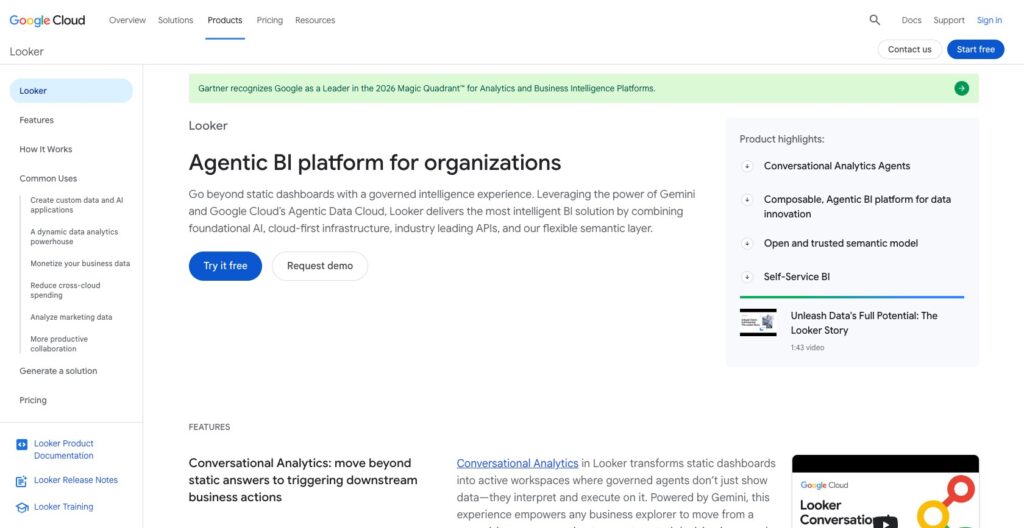
Looker fits teams that need consistent business metrics across reports. Its modeling language, LookML, defines reusable data models and helps construct SQL queries against connected databases.
That makes it useful when departments disagree about active customers or net revenue. A maintained model can give them a common basis for analysis, although someone must first decide what those definitions should be.
Looker queries your database; it doesn’t replace the storage layer. Budget for the connected warehouse and model maintenance. Compared with Data Studio’s reporting entry point, this is a more substantial commitment to organizing how the business defines and accesses its data.
- Pricing: Looker pricing combines platform and user components. Standard, Enterprise, and Embed editions require a sales quote.
- Watch out: self-service for readers still depends on a capable modeling team. Assign ongoing responsibility for definitions as the business changes.
6. ThoughtSpot
ThoughtSpot is worth evaluating when business users want to ask questions in natural language. Its Spotter offering grounds questions in semantic definitions: agreed rules for interpreting the underlying data.
It can query connected databases directly, including Snowflake and BigQuery, and supports live queries as well as cached datasets.
The buying test should be specific: can users ask realistic follow-up questions and get answers that reconcile with known figures? Correct joins, definitions, and permissions still matter. A conversational interface can’t settle a disagreement over what finance means by revenue.
- Pricing: ThoughtSpot offers business and embedded analytics plans; contact sales for a quote matched to users and usage.
- Watch out: try ambiguous questions and alternative phrasings during evaluation. Check whether the answer uses the intended measure and time period.
7. Google Data Studio (formerly Looker Studio)
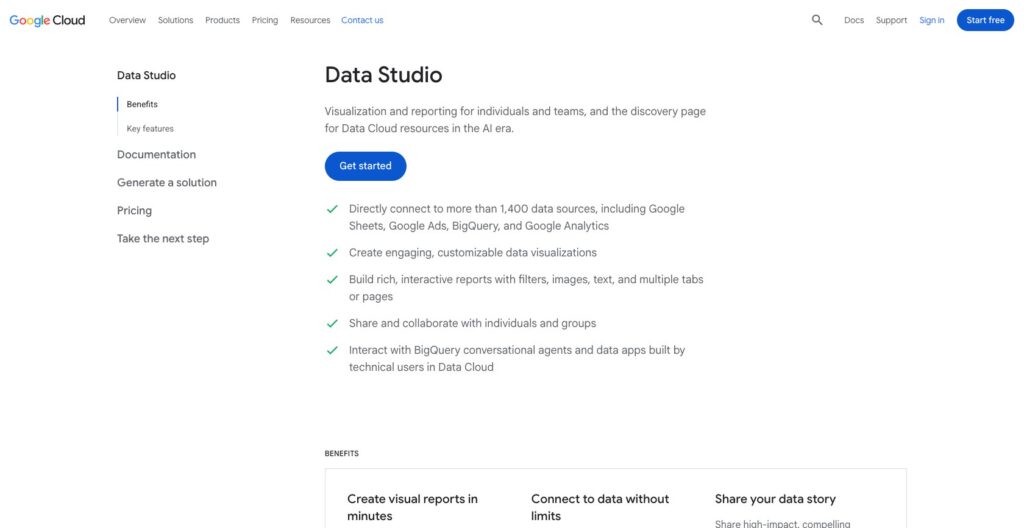
Google Data Studio suits teams that want shareable marketing reports with charts, date controls, and interactive filters. The product returned to the Data Studio name in April 2026; it remains distinct from enterprise Looker.
Its drag-and-drop reporting and Google and partner connectors make it worth considering for a focused dashboard project. List your required sources first, particularly when the report must combine several advertising or commerce platforms.
A no-cost report doesn’t necessarily mean a zero-cost workflow. Partner connectors and source systems may charge separately. Assign someone to maintain connections and metric definitions before combining sources with different revenue calculations.
- Pricing: Data Studio offers no-cost self-service reporting. Pro project subscriptions cost $9 per user per project per month.
- Watch out: check the cost and availability of each required connection.
8. Qlik Cloud Analytics (Qlik Sense)
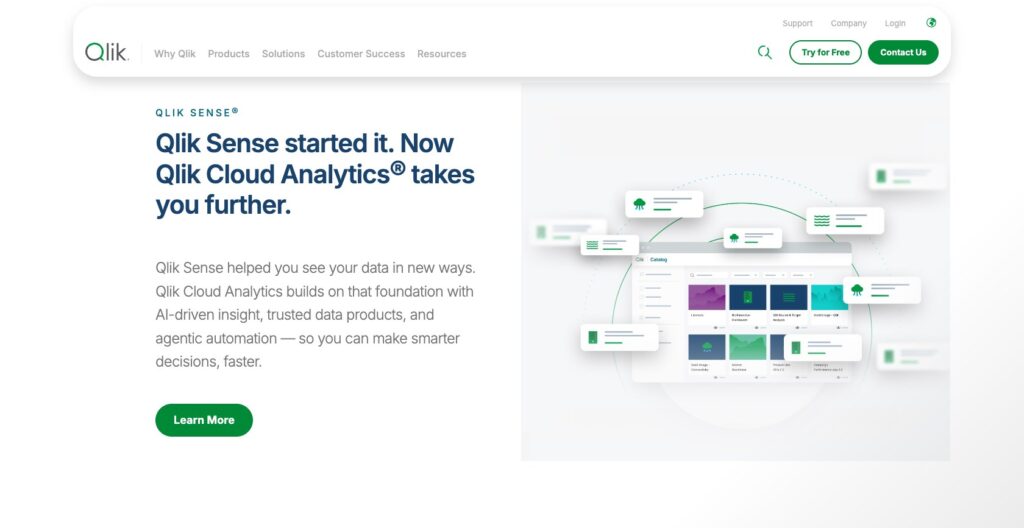
Qlik Cloud Analytics is a candidate for exploring relationships across business data. Its associative approach lets users select values and see related and unrelated data, helping them investigate beyond a fixed report path.
Consider it when analysts move between questions about customers, products, and performance. Try investigating declining purchases in a customer segment, then follow the related products and customer attributes.
Plan selection depends on data capacity as well as seats. Starter includes 10 GB of data for analysis and a 5 GB maximum app size; its data capacity cannot be expanded. Standard adds managed and shared spaces for governance and collaboration.
- Pricing: Qlik Cloud Analytics Starter starts at $300 per month for 10 users, billed annually. Standard starts at $825 per month for 25 GB, billed annually.
- Buying check: size your data and applications before choosing the entry plan.
AI data analysis: questions, charts, and recurring reports
Start here when you want to describe an analysis in plain language. Compare source connections, inspectable calculations, and repeatable reporting alongside the quality of the first answer.
9. ChatGPT
ChatGPT is useful for exploring an unfamiliar dataset and working through follow-up questions. With data-analysis tools available, it can help scope an analysis, examine uploaded data, prepare charts, and work through calculations and assumptions for review.
For example, ask it to investigate a sales decline while separating changes in order volume from average order value. Define those measures first, then reconcile the output with known totals. The useful outcome is an analysis you can review, rather than a plausible explanation alone.
Capabilities vary by plan and environment. Supported ChatGPT Work workflows can create private interactive dashboards with Sites and set up scheduled checks of approved source data. These require the relevant tools, connections, and setup; they are not automatic features of every chat.
- Pricing: plan-dependent; check current plan terms for the analysis, connection, and sharing features you need.
- Validation: follow an analyst review workflow to check generated conclusions. Confirm source access, refresh behavior, and ownership before adopting a recurring workflow.
10. Julius AI
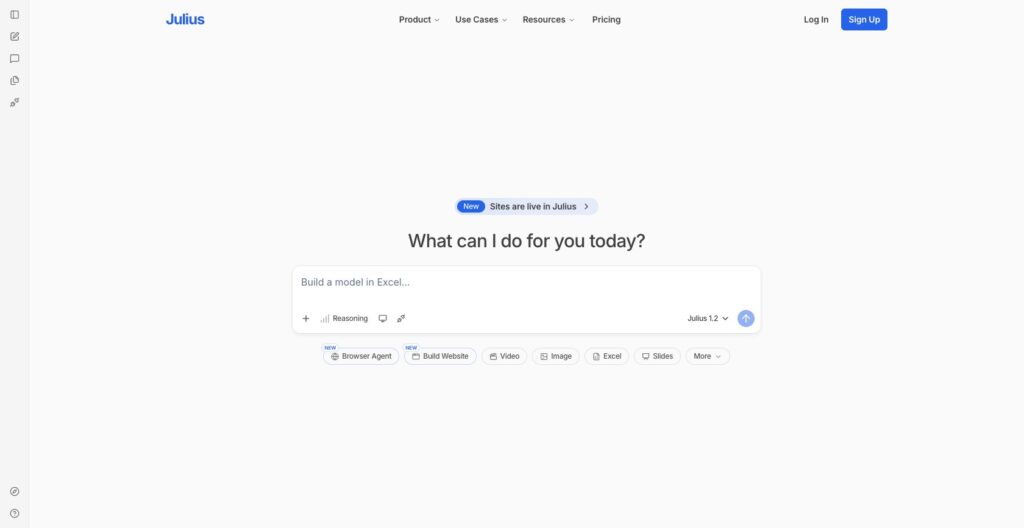
Julius AI suits conversational analysis of uploaded files, especially when you want charts or statistical exploration without writing each operation yourself. Its file-analysis workflow accepts common formats and translates natural-language requests into Python analysis.
You can ask it to compare customer groups or investigate a trend, then export results for further work. Editable generated code can help you review the work, but it does not validate statistical assumptions. Check missing values, sample definitions, and whether the comparison answers your business question.
For recurring company reporting, evaluate the paid connection and collaboration terms separately from individual file analysis. Verify that the plan covers the sources and colleagues who need access.
- Pricing: Julius AI has a free plan; Plus costs $20 per month with 2,000 monthly credits. Business database connectors and team capabilities have separate plan terms.
- Buying check: estimate credits using representative work, including revisions and follow-up questions.
11. Anomaly AI
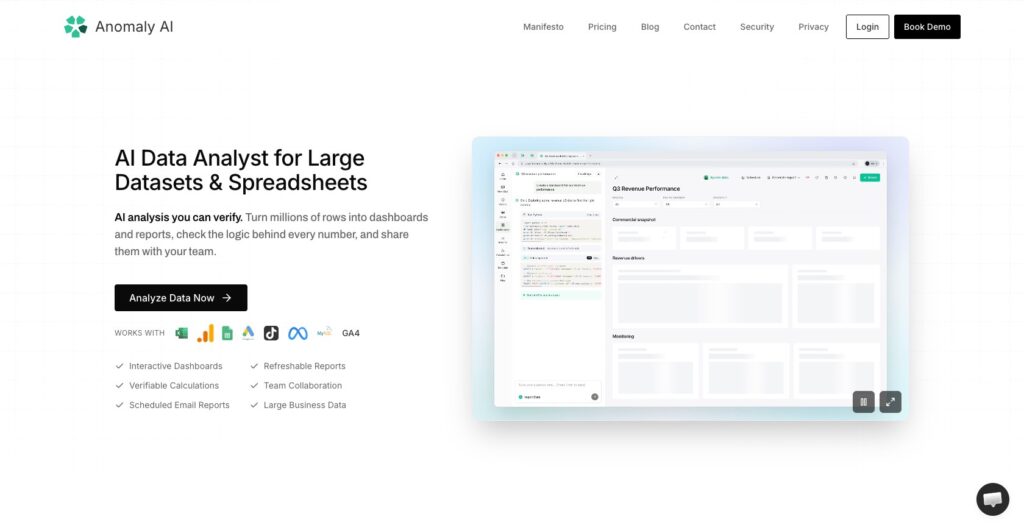
Anomaly AI is worth evaluating when you want to turn conversational analysis into a shareable dashboard or recurring report. Its connector list includes files, BigQuery, Snowflake, MySQL, and several Google marketing sources.
During a trial, examine how calculation inspection works on your own report. Supported calculation views can show SQL, explanations, and assumptions, but availability varies by output. Ask whether someone reviewing your report can trace a disputed figure back to its source.
For file-based monthly reporting, refresh means re-uploading compatible data, rather than continuous live synchronization. The shared dashboard link can remain the same. Check connector availability directly; PostgreSQL is listed as coming soon.
- Pricing: Anomaly AI includes a free 30-credit allowance every 30 days. Pro costs $25 per month with 1,000 credits; Team starts at $90 per month for 2 seats.
- Buying check: credits depend on generated work, so the allowance is not a fixed number of questions.
Technical analysis: notebooks, code, and SQL
These options suit teams that need more control over the analysis itself. Decide how the result will reach business users before settling on an analyst’s working environment.
12. Hex
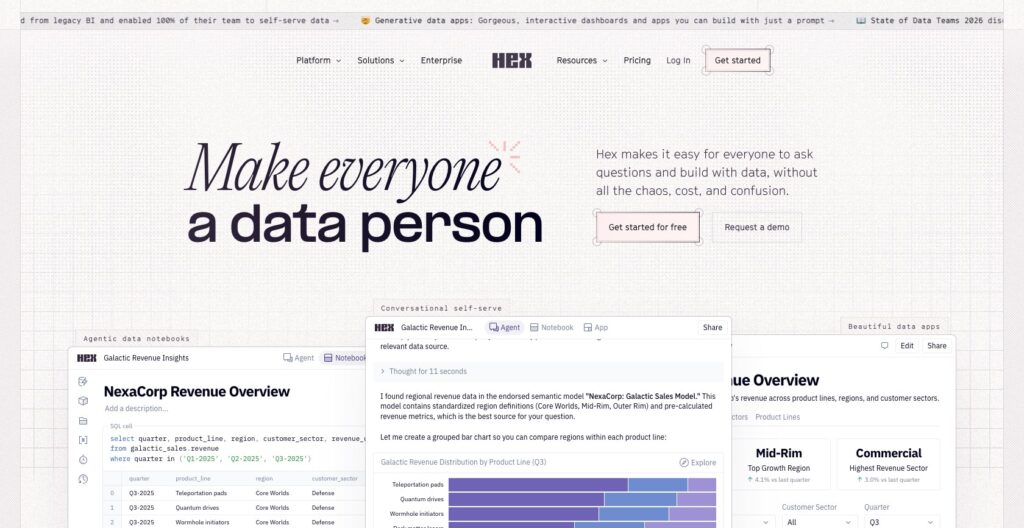
Hex suits analysts who combine SQL and Python and need to share the resulting work. Notebook projects bring together warehouse connections, uploaded files, code, and charts, with options for publishing analytical apps.
Consider it when the handoff from analysis to a usable output is awkward. An analyst investigating customer retention, for example, may need colleagues to explore the result without asking them to run a local notebook.
The plan matters for recurring work. Team adds scheduled runs and broader collaboration capabilities beyond Professional. AI assistance also needs oversight: someone must be able to audit the generated code and verify what the analysis actually measures.
- Pricing: Hex has a free Community plan. Professional costs $36 per Editor per month, with up to 5 published apps; Team costs $75 per Editor per month.
- Watch out: Editor pricing isn’t viewer pricing. Check access requirements, compute add-ons, and AI credit costs alongside the authoring subscription.
13. Python with pandas
Python with pandas suits custom analysis that you want to rerun and review as code. Its DataFrames are tables you manipulate through Python: joining records, handling missing values, grouping rows, and analyzing time series.
For example, you could define how to clean order exports and calculate customer cohorts in a script rather than repeat spreadsheet edits each month.
pandas primarily works in memory. Even data smaller than available RAM can cause trouble because operations may create intermediate copies. Consider DuckDB for SQL-based analytical work, or KNIME if your team prefers a visual preparation workflow.
- Pricing: pandas is free open-source software; computing, hosting, and staff time are separate costs.
- Sharing: agree on the deliverable. If colleagues need an interactive report, a script or notebook alone may leave a substantial part of the job unfinished.
14. DuckDB
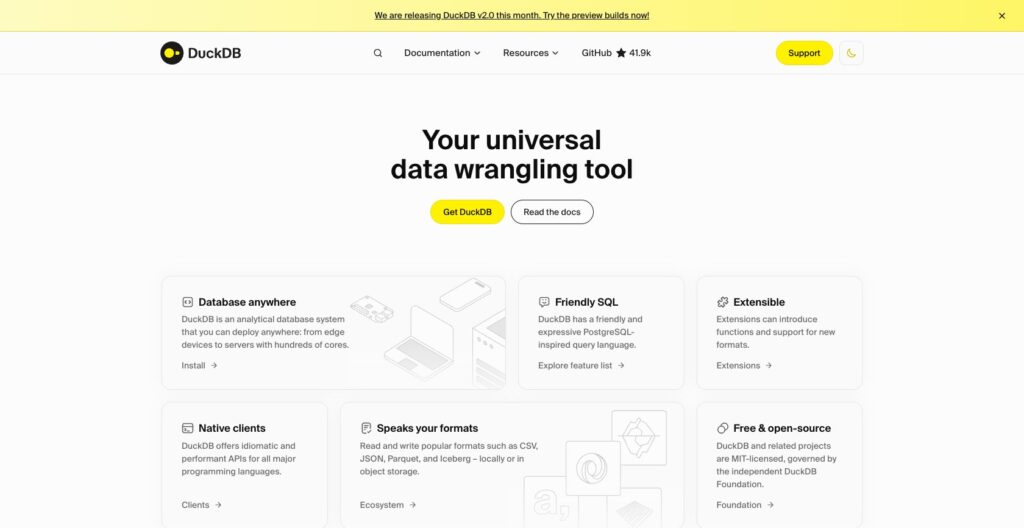
DuckDB is a strong option for SQL-capable analysts working with files and dataframes. Its core analytical engine can run inside another process without requiring a separate database server installation.
You can query CSV and Parquet files directly with SQL, or work with pandas data. That makes it useful for a focused task such as joining exports and calculating grouped totals before deciding where the results should go.
Compare it with pandas according to how your team prefers to express the work: SQL queries or Python transformations. DuckDB also has a local browser-based notebook interface.
- Pricing: DuckDB is free, open-source software under the MIT license. Infrastructure or separate hosted services can cost extra.
- Watch out: an analytical engine alone doesn’t give you a maintained, shared business-reporting service. Plan that handoff before adopting it.
Data preparation: repeatable analytical workflows
Choose preparation software when combining and cleaning recurring inputs consumes most of your analysis time. Evaluate reruns and maintenance alongside the initial workflow build.
15. KNIME
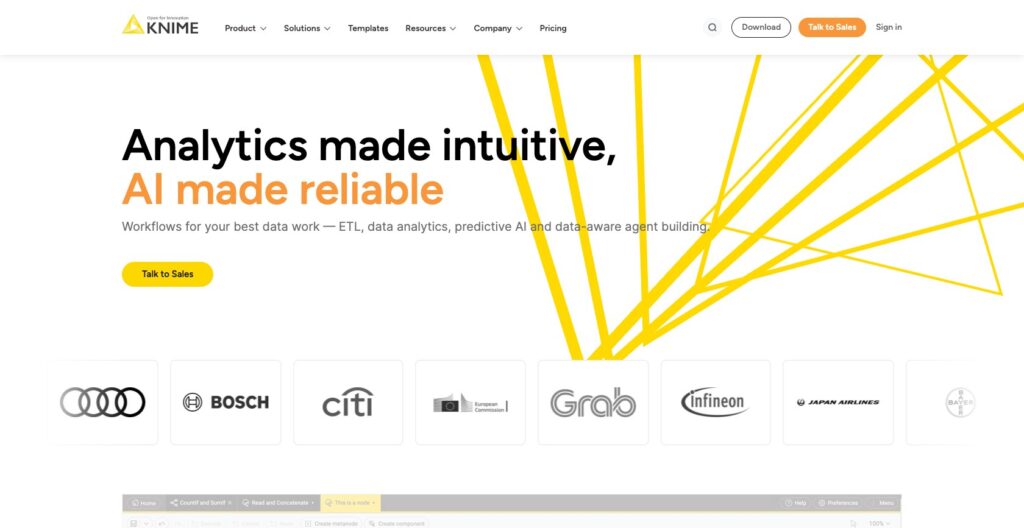
KNIME is a strong starting point for visual analytical workflows. Its free Analytics Platform lets you build and run workflows on the desktop, combining visual nodes with code where needed.
It suits a recurring sequence such as importing files, cleaning fields, combining tables, and producing an analysis.
Pro adds automation and data-app sharing beyond desktop authoring. Compare these paid features with Alteryx when scheduling and collaboration drive the purchase.
- Pricing: KNIME Analytics Platform is free; Pro starts at $19 per month and Business Hub is quote-based.
- Watch out: automation has usage costs. Pro includes 120 workflow-runtime credits; additional usage costs $0.025 per vCore-minute, a measure of processing resources and runtime. Budget for workflow frequency and duration.
16. Alteryx
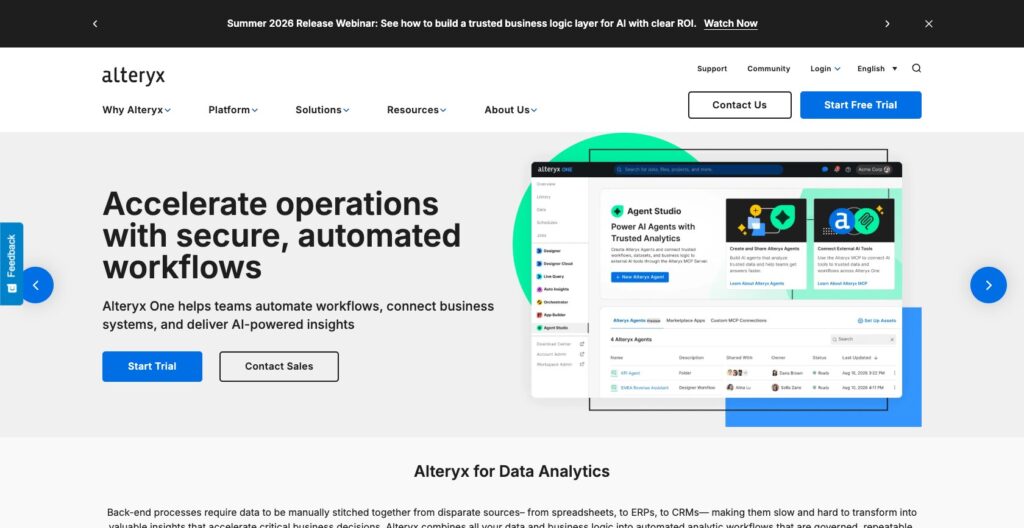
Alteryx is a candidate when repeatable data preparation and automation justify a paid platform. Current Alteryx One editions package different connection, authoring, and scheduling capabilities, so the entry price needs context.
Starter provides cloud-based, drag-and-drop preparation and workflow creation using file connections such as CSV and Excel. Professional adds cloud and desktop flexibility, more advanced preparation, cloud scheduling, and broader source connectivity.
Before comparing it with KNIME, list the sources you must connect and whether work needs to run unattended. Try a representative process with awkward inputs and changed columns to see how much repair a rerun requires.
- Pricing: Alteryx One Starter costs $250 per user per month, billed annually. Professional and Enterprise require quotes; roles and automation runs also affect cost.
- Watch out: Starter is cloud-only. Its price doesn’t represent the full desktop offering.
Other tools for specialist needs
These 6 tools remain useful for requirements the main shortlist may not cover:
- Grafana: application and infrastructure monitoring. Choose it for operational dashboards; budget for self-hosting or applicable Cloud usage.
- Plotly / Dash: custom interactive charts and Python data apps. The open-source libraries and framework give developers control; deployment and maintenance still need an owner or paid service.
- Redash: self-hosted SQL queries and dashboards. The original hosted service ended in 2021, so budget for operating the open-source application.
- Yellowfin: dashboards and self-service reporting embedded in customer-facing software. Evaluate integration and customer permissions alongside licensing.
- Domo: an integrated cloud platform spanning preparation, dashboards, apps, and workflows. Its credit-based pricing calls for a realistic usage estimate.
- IBM Cognos Analytics: enterprise reporting with several deployment options. Separate report-author needs from reader access; the on-demand Standard tier doesn’t include report creation.
How to choose a data analysis tool
Compare 2 candidates using the same real deliverable. Start with these questions:
- What must you produce? A working forecast, shared dashboard, statistical investigation, and recurring preparation job need different tools. More features won’t resolve a mismatch.
- Who will maintain it? Include SQL, modeling, programming, and hosting skills. Free software can create costly work when nobody owns it.
- Where does the data live? Check connections, permissions, and refresh needs. Our data warehouse guide explains the storage layer behind many reporting tools.
- What does the whole team cost? Separate authors from readers and add computing or connector fees. For example, 2 Tableau Standard Creators and 10 Viewers cost $300 per month on annual billing, before additional services.
- Can you verify the AI output? Reconcile totals and inspect available code or calculations. Test a changed input and confirm refresh behavior before using generated reports repeatedly.
Use our data-stack tool directory to investigate supporting software. Pick the workflow you can maintain, with clear ownership and an understandable operating cost.
Frequently asked questions
What are the best free data analysis tools?
pandas and DuckDB provide free software for technical analysis, while KNIME offers a free desktop platform and Metabase a free self-hosted edition. Julius AI and Anomaly AI have limited free plans. Free access doesn’t necessarily include the hosting, credits, sharing, or support your team needs.
Do you need coding skills for data analysis?
Not for every task. AI assistants, visual BI, and preparation tools support analysis without coding each operation. pandas requires Python, while DuckDB suits SQL workflows. Whatever the interface, someone must understand the data, check assumptions, and verify the result before using it to make decisions.
Comments 0 Responses