Panoply on Redshift
To connect Draxlr to Redshift:
-
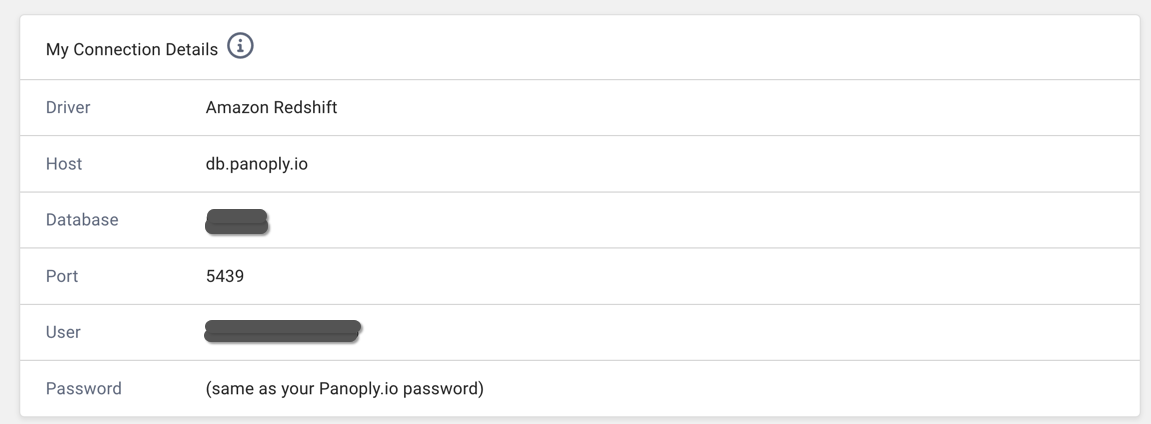
In Panoply, click on BI Connection. The details there will be used in step 3.
-
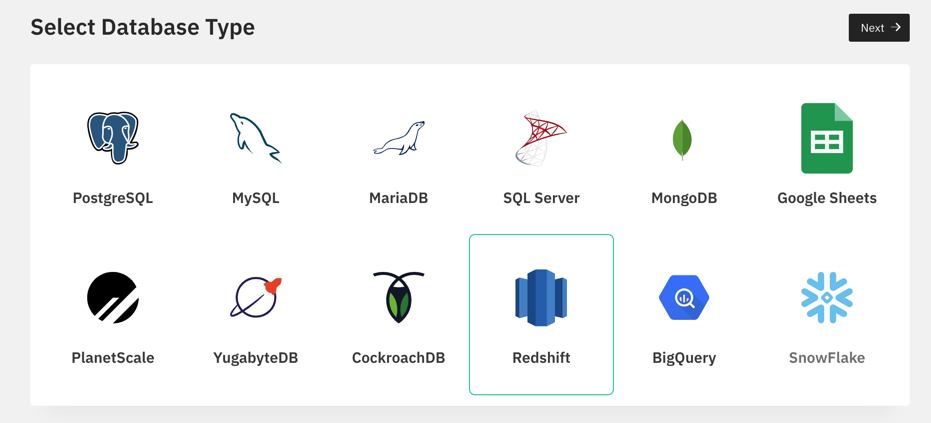
In Draxlr, select Redshift as your desired database to connect and click next
-
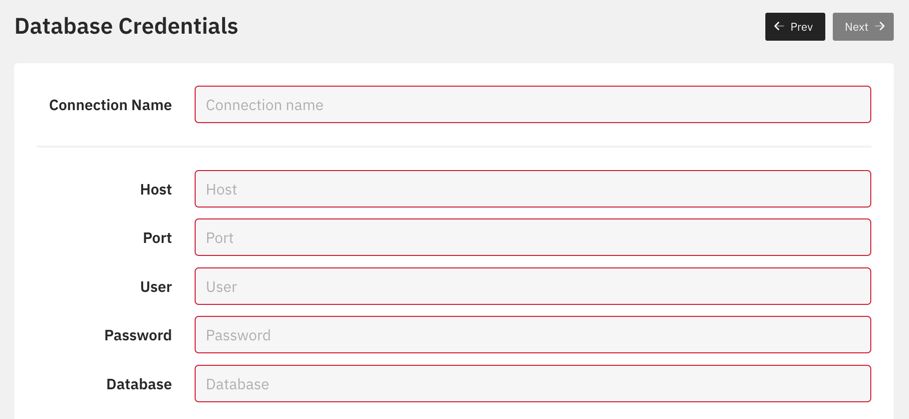
Name your connection, enter the host, port, user, password and database name and click next
-
Select the schema you wish to connect to Draxlr and click next
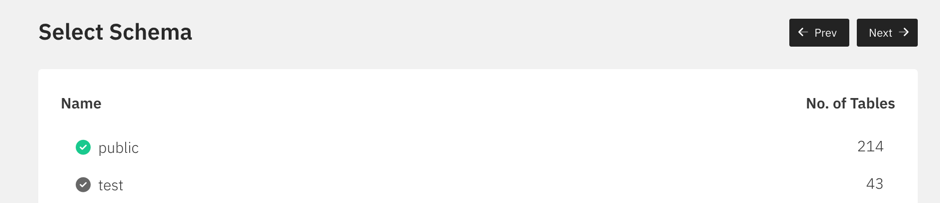
You have successfully connected Draxlr to your Redshift data warehouse.