
Editor’s note: This Redpanda review assesses features, deployment options, and operating costs for teams choosing a streaming platform.
Quick verdict: I recommend Redpanda to engineering teams that want Kafka-compatible event streaming with more choice over how they run it. Its built-in tooling and managed deployments are appealing, but I wouldn’t switch a healthy Kafka installation just for the promise of faster performance. Your integration requirements and production bill matter more.
Key Takeaways
- Kafka compatibility is the main attraction: you can keep familiar clients while changing the streaming infrastructure underneath them.
- You have several deployment choices: use managed cloud services or operate Redpanda yourself.
- The built-in Schema Registry is useful: managing event formats doesn’t require a separate registry service.
- Serverless has meaningful limits: it doesn’t include every production feature available in Dedicated or BYOC.
- Free software doesn’t mean free operations: self-hosting costs money, and advanced features require an Enterprise license.
I’ll look at what each deployment costs you in money and responsibility, then explain where the compatibility, pipeline, and storage features make a difference.
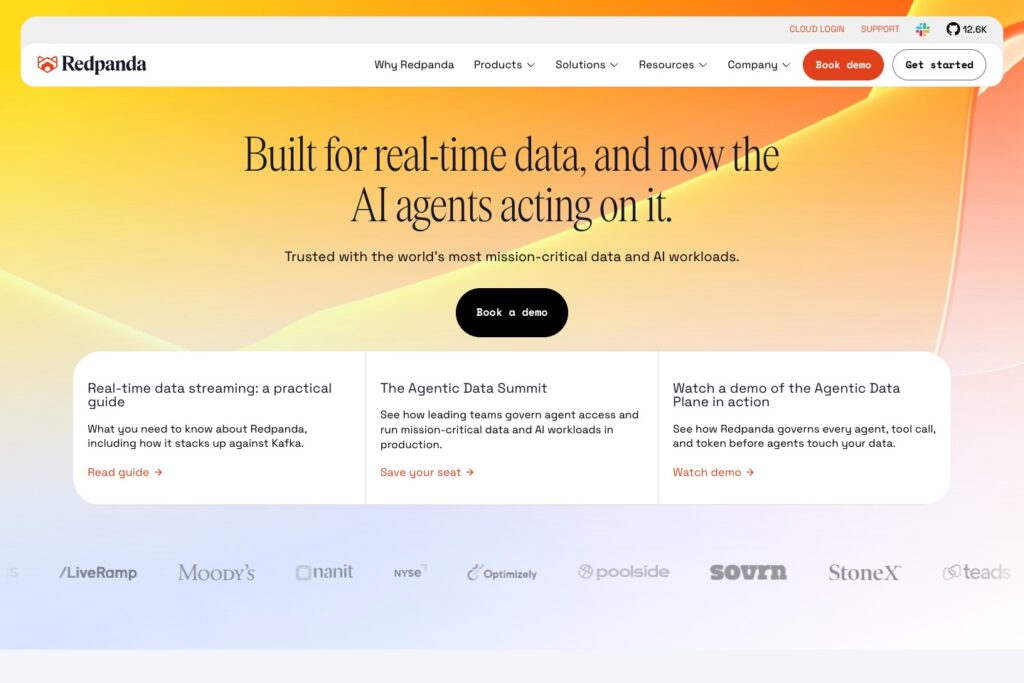
Redpanda Pros and Cons
Pros
- Kafka-compatible clients reduce application migration work
- Built-in Schema Registry keeps schema management close to the broker
- Serverless, Dedicated, BYOC, and self-managed deployment choices
- Redpanda Connect supports configurable input, processing, and output pipelines
- Tiered Storage separates historical retention from broker disk capacity
Cons
- Serverless lacks multi-AZ deployment and data-plane audit logs
- Quiet Serverless workloads can still incur uptime and storage charges
- Self-managed Tiered Storage requires Enterprise licensing
- Kafka compatibility still has exceptions that need migration checks
How Much Does Redpanda Cost?
I would choose your Redpanda deployment before comparing prices. A free Community installation and a managed cloud quote cover very different responsibilities. Include the engineering time needed to run the former, alongside its infrastructure bill.
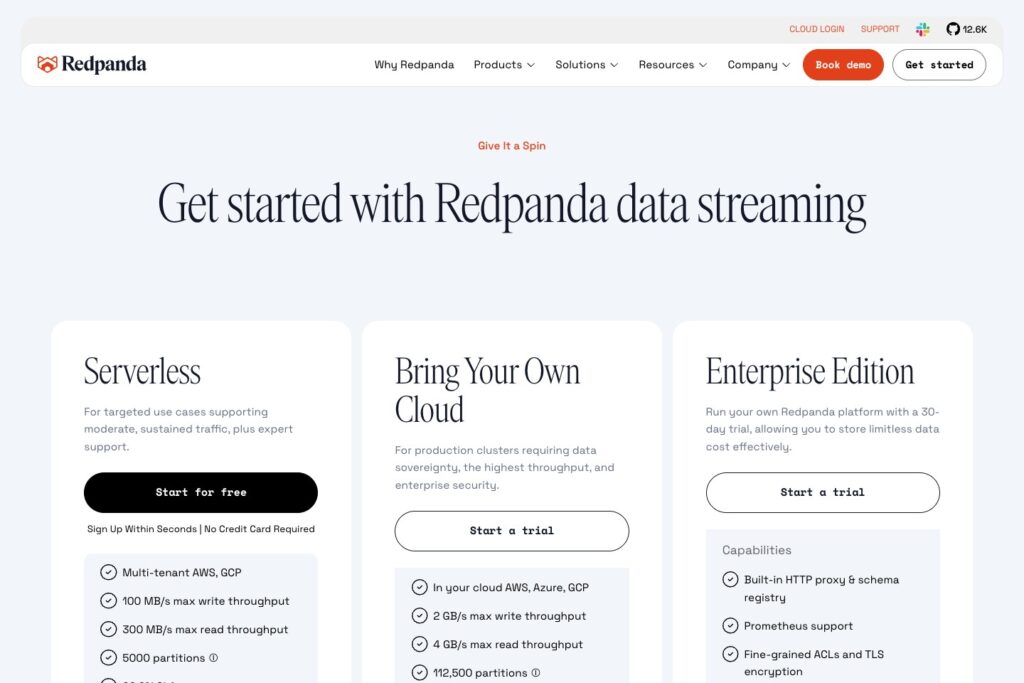
- Community ($0 software fee): for developers and teams willing to run the core platform themselves. Infrastructure and operations are your responsibility.
- Serverless (usage-based): my starting point for an initial evaluation or an application that fits its availability and security limits.
- Dedicated (workload-based estimate): for teams wanting a managed, single-tenant cluster in Redpanda’s cloud environment.
- BYOC (annual commitment): for organizations wanting Redpanda to manage a deployment in their own cloud account. Request a workload-specific estimate.
- Self-managed Enterprise (sales quote): for teams that want advanced capabilities while retaining operational control.
| Option | Pricing basis | Who I would consider it for | Main cost concern |
|---|---|---|---|
| Community | Free core software | Teams able to operate their own infrastructure | Hosting and engineering aren’t included |
| Serverless | Metered usage | Focused applications and initial evaluations | Several billing dimensions, not just traffic |
| Dedicated | Cluster-specific estimate | Managed single-tenant workloads | Size the cluster before comparing quotes |
| BYOC | Annual commercial agreement | Organizations keeping the data plane in their cloud account | Include cloud-account costs in the comparison |
| Enterprise | Quoted license plus infrastructure | Experienced self-managed platform teams | Paid features and operational ownership |
The direct AWS Serverless trial includes $100 in credits for 30 days, without requiring a credit card. I like this as an evaluation route, but it isn’t a permanent free cloud tier. Once the trial expires, the cluster is suspended; the documented grace period to add a payment card is seven days before its data is deleted.
Is Redpanda Good Value for Money?
My main pricing concern is paying attention to ingestion while overlooking everything that happens afterward. Long retention and several applications reading the same stream can change the bill considerably.
The five Serverless billing dimensions are:
- Uptime: having a cluster available can cost money even when traffic is quiet.
- Ingress: data written into the service.
- Egress: data read out of it.
- Partitions: the structure of your topics affects the bill.
- Object storage: retained history adds an ongoing cost.
Rates vary by region. Uptime is uncharged only when there are no partitions and no stored data. Leaving a quiet cluster with retained history therefore isn’t the same as switching off its bill.
Serverless also has a 99.9% SLA, compared with 99.99% for multi-AZ Dedicated and BYOC. Its guaranteed-response support requires an annual commitment. I’d put those requirements ahead of small differences in traffic costs when choosing a home for a critical application.
Reviewer’s Notes: I’d start a small evaluation on Serverless, then request a Dedicated or BYOC estimate before committing a critical workload. Price your expected readers and retention period, not just the amount your producers send. If keeping data in your own cloud account is a requirement, start the conversation with BYOC.
Getting Started With Redpanda
I like being able to learn Redpanda locally before choosing where to host it. The important distinction is between getting events flowing and having a system you’re ready to operate.
The local quickstart uses Docker to run a three-broker cluster alongside the tools needed to explore it. It introduces Redpanda Console, the rpk command-line interface, and a Connect pipeline. This is a development and testing environment, not a production deployment template to copy unchanged.
For an initial evaluation, I would follow this sequence:
- Choose a deployment: local for learning, or managed cloud to evaluate the hosting option you actually expect to buy.
- Create a topic and configure client access: use a small, representative event stream rather than sensitive production data.
- Connect a producer and consumer: check that your application’s client and authentication configuration work together.
- Inspect the event format: establish how a schema change will affect the applications reading it.
- Add the real destination: the useful milestone is a working application flow, not simply a message appearing in a topic.
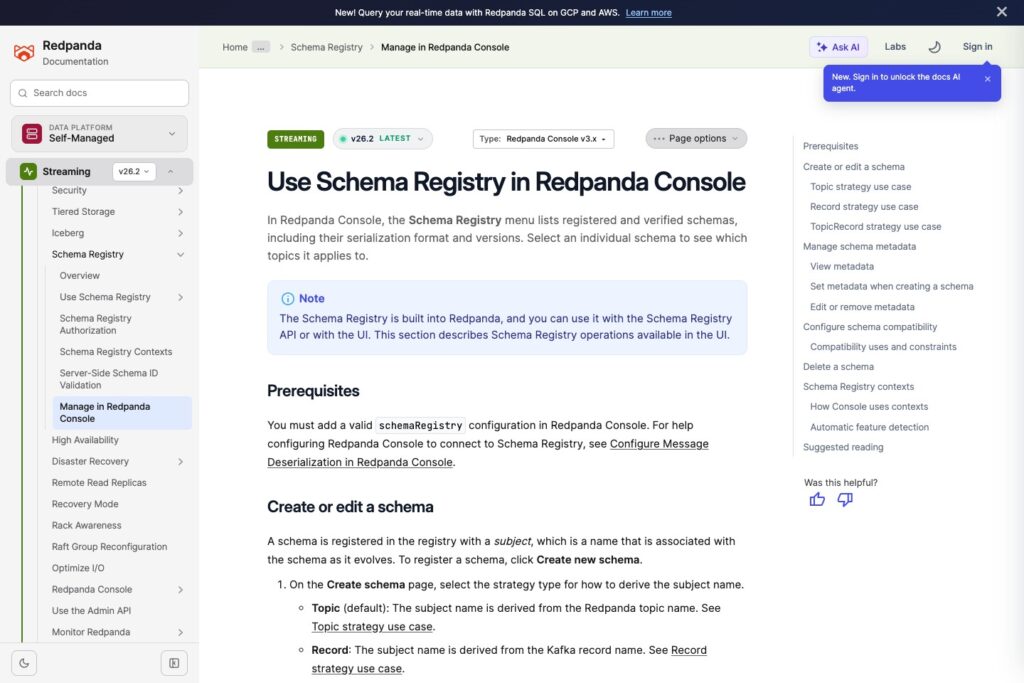
Redpanda Console’s Schema Registry interface lets you inspect registered schemas, formats, and versions, and see which topics use a schema. That context matters: changing an event format can break the applications reading it, even while the broker itself is working normally.
My caution is that an approachable setup doesn’t remove streaming design decisions. Decide who owns schema changes and how you will handle consumer failures early. Those questions follow you onto any platform.
How Well Does Redpanda Replace Kafka?
Redpanda’s strongest pitch is that you can change the broker without abandoning the Kafka client ecosystem. I find that more persuasive than a headline speed comparison: retaining application code and team knowledge can make a migration easier to justify.
The platform is a separate implementation, built around C++ and a thread-per-core design, without the JVM. That changes what you operate and tune, but it doesn’t establish how much faster your application will become. I’d want a representative workload comparison before making performance the reason to move.
It’s also time to retire the idea that avoiding ZooKeeper alone settles this decision. Apache Kafka 4.0 removed ZooKeeper and runs in KRaft mode. Compare Redpanda with the Kafka version you would deploy today.
Compatibility Is Good, but Check the Edges
Redpanda supports Kafka clients using protocol version 0.11 and later, with validated clients that include Kafka 4.x support. That is a useful starting point, not a promise that every administration workflow behaves identically.
Two examples matter when planning a move:
- Authentication: a SASL user can have one SCRAM mechanism, rather than both SHA-256 and SHA-512 credentials.
- Transactions: Kafka 4.x clients fall back from Transactions V2 to the original transaction protocol. This is a compatibility distinction, not an absence of transaction support.
My migration checklist would include the exact clients and administrative tools already in use. A successful basic producer test tells you little about an authentication change or a transaction-heavy application.
Built-in Schemas Are a Practical Advantage
The integrated Schema Registry is one of my favorite parts of Redpanda’s design. Fewer separately operated services can make a self-managed installation easier to reason about.
There are still format-specific limits. External JSON Schema references to another registered subject aren’t supported; definitions need to be organized within the same schema document. If your schema library relies on those references, account for the restructuring before you commit.
Moving and Transforming Data With Redpanda Connect
Redpanda Connect appeals to me when a team wants to configure a pipeline instead of writing a separate integration application. You define inputs, processing, and outputs in YAML, then deploy and monitor the pipeline.
For example, an order-event pipeline could rename fields or standardize a timestamp before forwarding records. I like that the transformation sits alongside the connection settings, where the team can review it. I’d still budget for someone comfortable with configuration and event processing to own the pipeline.
Redpanda Connect and Kafka Connect are different products. This distinction is easy to miss when comparing deployment options. Managed Kafka Connect isn’t available on Serverless; on new Dedicated and BYOC clusters, support must enable it. Check the actual connector your integration depends on, rather than assuming the similar names make them interchangeable.
Pipelines Still Need Resources
Cloud Connect’s standard pipelines start at one compute unit, representing 0.1 CPU and 400 MB of memory. A standard pipeline can scale up to 72 units. If it exceeds its CPU allocation, it is throttled; if it exceeds memory, it restarts.
That makes me cautious about budgeting only for the streaming cluster. A pipeline that calls external services or processes larger records can need more resources than a simple pass-through flow.
Private destinations add another consideration. BYOC and Dedicated pipelines need the appropriate egress allowlist rules and a working network route. Allowing an address doesn’t create connectivity to a private database.
I’d favor Connect for clearly defined movement and transformation jobs. If my main requirement were managed Flink applications for stateful stream processing, I’d also evaluate Confluent’s integrated Flink service.
Keeping Historical Data Without Filling Broker Disks
Tiered Storage is a strong reason to consider Redpanda when you need to retain event history. It moves log segments into object storage, so your retention decision isn’t tied entirely to the amount of disk attached to the brokers.
I like the separation. A team may need fast access to recent events while retaining older records for replay, and buying broker disk for the entire history can be an awkward way to meet both needs.
However, self-managed Tiered Storage requires Enterprise. If this feature is central to your plan, don’t build your budget around Community alone. You also need to choose the storage location carefully: moving tiered topics between buckets or storage providers isn’t supported.
Compaction Needs Particular Attention
Tiered Storage v1 doesn’t compact data already uploaded to object storage, so duplicate keys and tombstones can remain there. Version 2 adds remote compaction on supported BYOC and Dedicated clusters, but it is beta and isn’t supported for production. It applies to new topics; existing v1 topics cannot be converted to v2.
I would be especially careful with a design that depends on removing old values from retained remote data. Broker-side compaction and remote storage behavior aren’t interchangeable. Confirm that the storage version and retention settings meet your requirements before putting long-lived data into the system.
How Does Redpanda Compare With Alternatives?
The alternative I’d choose depends on whether licensing, stream processing, or cloud alignment matters most:
- Apache Kafka: I’d choose Kafka when its Apache-licensed foundation and the existing ecosystem are central requirements. If your team already operates it well, Redpanda needs to solve a specific problem to justify migration work.
- Confluent: I’d evaluate Confluent first when managed Flink processing is a major part of the purchase. Its integrated service supports filtering, joining, enriching, and transforming streams without operating the Flink infrastructure yourself.
- Amazon MSK: I’d shortlist MSK when the organization is committed to AWS and wants AWS to manage Apache Kafka. It keeps the decision focused on Kafka within the cloud environment your team already uses.
| Platform | My strongest reason to shortlist it | Operational choice | Question before committing |
|---|---|---|---|
| Redpanda | Kafka-compatible streaming with integrated tooling | Managed cloud or self-managed | Does the chosen deployment support every required feature? |
| Apache Kafka | Apache-licensed streaming foundation | Operate it yourself or choose a provider | Who will own production operations? |
| Confluent Cloud | Kafka ecosystem plus managed Flink processing | Managed service | Does the broader platform justify its workload cost? |
| Amazon MSK | Managed Apache Kafka within AWS | AWS-managed infrastructure | Is AWS the long-term home for this workload? |
How I Reviewed Redpanda
I evaluated Redpanda’s deployment choices, billing structure, client compatibility, and pipeline and storage limitations against common streaming requirements. My recommendations weigh operating responsibility and migration effort alongside features. This assessment is based on product documentation and published service terms.
Pricing structure and trial terms checked in October 2026. Obtain a current regional estimate for your workload before purchasing.
Should You Choose Redpanda?
I would shortlist Redpanda if you want to keep Kafka-compatible applications while reconsidering how their streaming infrastructure runs. Integrated schema management and configurable pipelines give you useful tools around the broker, while BYOC offers managed operations in your own cloud account.
I’d be more cautious if your main justification is a generic performance promise, or if you expect Serverless to include all enterprise capabilities. Start with the requirements you cannot compromise on, then choose the deployment that meets them.
My recommendation is to evaluate one representative application flow and cost its real retention and reading patterns. Choose Redpanda when it removes a concrete operational burden or fits a hosting requirement better. Keep a working Kafka setup when neither benefit justifies the migration.
FAQ
Is Redpanda Free?
The core Community software is free to use within its license terms, but you pay to operate it. The direct AWS Serverless offer is a time-limited credit trial, not an ongoing free cloud service.
Is Redpanda the Same as Apache Kafka?
No. It is a separate streaming implementation that supports Kafka APIs. Many existing clients can work with it, but you should check your specific integrations and compatibility requirements.
Is Redpanda Open Source?
Community is source-available under the Business Source License, with restrictions on offering it as a commercial streaming service. It isn’t the same licensing model as Apache Kafka’s Apache 2.0 license.
Can I Run Redpanda in My Own Cloud Account?
Yes. BYOC places the managed data plane in your cloud account. Self-managed deployment is another option, but your team takes responsibility for running it.
Should I Choose Serverless for a Critical Application?
Only if its availability and security features meet the application’s requirements. I would assess Dedicated or BYOC when multi-AZ deployment or data-plane audit logging is required.