
Editor’s note: This Apache Kafka review assesses Kafka’s capabilities, operating costs, and fit for engineering teams.
Quick verdict: I recommend Apache Kafka for engineering teams that need a shared stream of business events and want control over how it runs. Its free software and flexible architecture are appealing, but managing it properly takes infrastructure expertise and an ongoing operating budget.
Key Takeaways
- Best for application and data engineers: Kafka connects systems that need to react to events as they happen.
- The software costs $0: Apache Kafka has no paid subscription tiers, though running it costs money.
- Connect and Streams broaden its usefulness: You can integrate external systems and build processing applications around Kafka.
- Self-hosting comes with real responsibility: Your team owns the deployment and its day-to-day health.
- A managed service may be better value: Confluent Cloud or Amazon MSK deserves a place on your shortlist if operations are already stretched.
Among streaming and CDC tools, Kafka is a strong choice when several applications need the same flow of data. I’d skip it for a daily report moving between just two systems.
In this review, I’ll take a closer look at the costs, setup, and features that make Kafka worth considering, along with the responsibilities I’d weigh before choosing it.
Apache Kafka Pros and Cons
Pros
- Apache 2.0 software with a $0 license cost.
- Retained events support replay by independent applications.
- Kafka Connect provides a framework for source and destination integrations.
- Kafka Streams supports processing inside Java and Scala applications.
- Self-management gives you control over deployment and configuration.
Cons
- Production infrastructure and maintenance are your responsibility.
- Connector plugins need their own configuration and upkeep.
- Exactly-once processing does not automatically cover external systems.
- A single-node quickstart leaves substantial production work ahead.
My favorite part of Kafka is that you can add applications around the same retained events. The drawback is that its integration and processing components add services to maintain alongside the brokers.
Apache Kafka Pricing: What Does It Really Cost?
Apache Kafka is free to download and use under the Apache License 2.0. There is no Apache Starter, Pro, or Enterprise plan to upgrade to.
Your spending depends on the deployment you choose:
- Apache Kafka software ($0): For teams that want the open-source distribution and will arrange their own hosting and operations.
- Self-hosted deployment (variable): For production workloads where your budget covers infrastructure and engineering time alongside the free software.
- Managed alternatives (usage-based): Confluent Cloud and Amazon MSK are separate commercial services with their own charges. They are not paid Apache Kafka plans.
| Option | Software or service price | Costs to budget for | Best fit |
|---|---|---|---|
| Apache Kafka | $0 software license | Hosting and operations | Teams wanting deployment control |
| Self-hosted Kafka in production | No fixed monthly total | Compute, storage, networking, and engineering | Teams equipped to operate it |
| Confluent Cloud | Usage-based commercial pricing | Capacity, data transfer, storage, and selected services | Teams wanting managed streaming and integrations |
| Amazon MSK | Provisioned or serverless pricing | Selected capacity model, storage, and applicable transfer | Teams building within AWS |
Replication belongs in this calculation too. A common production replication factor is three, which means storing three copies of your topic partitions. A budget based on only one copy of the incoming data will miss part of the storage requirement.
Is Apache Kafka Good Value for Money?
Kafka offers good value when the control you gain is useful to your business. It is harder to justify when that control creates work nobody has time to own.
Before choosing, I’d compare:
- Normal operating costs: Include the supporting components your pipeline needs, not just Kafka servers.
- Recovery costs: Allow engineering time for upgrades and incident response.
- Growth costs: Model more incoming data and a longer history, rather than assuming today’s bill will hold.
Reviewer’s Notes
I recommend the free distribution when deployment control matters enough to justify running it yourself. If you mainly want to build applications, price Confluent Cloud or Amazon MSK first. Compare the same data volume and retention period so the estimates are useful.
Getting Started With Apache Kafka
Kafka starts with a technical setup rather than a signup form. The local scripts require Java 17 or later, and official Docker images provide another way to run it.

The quickstart follows a useful sequence:
- Start Kafka: With the downloaded distribution, generate a cluster identifier, format its storage, and start the server. Alternatively, use an official Docker image.
- Create a topic: This is a named stream where related events live, such as new orders.
- Write some events: The console producer lets you enter example messages.
- Read them back: The console consumer can read the stored messages from the beginning.
I like this starting point because it keeps the first exercise focused. You can understand the journey from writing an event to reading it without designing a complete integration first.
For your evaluation, I recommend an example that resembles the work you need Kafka to do. An order update is more useful than a random test string if your goal is connecting an online store to downstream applications.
Then add one real source or destination. That is where choices about data formats and integration ownership become much more concrete.
The quickstart is a learning environment, not a production blueprint. Sending a few messages successfully doesn’t tell you how a service will behave during an outage or whether your team can maintain it comfortably.
Confluent Cloud is the alternative I’d consider if this setup feels like a detour from the application you want to build. Self-hosted Kafka makes more sense when controlling the deployment is part of the objective.
Event Streaming and Replay
Kafka’s retained event history is the feature I find most compelling. Reading an event does not automatically remove it, so separate applications can use the same stream and revisit available history.
Imagine an order stream serving an inventory application and a reporting pipeline. Each can work through the events for its own purpose. You don’t need to make the reporting job’s progress dictate when the inventory application can continue.
That makes Kafka particularly attractive for systems that will gain new consumers over time. For me, that flexibility matters more than a headline throughput claim.
How Much History Can You Replay?
Your retention settings determine what remains available. Kafka can delete older data, compact it, or combine cleanup policies. With delete-based cleanup, the documented default time setting is seven days, although cleanup happens in segments rather than at an exact deadline for every event.
I recommend choosing retention around your recovery needs. If a downstream system is offline for longer than your retained history, simply restarting it may not recover everything it missed.
Will Events Stay in Order?
Kafka stores events in order within each partition, one of the subdivisions of a topic. There is no single order across all the partitions. Your application’s processing order also depends on how it produces and consumes those events.
Partitioning deserves attention early. An application that needs to process each customer’s updates in sequence has a different requirement from one that only needs a daily total.
Choose event keys and partitioning around that requirement. A managed provider can reduce infrastructure work, but your application still needs a suitable ordering strategy.
Kafka Connect and Kafka Streams
Kafka Connect and Kafka Streams handle two different jobs: connecting external systems and processing event data. I like having both options, but they aren’t interchangeable shortcuts.
Kafka Connect: Less Integration Code to Write
Kafka Connect runs source connectors that bring data in and sink connectors that send data out. Its workers run separately from the Kafka brokers, the servers that hold and serve event data.
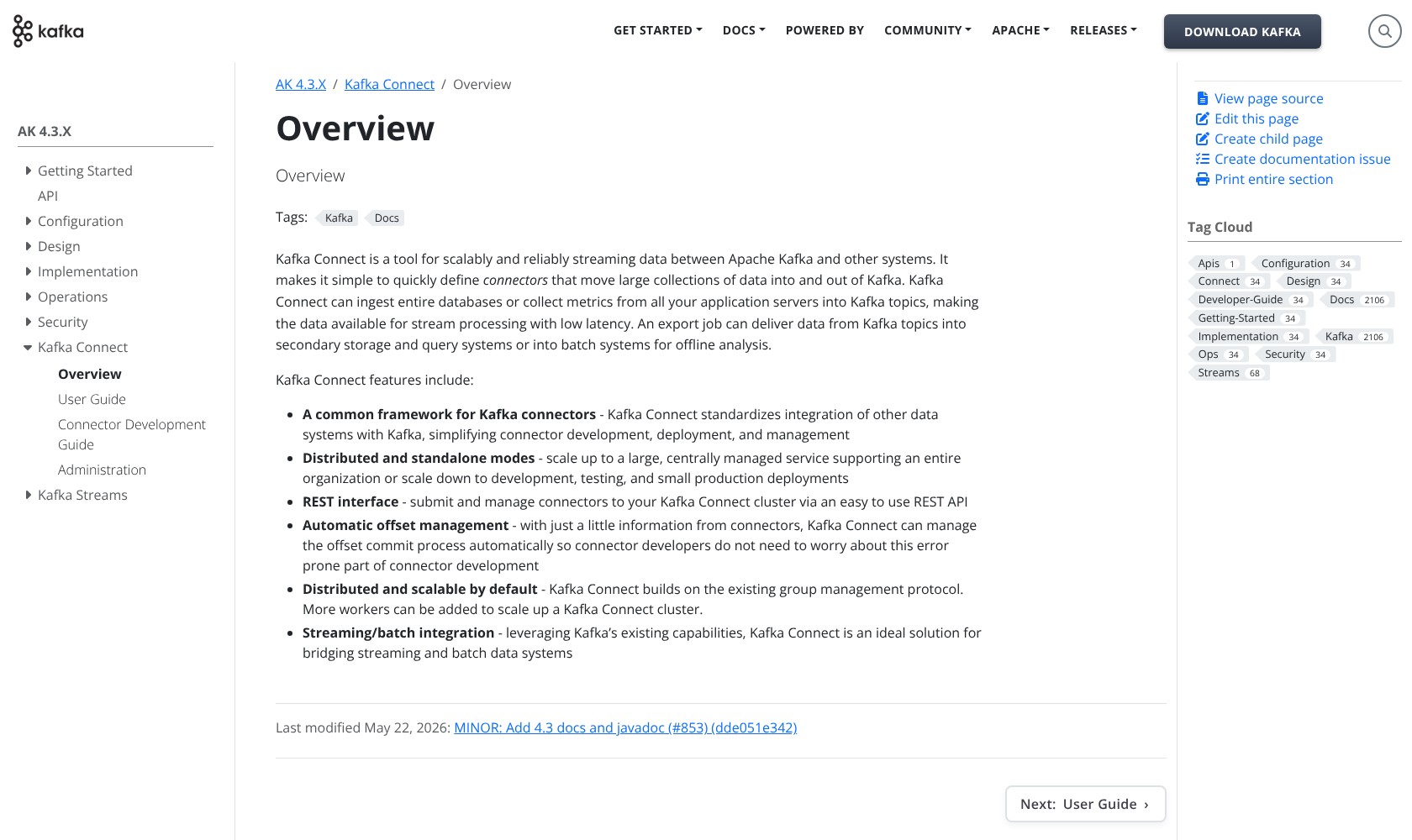
For a team integrating databases or cloud storage, that framework is useful. It gives integrations a common operating model instead of requiring a completely separate application for every connection.
Connect supports standalone and distributed workers, with a REST API for management. The distributed approach is my choice for an integration that needs multiple workers; standalone mode keeps a small learning exercise simple.
The catch is that Connect doesn’t make integrations maintenance-free. You still select the plugin, configure credentials and data conversion, and maintain it as the surrounding systems change.
Confluent Cloud’s managed connectors are worth comparing if that upkeep is the part you want to avoid. Don’t assume those commercial services are included with Apache’s free distribution.
Kafka Streams: Processing Inside Your Application
Kafka Streams is a library for building Java and Scala applications that process Kafka data. It supports operations such as joining streams and calculating running totals without requiring a separate stream-processing cluster.
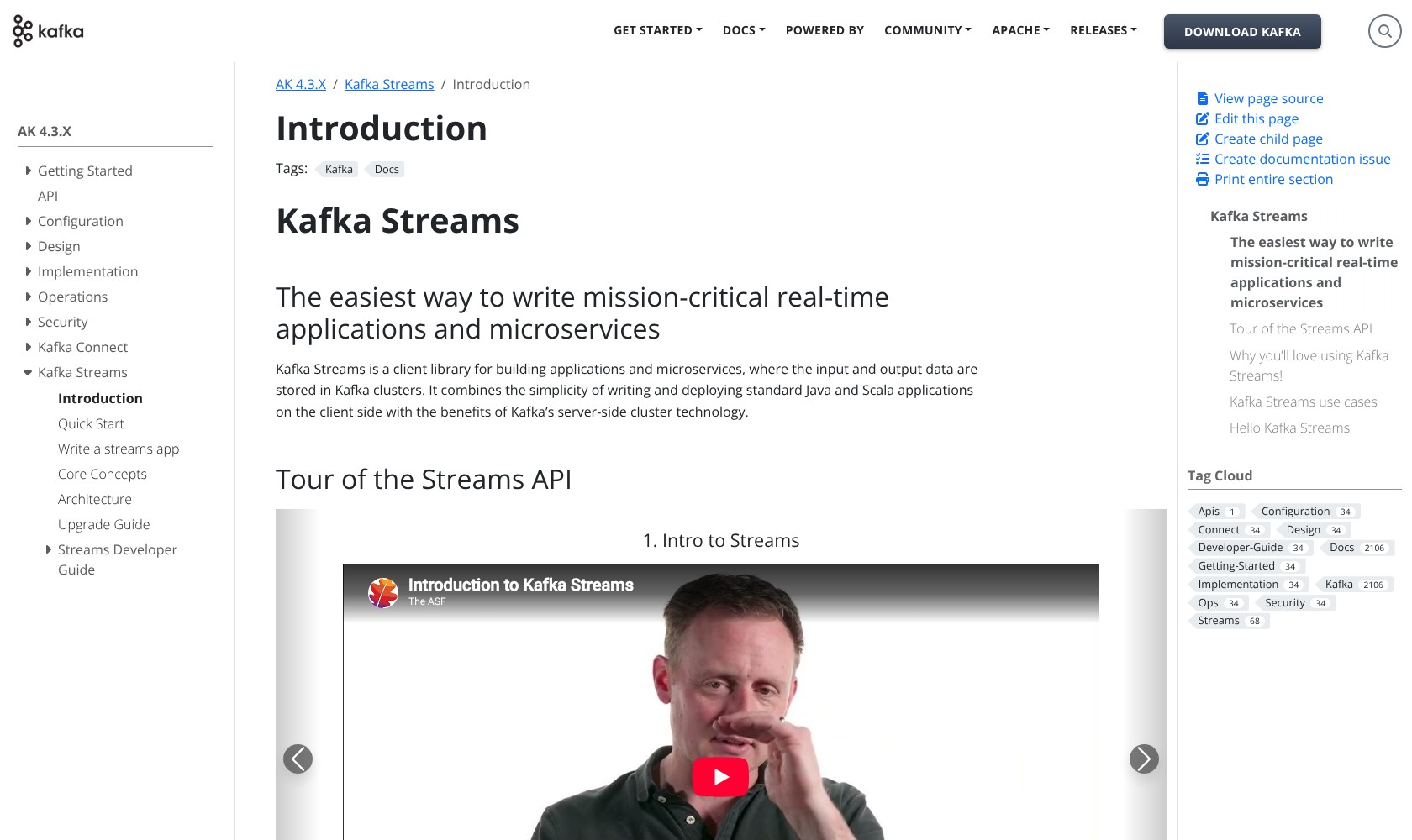
I like this fit for developers who want processing logic to live with their application code. You still need to host the application and operate or buy the underlying Kafka service.
Connect can make simple changes to individual messages, such as removing a field. For work that combines records or maintains a running calculation, Streams is the more appropriate component to consider.
For a basic data transfer, I’d start with Connect. Add Streams when you have a processing requirement, such as combining order and payment events, that warrants application code.
Production Operations and Reliability
Kafka’s production architecture requires more planning than its local setup suggests. This is where I become more selective about recommending self-hosting.
Current Kafka uses KRaft for cluster coordination, so a new deployment no longer needs ZooKeeper. If you’re upgrading an older ZooKeeper-based installation, however, migration is still part of the job.
Kafka also distinguishes between brokers and controllers, which manage cluster metadata. Combining these roles is convenient for a simple development setup; separate roles are recommended for critical deployments. Controller redundancy generally calls for at least three controllers.
Before relying on Kafka in production, I recommend planning for:
- Service health: Monitor request errors and incoming data rates, with alerts someone can act on.
- Access and security: Establish who can connect and what they can do.
- Upgrades and recovery: Plan how changes will be deployed and failures investigated.
Replicated data also needs suitable acknowledgment and replica settings. Adding brokers alone doesn’t establish the failure tolerance your application needs.
Exactly-Once Processing Has Boundaries
Kafka supports transactional processing that coordinates records written back to Kafka with progress through the input. With suitable configuration, this enables exactly-once processing within that scope.
It doesn’t automatically mean an external database update or payment happens exactly once. The destination and application need to cooperate too.
My advice is to check the final business action. Preventing duplicate records inside Kafka is only one part of preventing a customer from being charged twice.
Kafka also has share groups alongside traditional consumer groups. These support queue-like consumption, including individual record acknowledgments and multiple consumers sharing a partition. They broaden the available patterns, but I wouldn’t introduce Kafka solely because a small job queue needs workers.
How Does Apache Kafka Compare With Alternatives?
Confluent Cloud and Amazon MSK appeal when operating Kafka is the sticking point. Redpanda deserves a separate comparison because it changes the implementation itself.
- Confluent: My pick to compare when managed integrations matter alongside streaming. Confluent Cloud brings commercial services around the event pipeline, but its usage charges need to be assessed against your workload.
- Amazon MSK: A strong option for teams already committed to AWS. AWS manages Kafka infrastructure and operational tasks, while your team still designs the applications and downstream pipelines. Provisioned and serverless models give you different ways to buy capacity.
- Redpanda: Worth evaluating if you want a Kafka-compatible implementation that runs without the JVM. Check the APIs and client behavior your applications need because compatibility has exceptions. Its free Community edition uses the Business Source License, which differs from Apache Kafka’s Apache 2.0 license.
| Option | Main appeal | Deployment consideration | My suggested buyer |
|---|---|---|---|
| Apache Kafka | Open-source control | You operate the service | Team with infrastructure expertise |
| Confluent Cloud | Managed streaming and integrations | Commercial usage-based service | Team prioritizing less operational work |
| Amazon MSK | Managed Kafka on AWS | Tied to AWS | Existing AWS engineering team |
| Redpanda | Kafka-compatible alternative | Check compatibility and licensing | Team willing to assess another implementation |
My preference is to compare these against one real pipeline. Include its connectors and processing code, since moving the brokers doesn’t automatically move every part of the application.
How I Reviewed Apache Kafka
I assessed Kafka’s setup, integration and processing capabilities, and production requirements using product documentation. I compared its deployment and pricing model with Confluent Cloud, Amazon MSK, and Redpanda. The recommendations are research-based judgments; I did not benchmark Kafka or run a production cluster for this review.
Pricing models and product details were reviewed in October 2026.
Should You Choose Apache Kafka?
I recommend Apache Kafka when event streaming is an ongoing engineering requirement and your team wants to own the platform behind it. Its integration framework and processing library give you useful ways to build beyond the core service.
The free license is a benefit, but I wouldn’t make it the deciding factor. Kafka becomes good value when you can use its flexibility without stretching the people responsible for it.
If you need Kafka’s capabilities and already have too much infrastructure to maintain, compare Confluent Cloud and Amazon MSK before committing to self-hosting. If you only need an occasional transfer between two systems, I’d start with a simpler integration.
Start with one useful event stream and the applications that need it. If that shared history solves a recurring problem, Kafka has a clear role to play.
Apache Kafka FAQ
Is Apache Kafka free?
Yes. Apache Kafka has a $0 software license under Apache 2.0. Your budget still needs to cover hosting and operations. Managed services such as Confluent Cloud and Amazon MSK charge separately.
Does Apache Kafka still require ZooKeeper?
No. New current Kafka deployments use KRaft. An existing ZooKeeper-based cluster needs an appropriate migration path before upgrading to versions that no longer support ZooKeeper mode.
Is Kafka Connect the same as Kafka Streams?
No. Connect integrates Kafka with external systems using connector plugins. Streams is a library for writing applications that process Kafka data. A pipeline can use both for different jobs.
Is Apache Kafka suitable for a small team?
It can be, if someone can operate it confidently and the use case justifies the work. I’d favor a managed service when maintaining infrastructure would take too much time away from building the application.
Can Kafka replace a data warehouse?
I wouldn’t choose it as a replacement for an analytics warehouse. Kafka is designed around event streams and processing. A warehouse serves a different need when your priority is querying business data and producing reports.