
Get fast, simple performance updates on your Panoply jobs
Panoply’s brand new “Jobs” page allows users to always be on top of their activities and tasks in Panoply. Customers use Panoply’s Jobs page to quickly reference the status and progress of their activities using Panoply. This informative page lists all the actions, or “jobs,” a user has taken, including manual data source ingestions, data exports, alter, scheduled data collections, and view and query materializations.
Types of Jobs
|
Panoply AI Materialization |
Panoply’s AI machine learning algorithm which detects frequently run and long running queries, sub-queries or views. The AI automatically materializes the data to improve query performance. The AI also de-materializes the data if usage drops. |
|
View Materialization |
A materialization manually created by a user to improve the speed of a query. The materialization generates a table with the cached results of the query. |
|
Export |
Data exported by a user as a .CSV file. The data is from a query run in the Analyze tool. |
|
Alter |
A change to the metadata of any table or to any table column name. The change must be user initiated. |
|
Scheduled collection |
A data source scheduled to automatically collect data at multiple intervals. |
|
Manual collection |
A data source, manually run by a user, collecting data one time. |
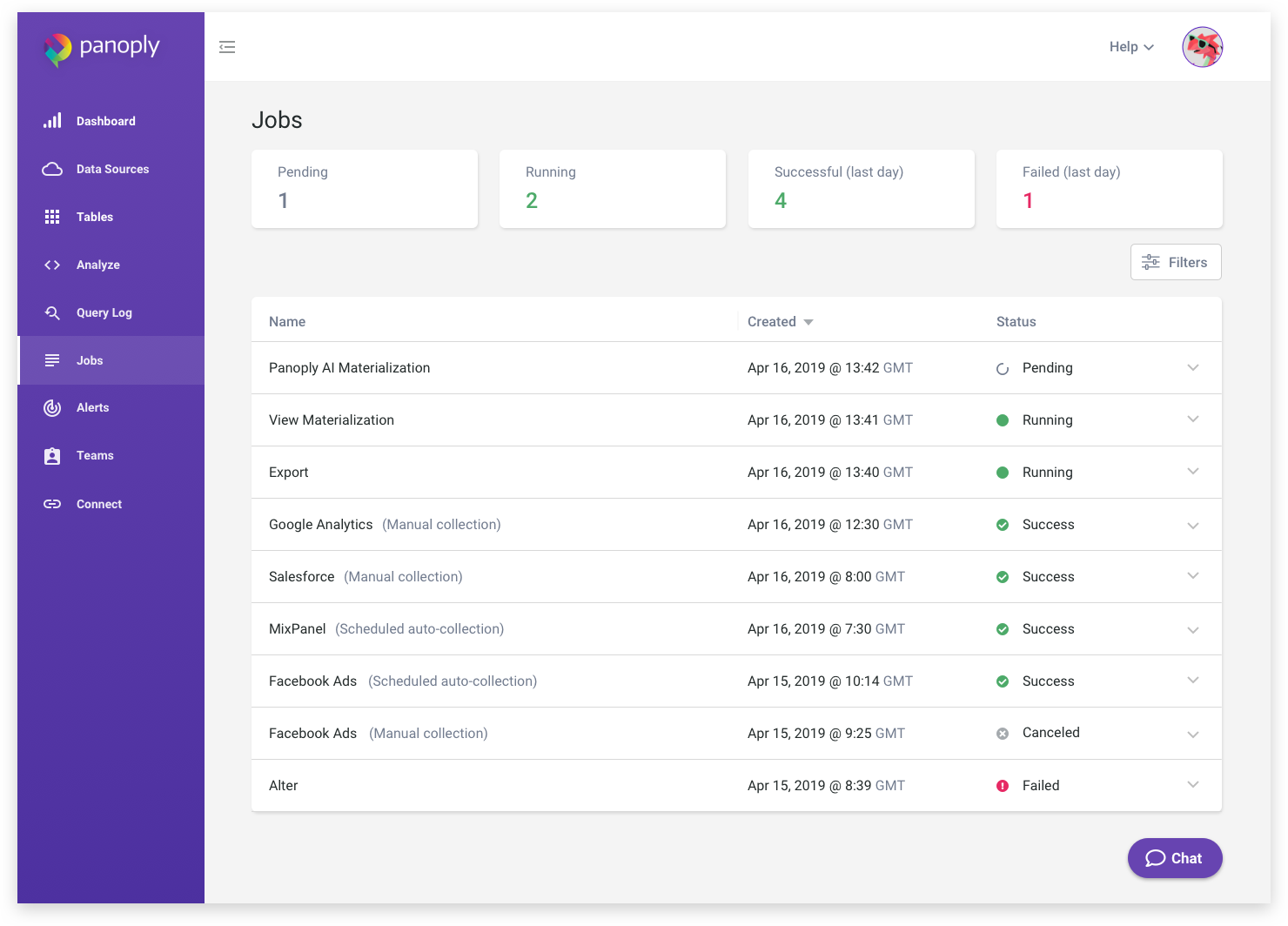
Job Performance Status Categories
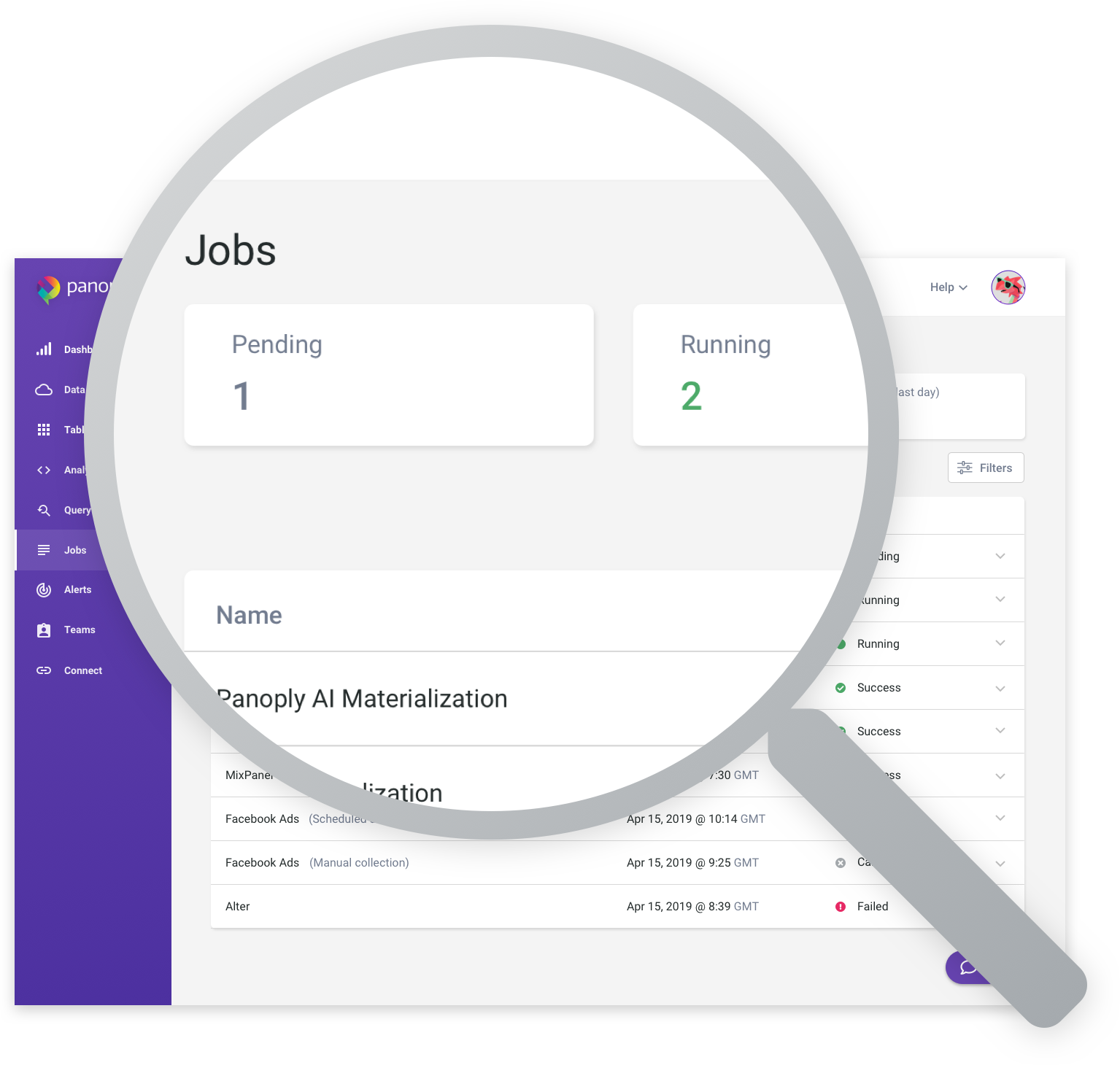
All your jobs are neatly and simply categorized into four types: “Pending,” “Running,” “Successful” and “failed”. By checking your jobs you can ensure you have the latest performance status updates on the data ingested, files exported, and all your view and query materializations.
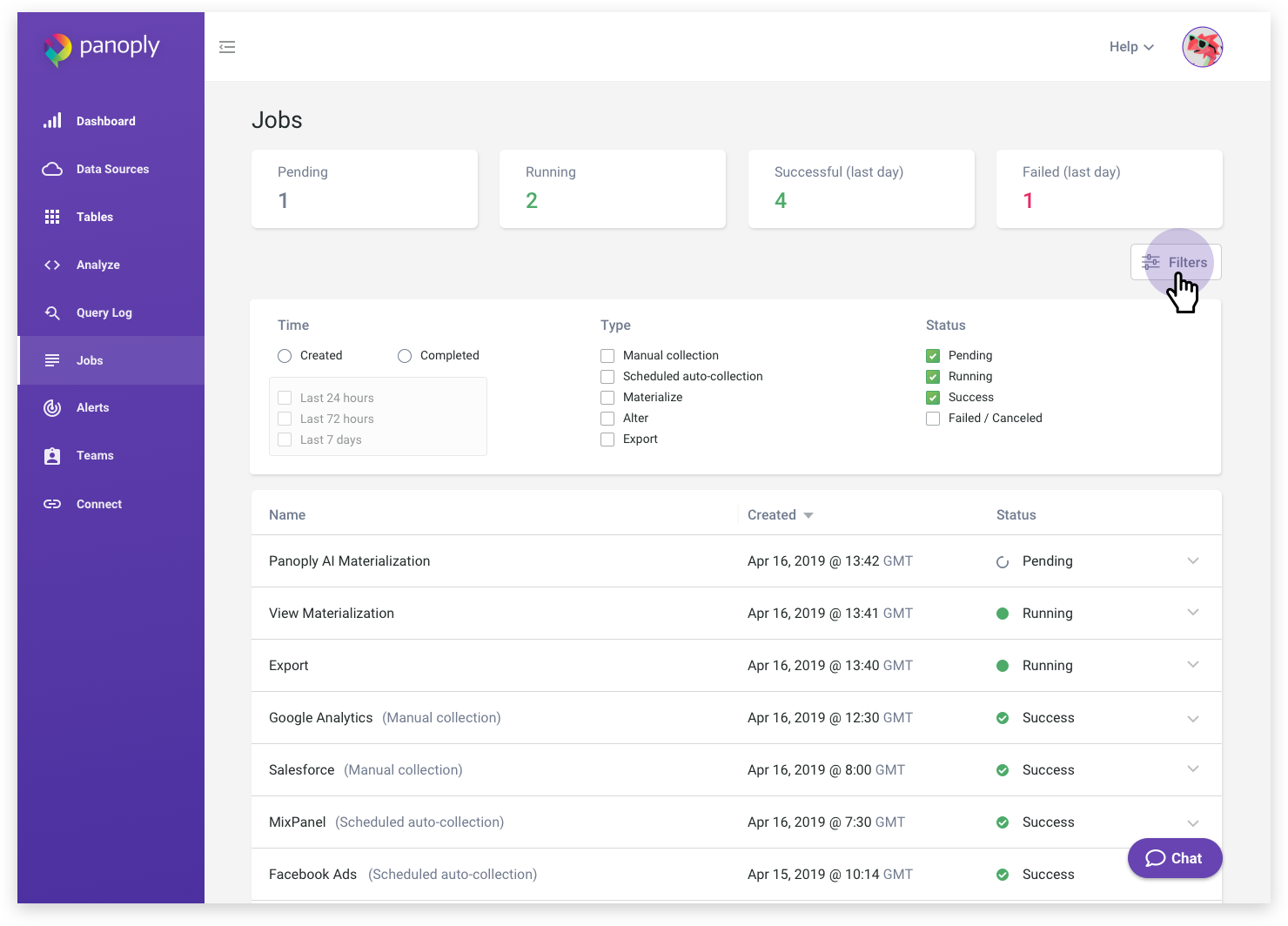
Filter Search Results
For each type of job, you’ll see the status listed, in the “Jobs Found” pane underneath the “Filter” feature. The Filter feature lets you search your jobs by parameters such as period of time from 24 hours to up to a week, type of job and current status.
Comments 0 Responses